Customizing Your Phone
69
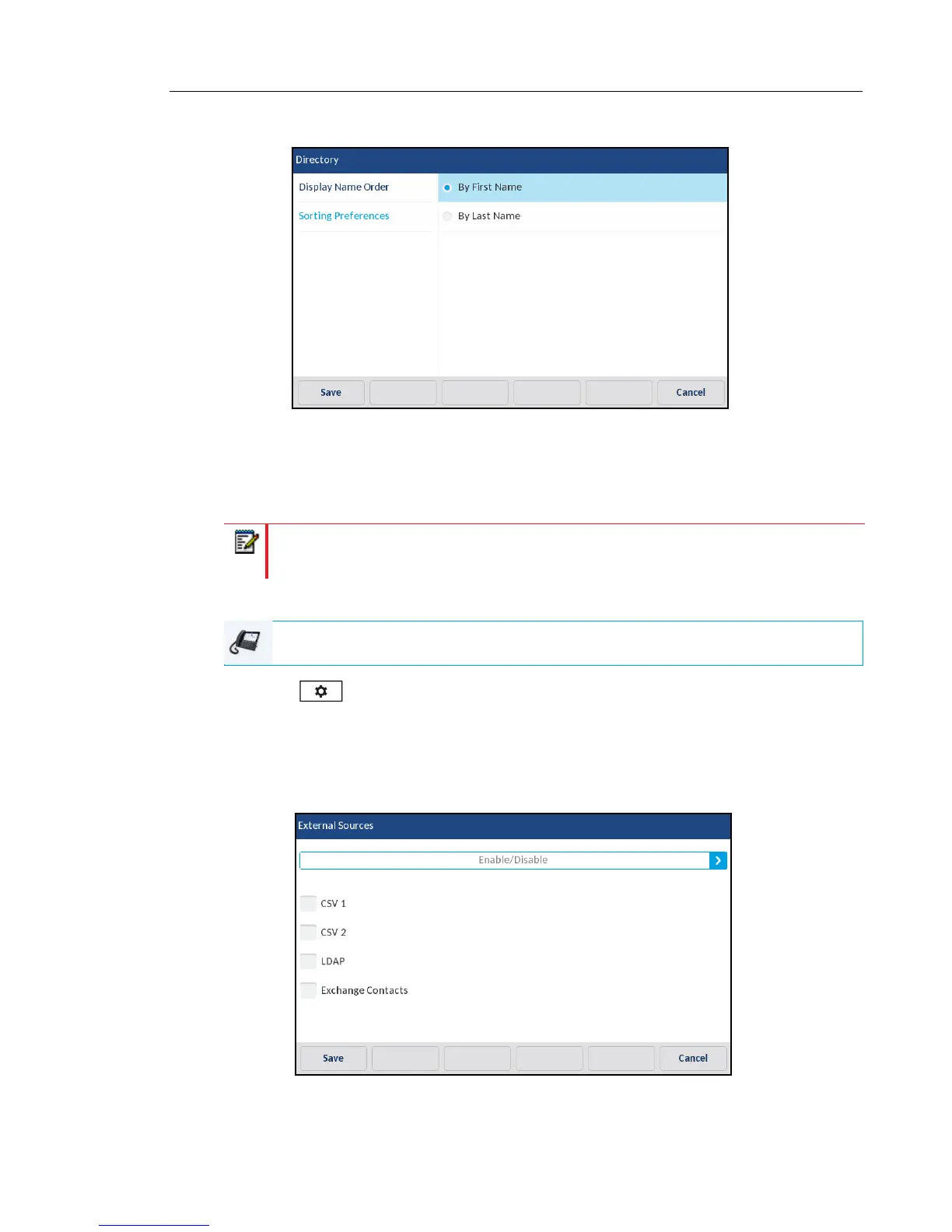
5. Press Sorting Preferences.
6. Choose the desired sorting preference.
7. Press the Save softkey to save your changes.
EXTERNAL SOURCES
Enabling/Disabling Directories and Renaming Labels Using the IP Phone UI
1. Press on the phone to enter the Options List.
2. Press the Directory icon.
3. Press the External Sources icon.
4. Press the corresponding checkbox to enable or disable each external directory source as
per your preference.
Note: Menu available only if external Directory sources have been configured by your
Administrator.
IP PHONE UI



 To Next Page