Before switching on the equipment, make sure that there is no additional USB storage
devices connected. It may cause problems when detecting the different devices later.
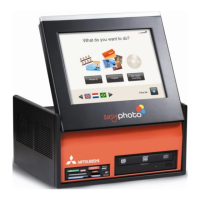
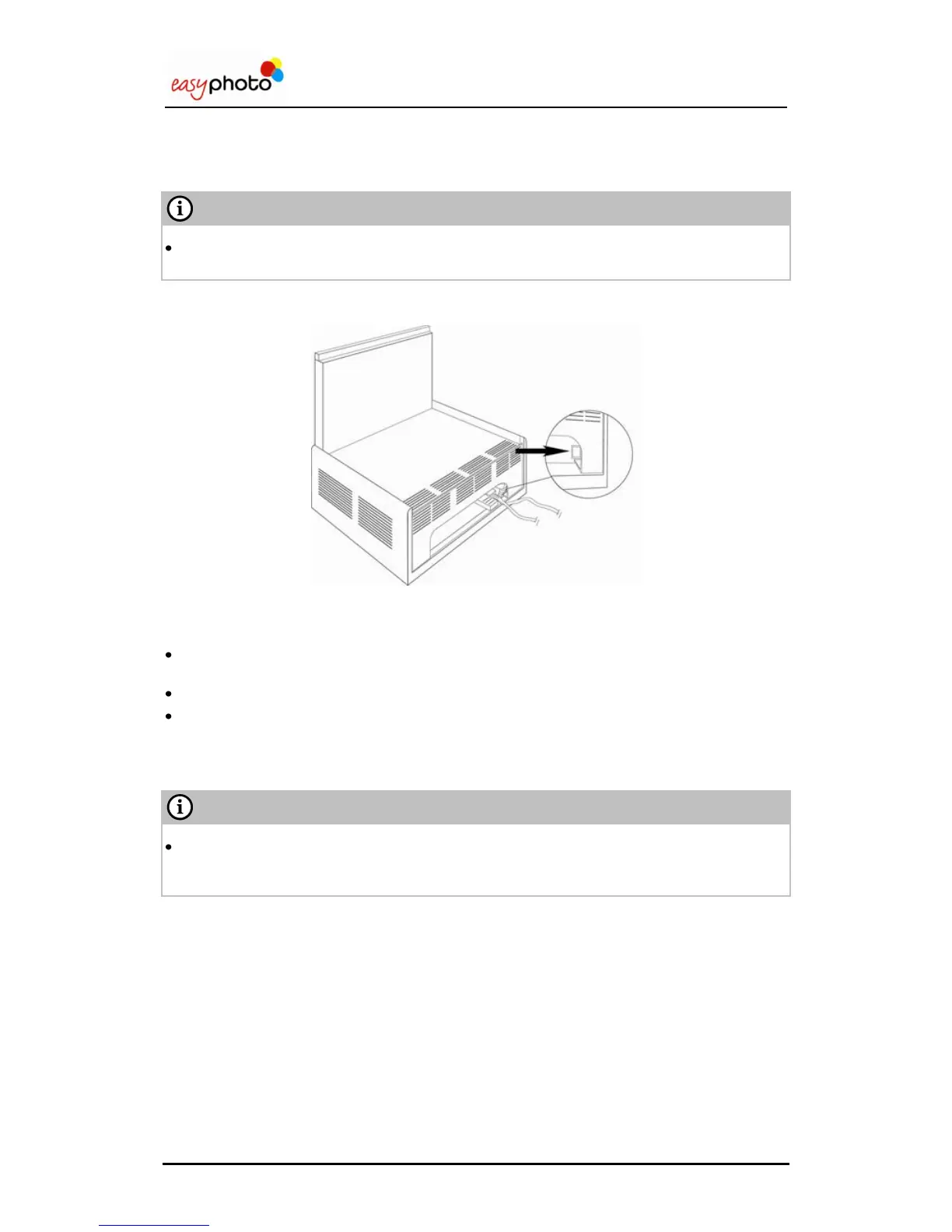
1. Touch the red button to switch on the Easyphoto terminal.
Access to services by touching the screen with your finger.
The flow of the screens and the meaning of each one are explained on this chapter.
When the system is inactive for 60 seconds in the main screen, appears a screensaver on
the monitor.
When the monitor is touched, Easyphoto can be used again.
In Kiosk mode, if the system is left at any point of the workflow, after 100 seconds it appears
a message asking for confirmation. If the message is not answered, the system closes the
current session and goes back to main screen.
PLEASE ALWAYS SWITCH OFF THE SYSTEM USING SHUTDOWN SOFTWARE
FUNCTION, AVAILABLE AT ADMINISTRATION SCREEN. USING BACK PANEL RED
BUTTON TO SHUTDOWN THE SYSTEM IS NOT RECOMMENDED.


 To Next Page
 Loading...