Mobileye Proprietary and Confidential
support@mobileye.com
4 System Calibration Procedure
CAUTION: When Performing System Calibration DO NOT:
- Disconnect the EyeWatch connection
- Move the laptop carelessly
- Turn off the vehicle or in any other way turn off power to the Mobileye 6 system
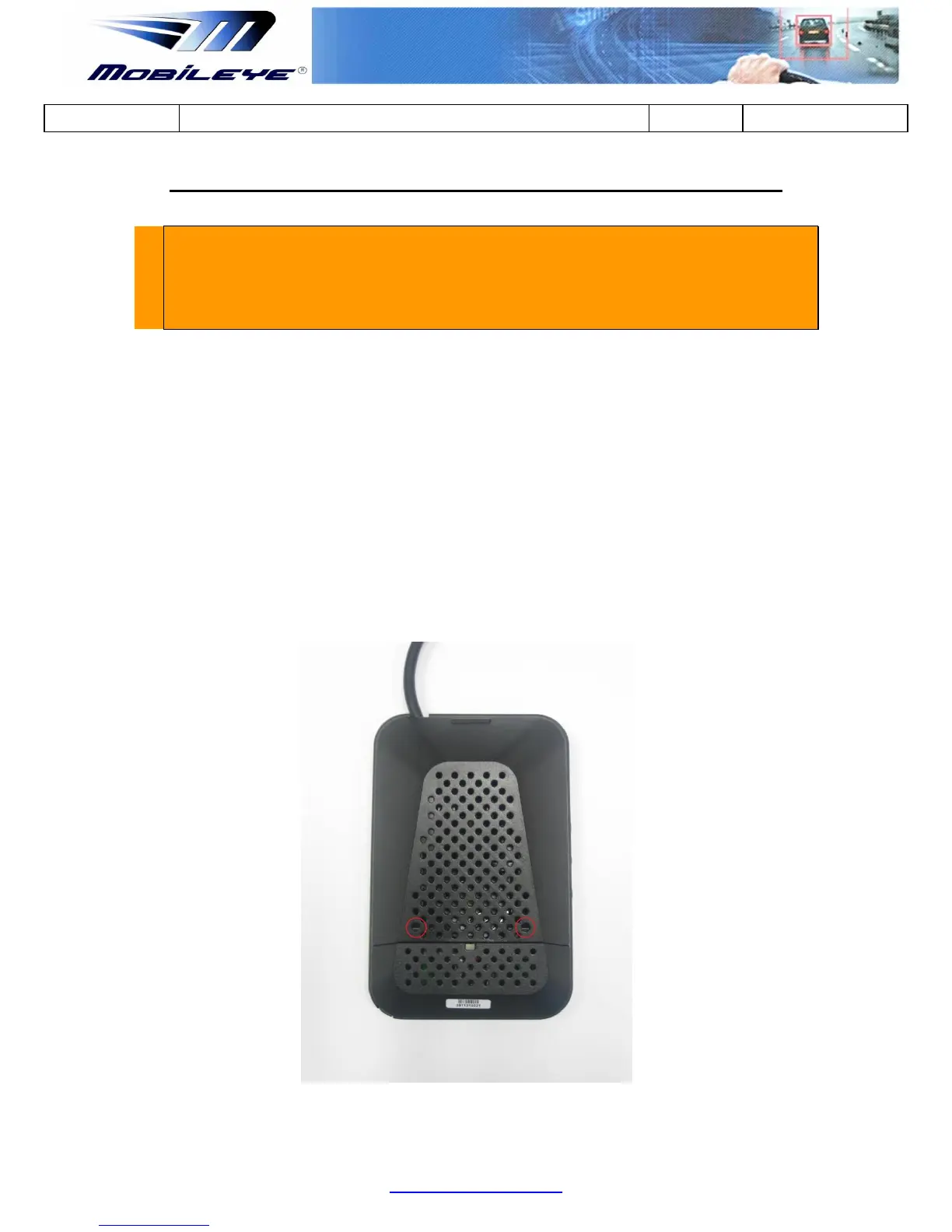
4.1 Removing the Mobileye 6 Back Covers
In order to calibrate the Mobileye 6, the camera angle must be set prior to the
calibration process. To access the camera adjustment screw there is a need to
remove the Mobileye 6 Main Unit Back Covers.
To remove the Main Unit Back Covers follow the below instructions:
1. Insert a small screw driver at the slightly larger circles at the right and Left
ends of the lower part of the Main Unit Back Cover and press the bracket to
release.



 To Next Page