Mobileye Proprietary and Confidential
support@mobileye.com
7 Appendix C
7.1 Mobileye 6 - Up/Down configuration instructions
Mobileye 6 Driver Assistant System is based on a smart camera which is installed on the
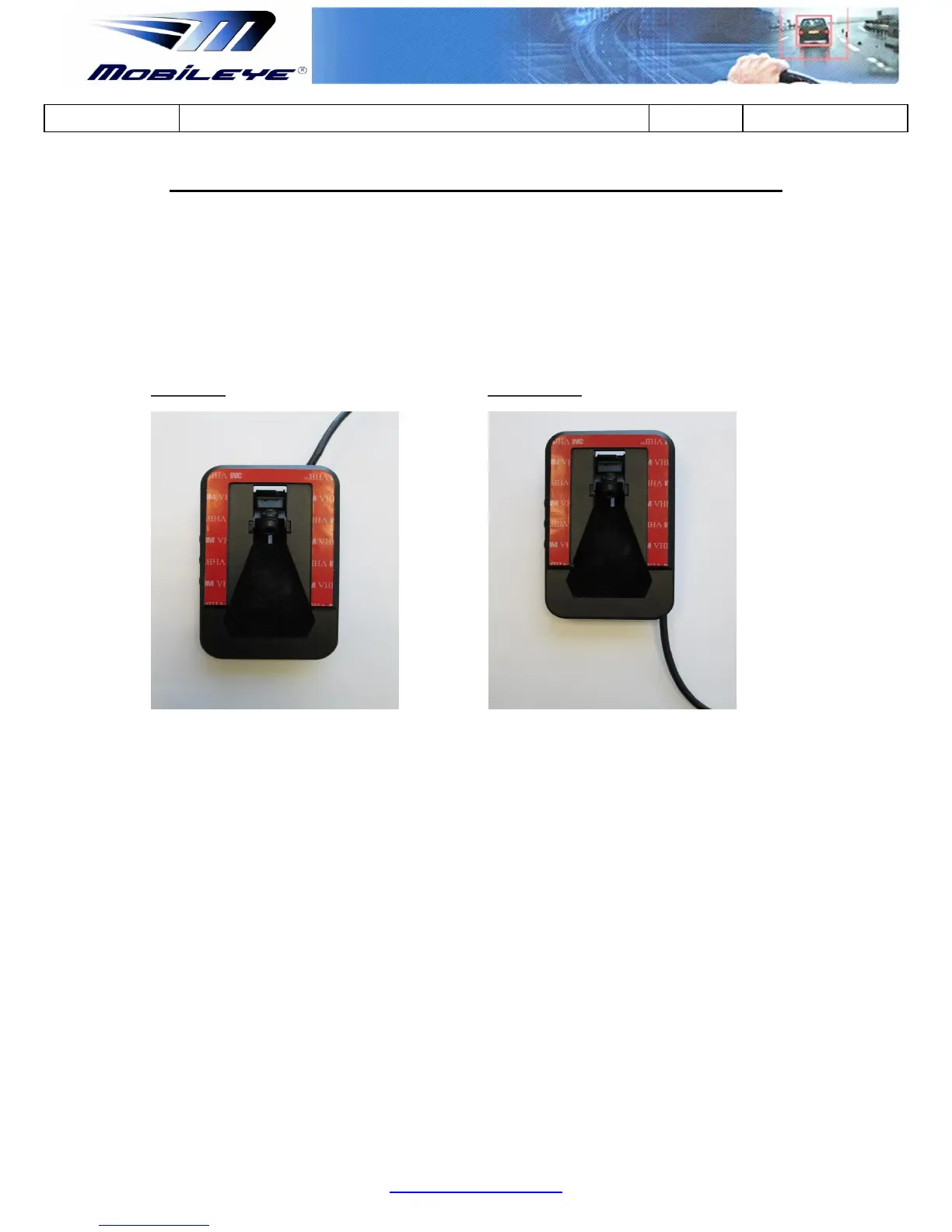
vehicle’s front windshield. To suit all vehicle models (cars, trucks, buses) the smart camera
has 2 configurations, Up and Down.
Camera Up Camera Down
All Mobileye 6 systems are supplied in Up configuration. Each distributer/installer can change
the Up/Down configuration at their discretion.
Changing the Mobileye 6 Up/Down configuration is a simple but delicate procedure.
Instructions on how to change Up/Down configurations are listed below.
Required Tool:
* Philips Screwdriver (Tip Size = PH1)



 To Next Page