Mobileye Proprietary and Confidential
support@mobileye.com
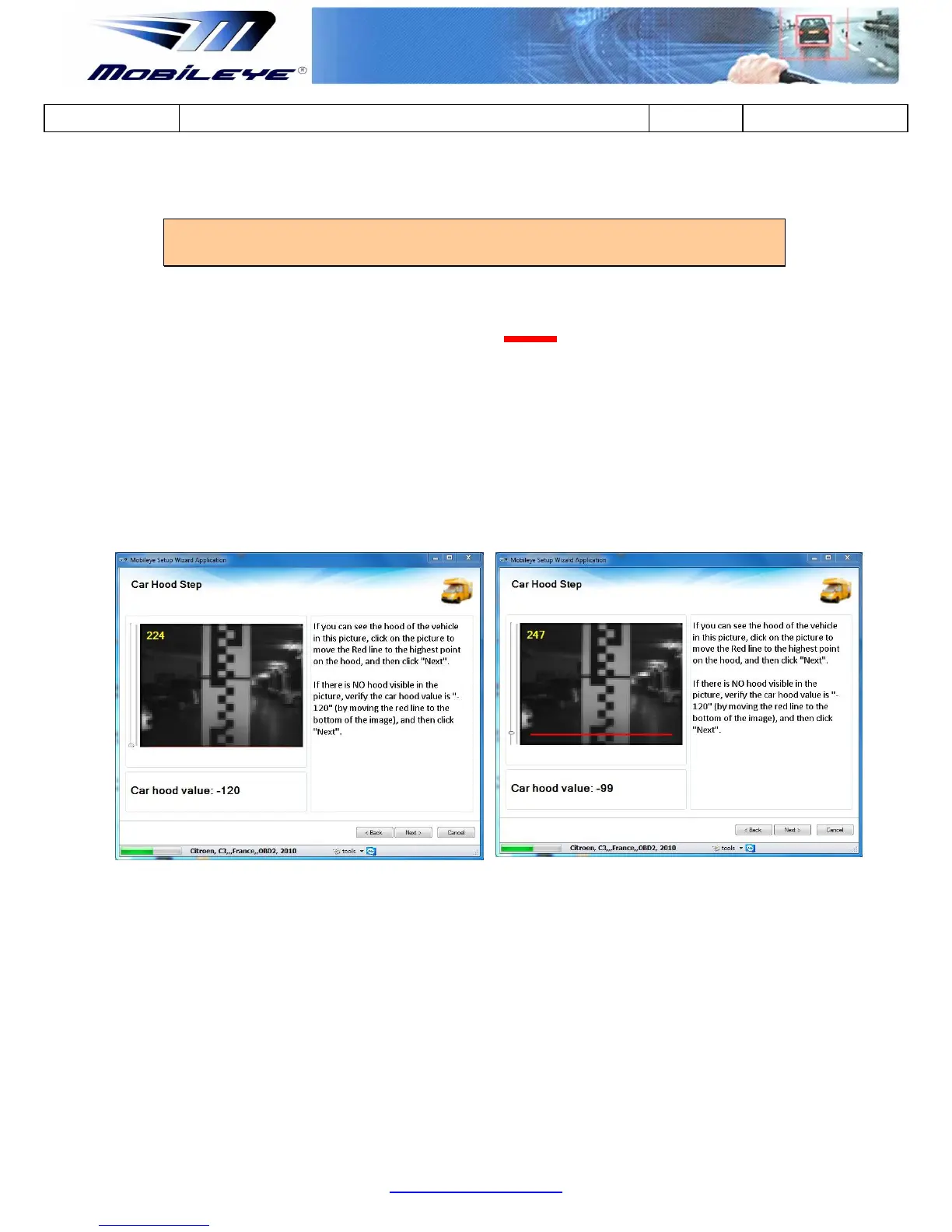
4.2.2 Car Hood Step
NOTE: Perform car hood calibration only if there is a permanent obstruction to the
ew by the car hood
Adjust car hood to exclude the car hood areas from being processed
by moving the mark (Red Line ) using the drag bar on the left
side of the image, by clicking on the correct location in the image
using the Mouse device or by using the keyboard arrows, until the
cross is in the right position (see figure below).
If NO Car Hood is present in the image, Car Hood value should
remain at the default value (-120).
Next



 To Next Page