Mobileye Proprietary and Confidential
support@mobileye.com
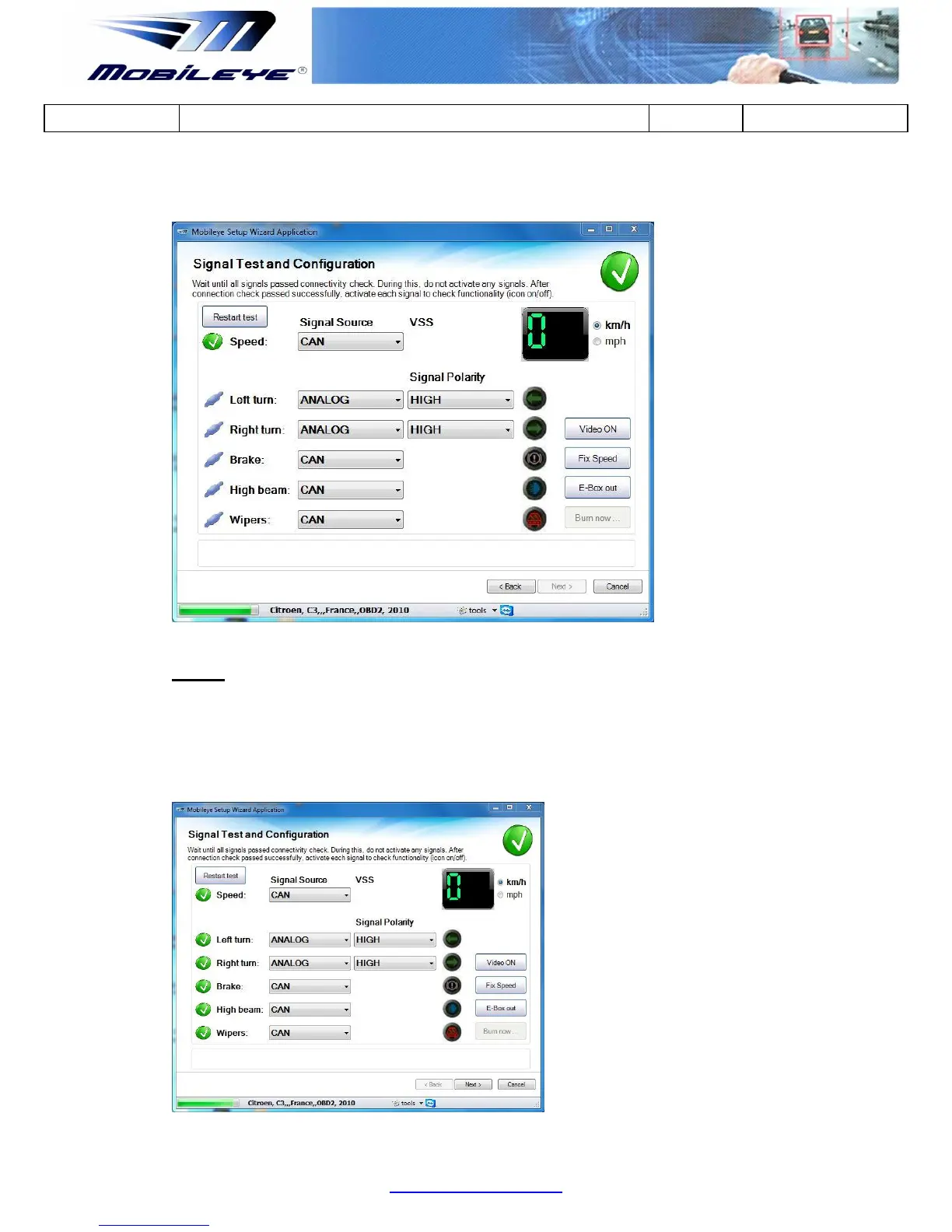
Once all signals are identified by the ME6 system, the connection status will change.
Step 2
Activate each signal to pass the signal test step.
When activate any signal an activation icon will turn on as an indicator.
Click "Restart test" button to retest if any of the signals did not pass the test.



 To Next Page