Mounting
Mounting Options
1.
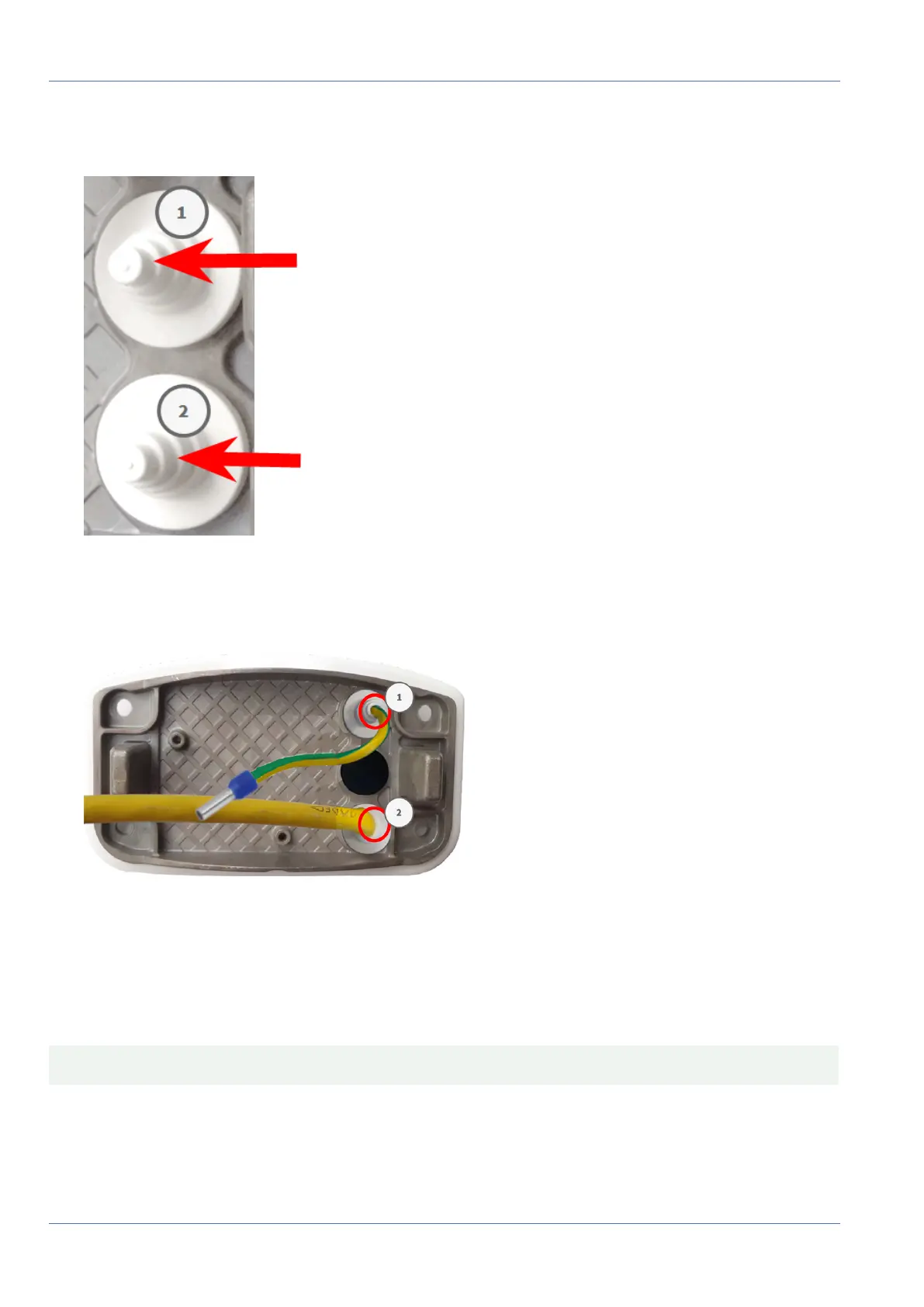
Cut the tip of the upper white plug in the mounting plate ① and two steps of the lower white plug in the
mounting plate ② :
2. Rearrange the plugs in the mounting plate as required.
3.
Guide the ground wire through the upper cable plug ① and the network cable through the lower cable
plug ② of the mounting plate as shown:
Fig. 35: Mounting plate with ground wire and network cable
Install the Mounting Plate
Place the mounting plate over the drilled holes (red circles in figures below) and use the four screws M.12
with one washer M.11 each and the M.8, p. 21 to mount the plate to the wall.
CAUTION! Install on flat surface only. Unevenness must not exceed 0.5mm/0.02in.
63 / 110



 To Next Page