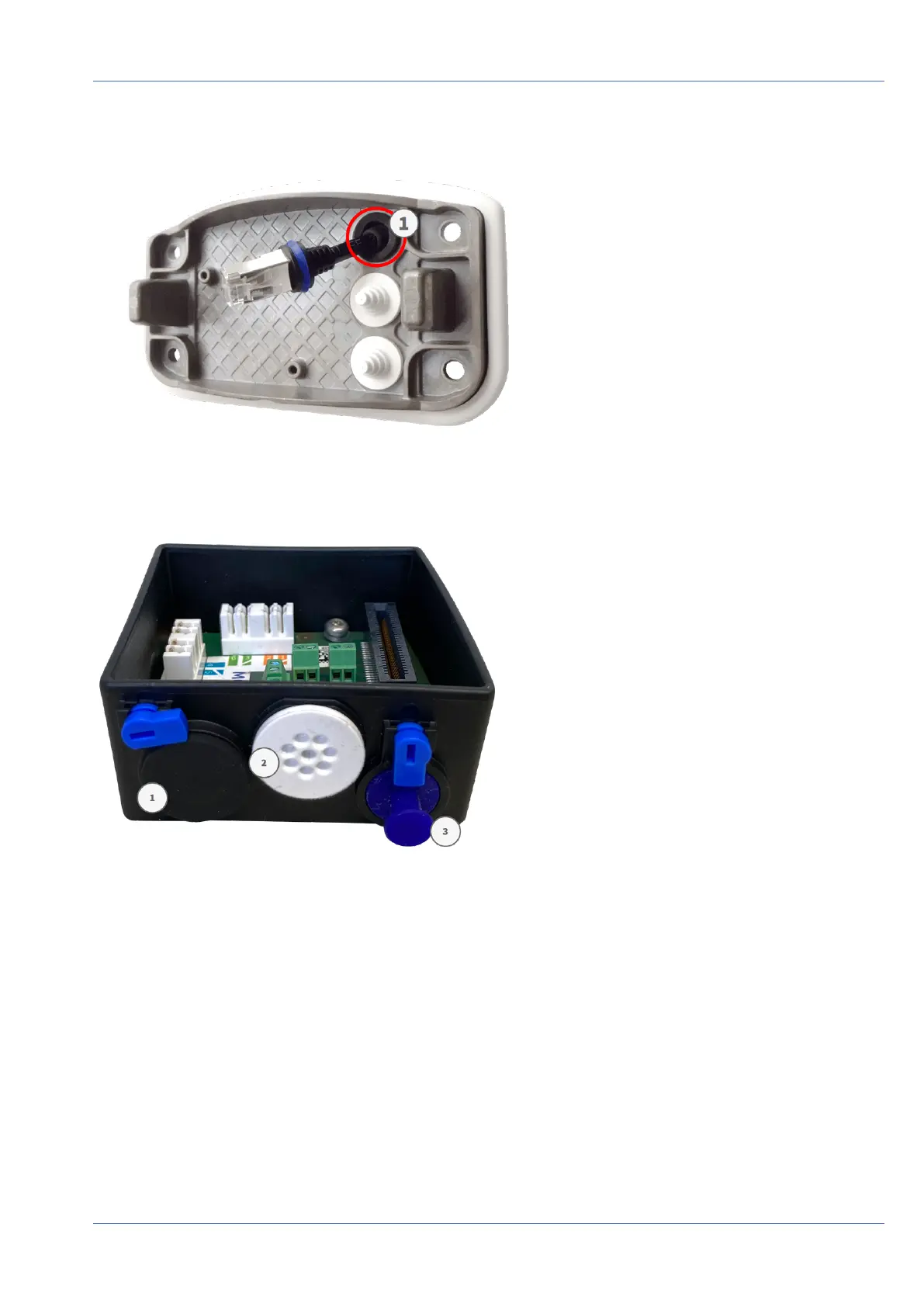
2. The supplied network cable 1.7 has an integrated rubber sealing. Push the network cable through the top
hole of the mounting plate, so that the funnel of the rubber plug ① points toward the camera.
Fig. 33: Mounting plate prepared for Connector Box RJ45
Prepare the Mounting Plate When Using the Connector Box LSA
Fig. 34: Connector Box LSA
Mounting
Mounting Options
62 / 110



 To Next Page