Mounting
Mounting Options
Prepare the Mounting Plate When Using the Connector Box RJ45
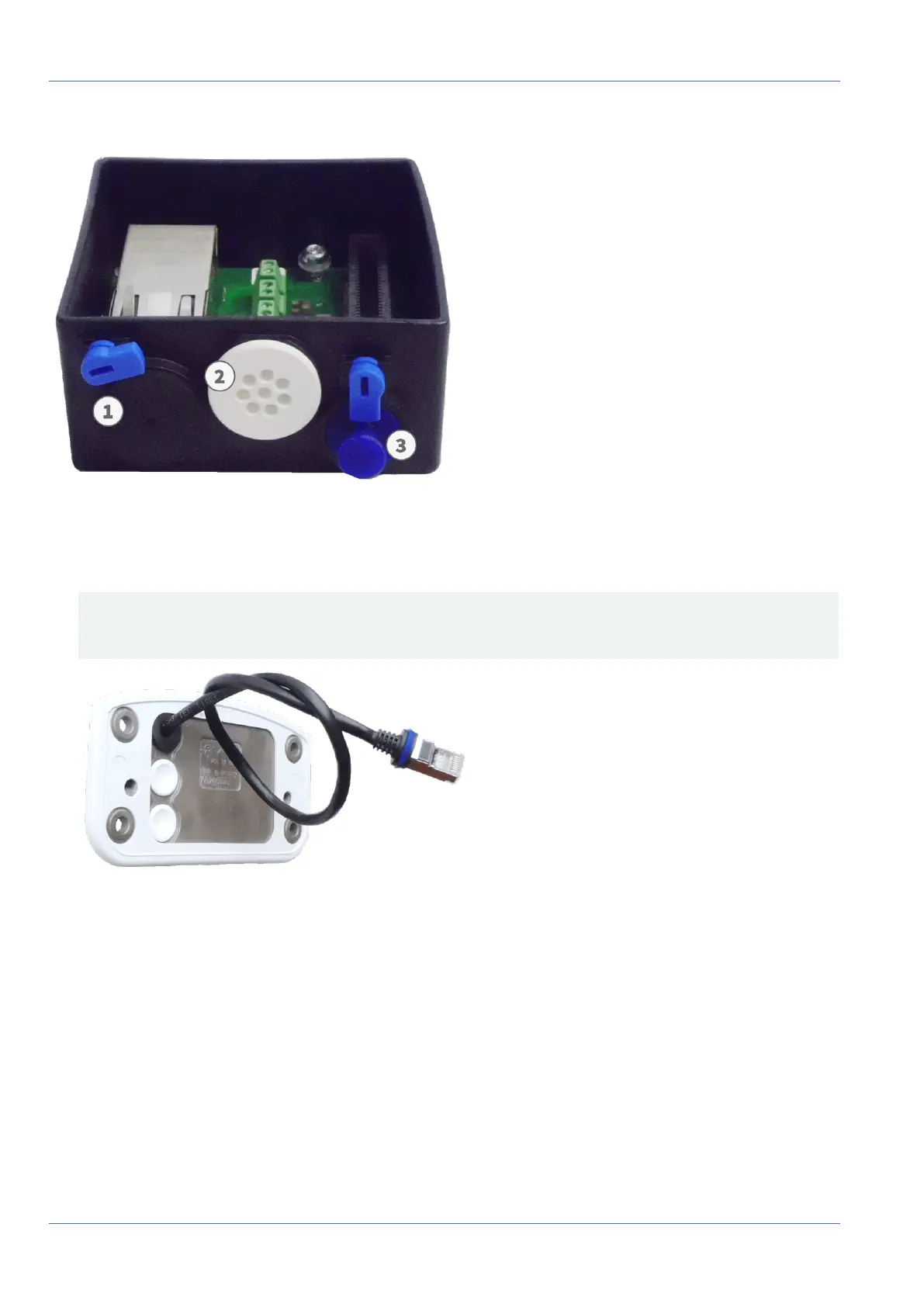
Fig. 31: Connector Box RJ45
1. Connect the supplied patch cable 1.7 of the camera with the network connection of the building (see Con-
necting the Camera to the Network, p. 70).
CAUTION! To prevent damage from condensation, using supplied patch cable 1.7 with sealing is man-
datory.
Fig. 32: Network connection of the MOBOTIX M73
61 / 110



 To Next Page