Mounting
Connecting the camera
Network connection with the Connector Box RJ45
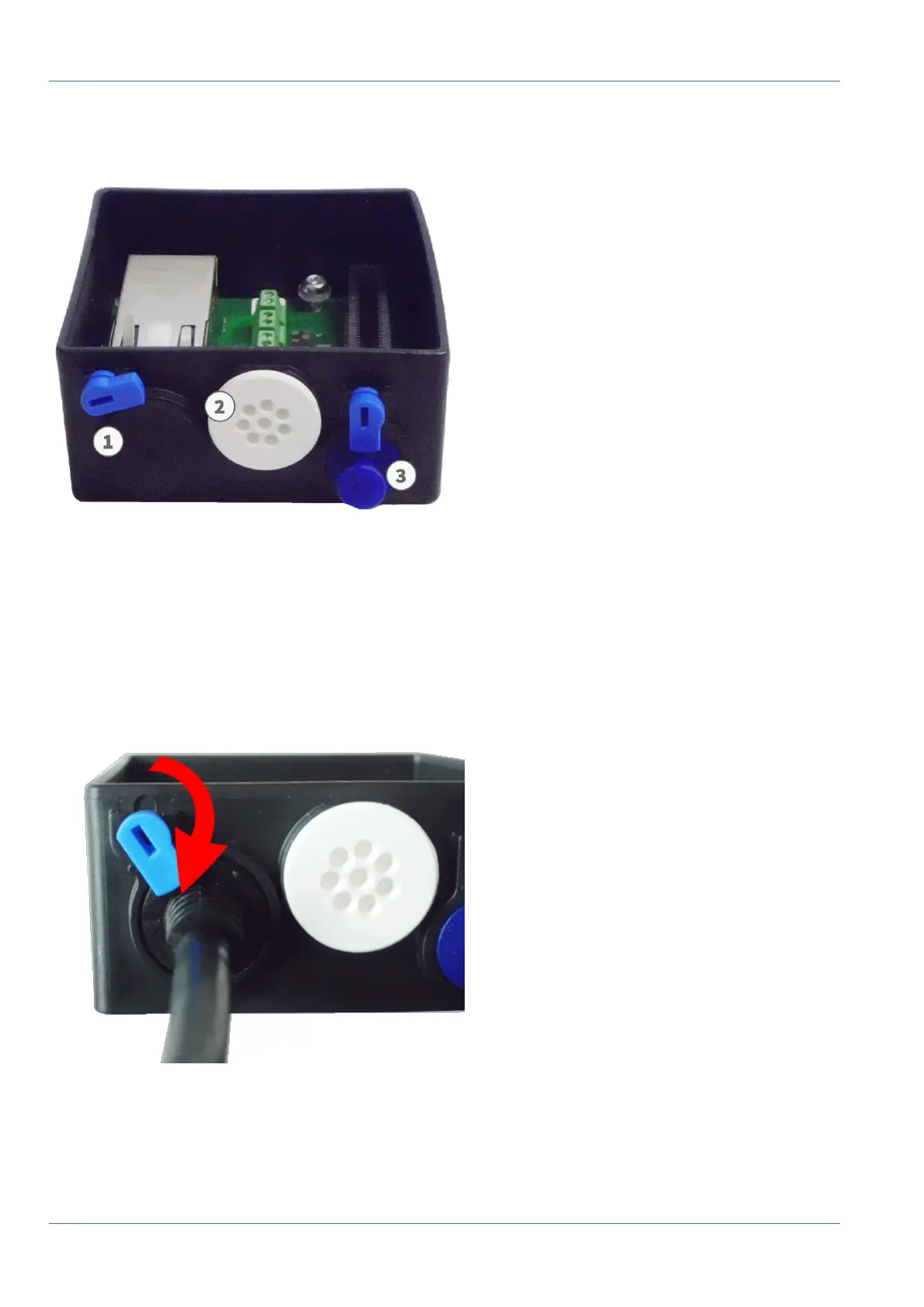
Fig. 64: Connector Box RJ45 with rubber plug black C.3 ① , rubber plug single-wire C.4 ② , USB plug ① and two blue locks
Attach the Cable to the Connector Box
1.
Remove the black plug from the left-hand opening ① .
2.
Plug the supplied network cable of the camera 1.7 into the network connector ① of the connector box.
3. Connect the other wires/cables as required (inputs/outputs, USB).
4. Secure the connector of the network cable by turning the blue lock clockwise as shown:
Fig. 65: Lock the network cable in the connector box
79 / 110



 To Next Page