52
Q26 Camera Manual: Product Overview
1.5 MOBOTIXSoware
1.5.1 IntegratedCameraSoware(Firmware)
MOBOTIX cameras and connected MxBus modules operate with built-in rmware whose
functions are accessed by the MOBOTIX MxManagementCenter remote station and
MOBOTIX MxBell.
The Q26 models therefore also feature a variety of functions that are integrated in the rm
-
ware: from motion detection and long-term storage right through to alarm notication via
video IP telephony. The virtual PTZ functions allow you to continuously zoom into or out of
a MOBOTIX camera image using either the mouse wheel or a joystick.
When recording image or video sequences, you can choose to store either the section of the
live image that is visible or the full sensor image (full image storage). This also allows you
to examine parts of an image or video that had not been visible in the live image section on
display at the time of the recording.
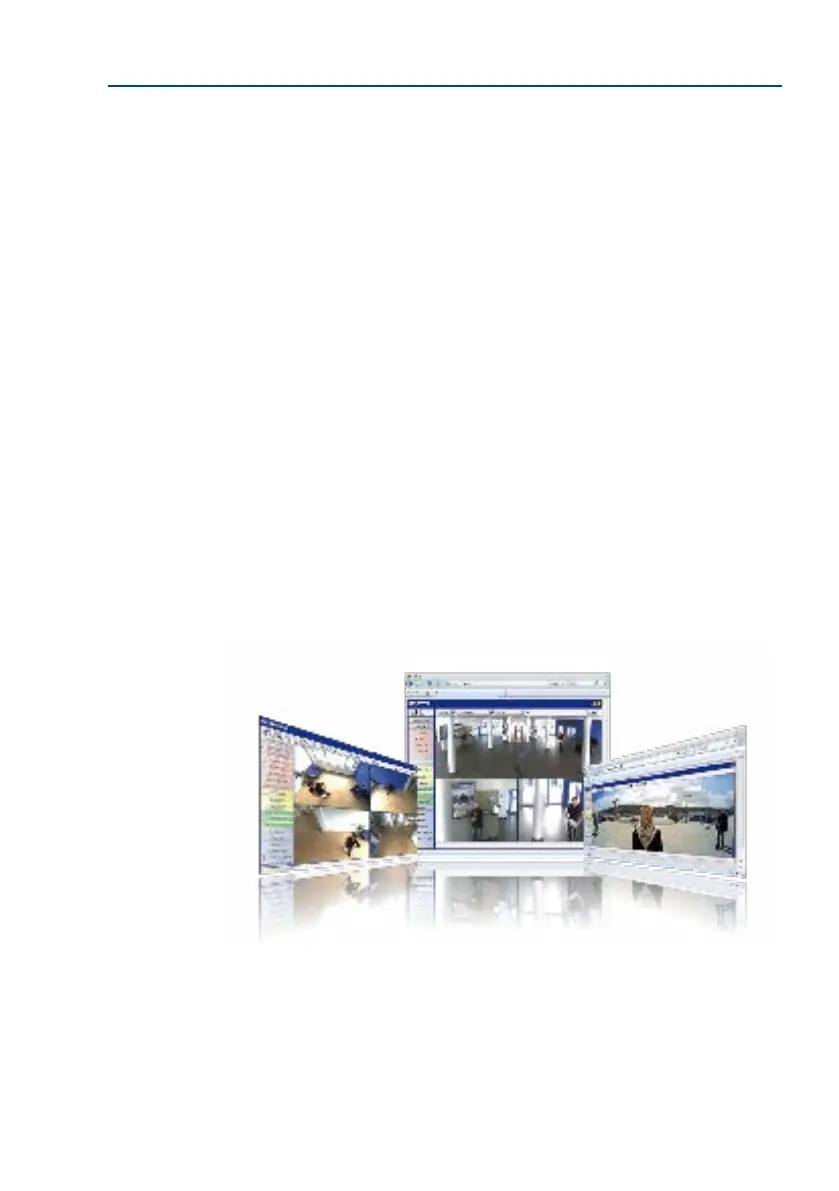
Unlike in the camera systems from other manufacturers, there is no need to buy an install
additional soware on your computer thanks to the MOBOTIX rmware that can be accessed
directly in a web browser via the camera IP address. Instead of using a web browser, you
can also download the free MxManagementCenter video management soware from the
MOBOTIX website (www.mobotix.com > Support) to quickly display multiple cameras on
one monitor or on an entire video wall, switch alarms with sound or conveniently search for an
event. The MOBOTIX App for iOS devices (iPhone, iPad, iPad mini, iPod touch, iOS version 5.0
and higher) is also available free of charge from the App Store for your mobile applications.
Download free of charge
from www.mobotix.com
No license fees!
Free updates!



 To Next Page