56
Q26 Camera Manual: Installation
2 INSTALLATION
The Q26 is primarily designed for installation on walls or ceilings. The supplied B016 180°
lens captures the entire room, practically from wall to wall and from oor to the ceiling.
See Section 2.2, «Mounting the Camera Without Accessories» and the following sections
for information on the dierent installation options; the drilling templates are available for
downloading from www.mobotix.com.
2.1 Preparing the Installation
Before mounting the MOBOTIX Q26, the following questions should be answered:
1. Where will the camera be mounted?
Mounting to a ceiling or wall; see Section 2.1.1 and Section 2.1.2
2. Which other mounting options are available?
On-wall mounting, in-ceiling mounting, vandalism protection, wall mounting, pole
mounting, see Section 2.1.3
3. How is the camera connected to network and how is power supplied?
MX-NPA-PoE or other PoE components (IEEE 802.3af), see Section 2.1.4
4. How are the connections furnished from the building?
Wall outlets, see Section 2.1.5
5. What cabling considerations are necessary?
Wiring, see Section 2.1.6 and Section 2.9
The following sections contain a brief answer to each of these questions, as well as references
to the relevant sections in this manual. For more information on the MOBOTIX Q26 and
available accessories, please see www.mobotix.com.
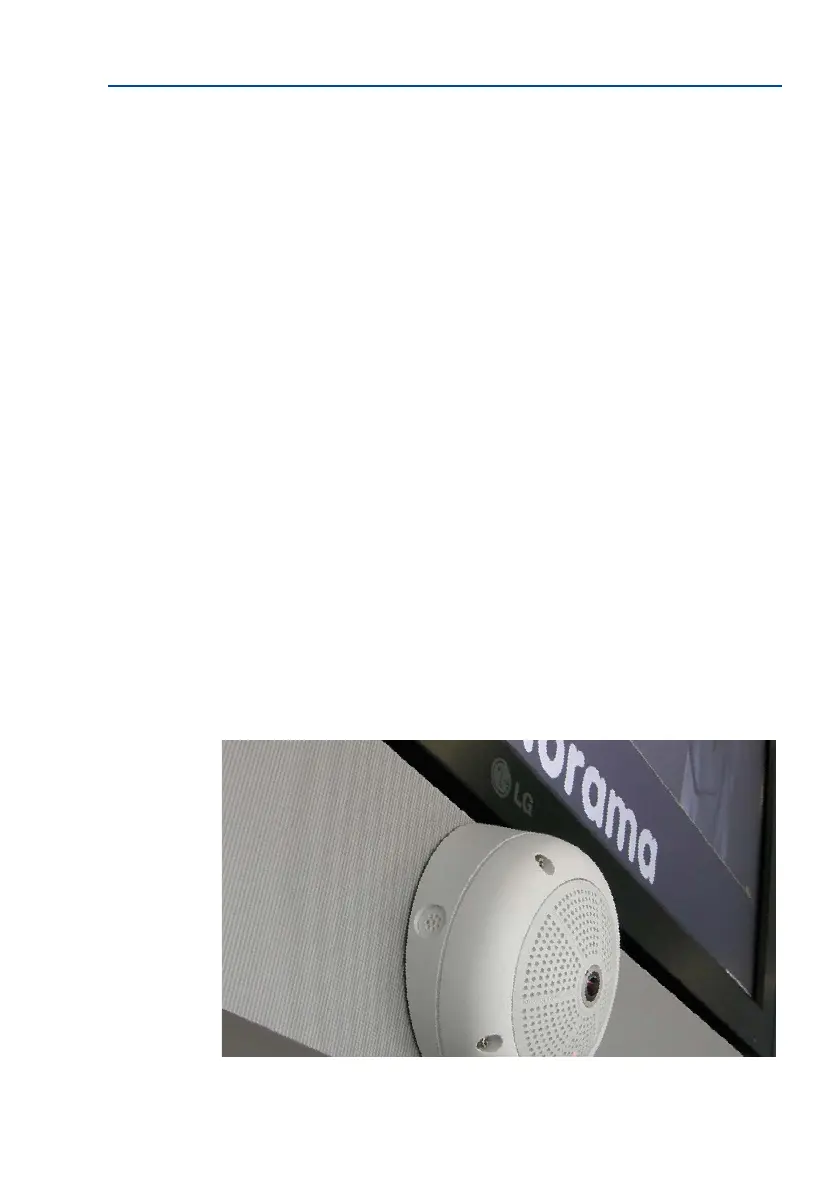
Wall installation with
On-Wall Set 10°



 To Next Page