94
Q26 Camera Manual: Installation
2.7 Installing the Corner and Pole Mount
2.7.1 Mounting Instructions
The Corner and Pole Mount is made from stainless steel and is extremely robust and rust-
proof. It is used in combination with the Wall Mount described in Section 2.6, in the case
that a Q26 is to be installed on a pole or building corner. The Wall Mount required for com
-
plete installation must be ordered separately.
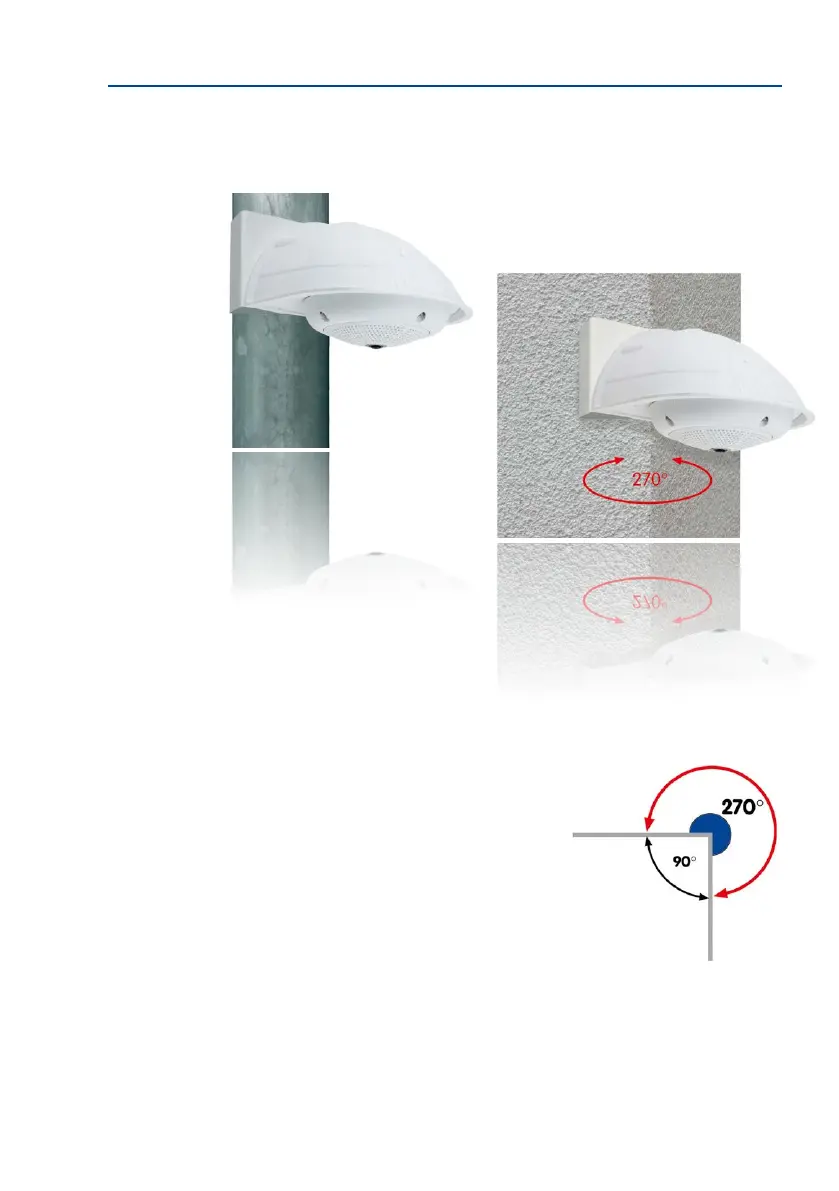
The mounting pole should have a diameter between 60
and 180 mm. Thanks to the 360° panorama view from
above, installing the camera on the corner of a building
makes it possible to monitor a range of approximately
270° from one building wall to the other (around the
corner) with one single Q26 camera.
By design, the Corner and Pole Mount cannot be
mounted above a wall outlet for the camera cabling.



 To Next Page