71
Mounting the Camera Without Accessories
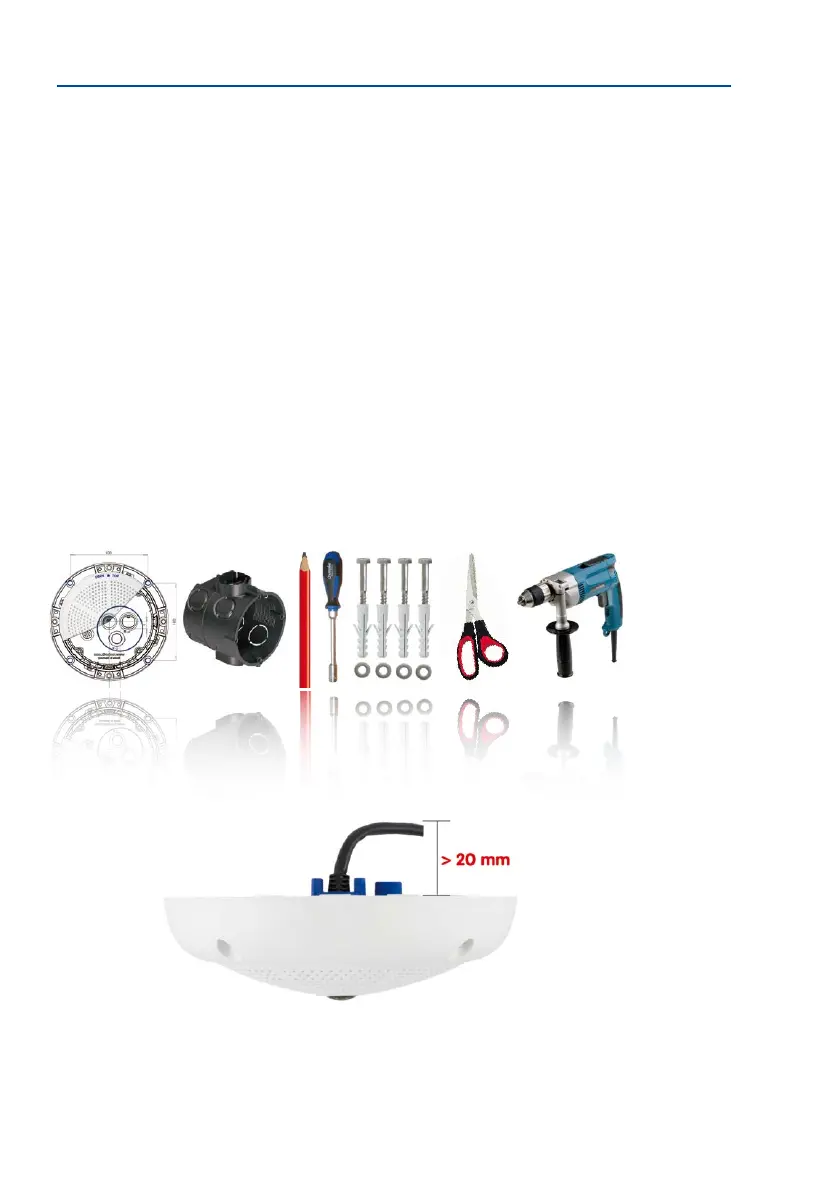
Required Tools
Please check that all components supplied with the camera are present in the original pack
-
aging rst (see Section 1.3.1, «Q26 Camera»). The following additional tools are required
for installation:
• Any additional materials for fastening the camera to a ceiling/wall, if necessary – 4
wood screws incl. screw anchors and washers are included in the original packaging.
• Screwdriver
• Power drill for screw anchor holes needed for ceiling/wall mounting
• MOBOTIX Drilling Templates (available for downloading from www.mobotix.com)
• Scissors to cut out the template
• Pen to mark the drill holes
• Materials and any tools needed to connect the pre-installed MOBOTIX network cable
in the camera with the on-site network cable.
• Wall outlet and tools to install the outlet in the wall/ceiling (keyhole saw)
• So cotton cloth to clean the front of the lens
Q26 seen from the side
with cable bent properly
Due to the space required
for cable and connectors,
we recommend a ush-
mounted wall outlet with
an installation depth of
at least 20 mm/8 in



 To Next Page