3. PRODUCT INTRODUCTION
8
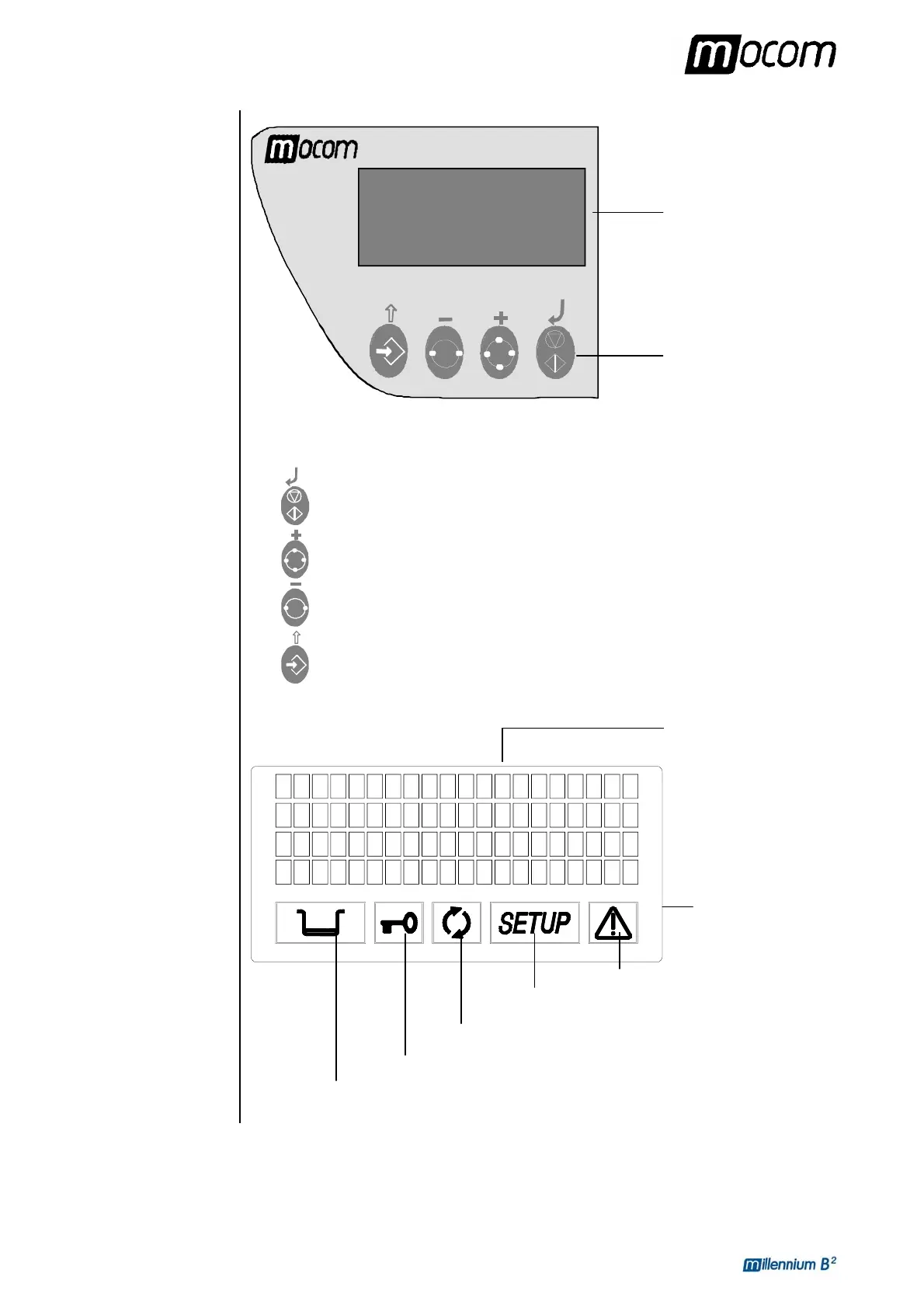
CONTROL
PANEL
LCD DISPLAY
The function of the command keys differ according to operating mode of the equipment.
Key NORMAL mode SETUP mode
Cycle Start/Stop
Enter, confirmation of the value/option
selected
Sterilization cycle selection
Value increment / Forward scroll of
the menu options
Test cycle selection
Value decrement / Backward scroll of
the menu options
Enter Setup mode ESC, quit the current menu
Liquid Crystal Display
(LCD)
4 lines of 20 characters
Illuminated icon
Door status
Water level
Process status
Setup status
ALARM
Command keys



 To Next Page