APPENDIX E – ALARMS
76
Alarm outside
the cycle
At the end of what has been described and having reached safe conditions, the machine
activates a special procedure
, that asks the user to manually unlock the door:
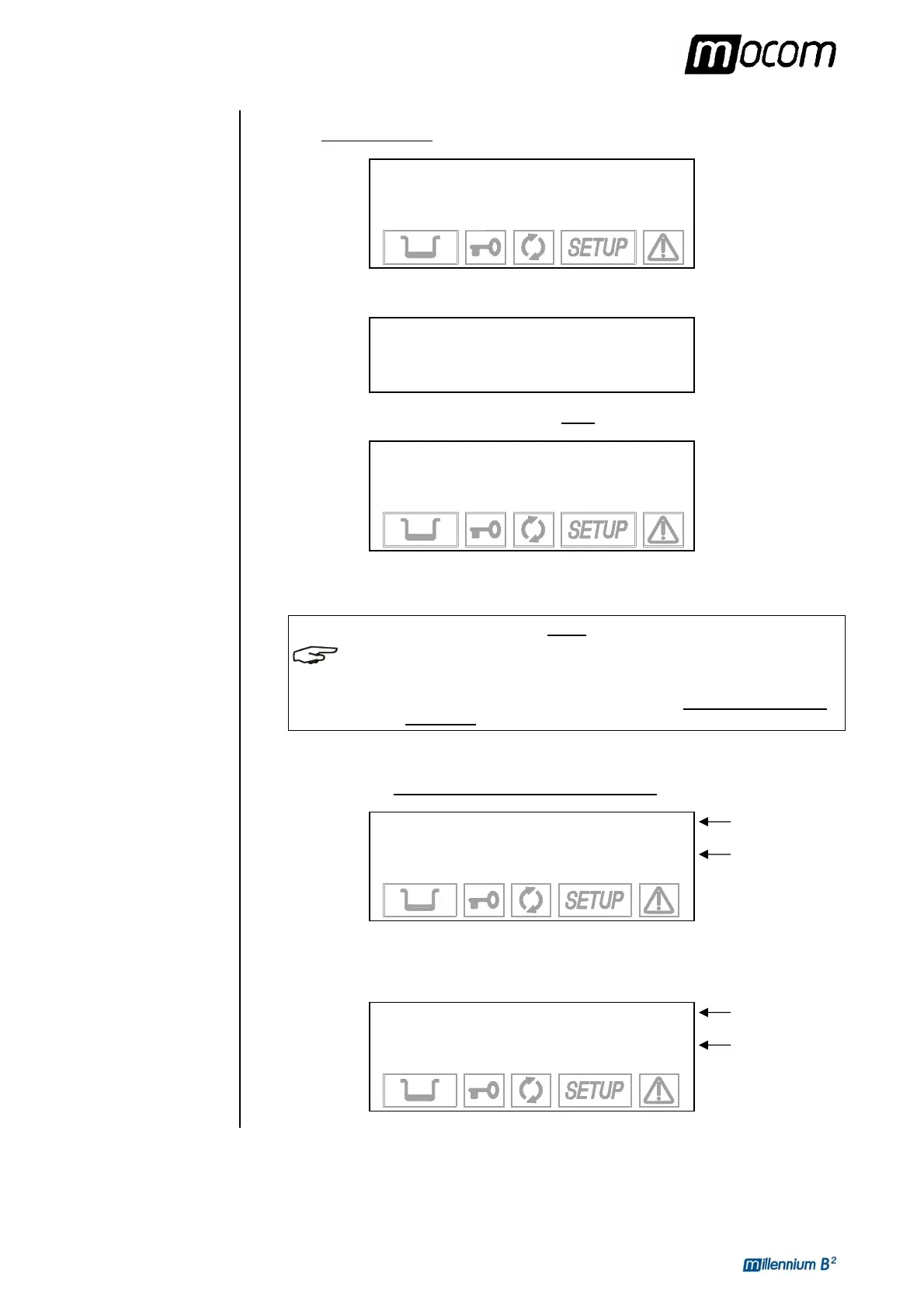
PRESS Ç TO
UNLOCK THE DOOR
101.0°C XXXX
0.01 bar 11:40
Press the Ç key to unlock the door lock mechanism; the following message appears:
(Alarm Message)
OPEN THE DOOR
100.8°C XXXX
0.01 bar 11:42
Once the door is open, the user is finally asked to reset the system:
(Alarm Message)
RESET SYSTEM
95.5°C XXXX
0.00 bar 11:43
Perform a RESET (described below) and then turn-off the equipment and check the error or
make the repair.
NOTE
WHEN THE DOOR IS OPENED, THE REPORT (NORMAL OR EXTENDED DEPENDING ON THE
TYPE OF ALARM
) WILL BE PRINTED FOR THE INTERRUPTED STERILIZATION PROGRAM
AND THE ALARM THAT INTERVENED
. CHECK THE DOCUMENT, INITIAL IT IN THE SPACE
PROVIDED AND FILE IT IN A SUITABLE PLACE. REFER TO THE PRINT REPORT EXAMPLES
SHOWN IN
APPENDIX B, PROGRAMS”.
If the alarm intervenes outside the sterilization or test program
the display will show:
(Alarm Message)
ALARM!
80.5 °C XXXX
0.00 bar
Turn-off the equipment and check the alarm.
Or, depending on the type of alarm:
(Alarm Message)
WARNING!
80.5 °C XXXX
0.00 bar
Alarm Message
Alarm Code
Alarm Message
Alarm Code



 To Next Page