11. TEST PROGRAMS
49
TEST PROGRAMS
INTRODUCTION
To protect the safety of users and patients, a fundamental
process like sterilizing medical
devices should be periodically checked.
In this regard, Millennium B² offers the possibility of, simply and automatically, executing two
distinct test programs:
• HELIX/BDTest
• Vacuum Test
The HELIX/BD Test program executes a cycle at 134 °C characterized, however, by a
sterilization phase of a particular duration (3.5 min); the cycle has a fractionated vacuum
phase similar to that used in the POROUS and HOLLOW programs.
Using a suitable device, it is possible to evaluate the correct penetration of the steam inside
hollow loads (see the following paragraph).
This cycle is also suitable for measuring the penetration of the steam inside porous loads
(Bowie & Dick test pack).
On the other hand, the Vacuum Test program allows checking the perfect seal of the
sterilizer's entire plumbing system.
By measuring the variation in the degree of vacuum in a certain span of time and comparing it
with pre-set limit values, it is possible to determine the effectiveness of the seal of the
sterilization chamber, the various tubes and the cut-off devices.
HELIX/BD TEST
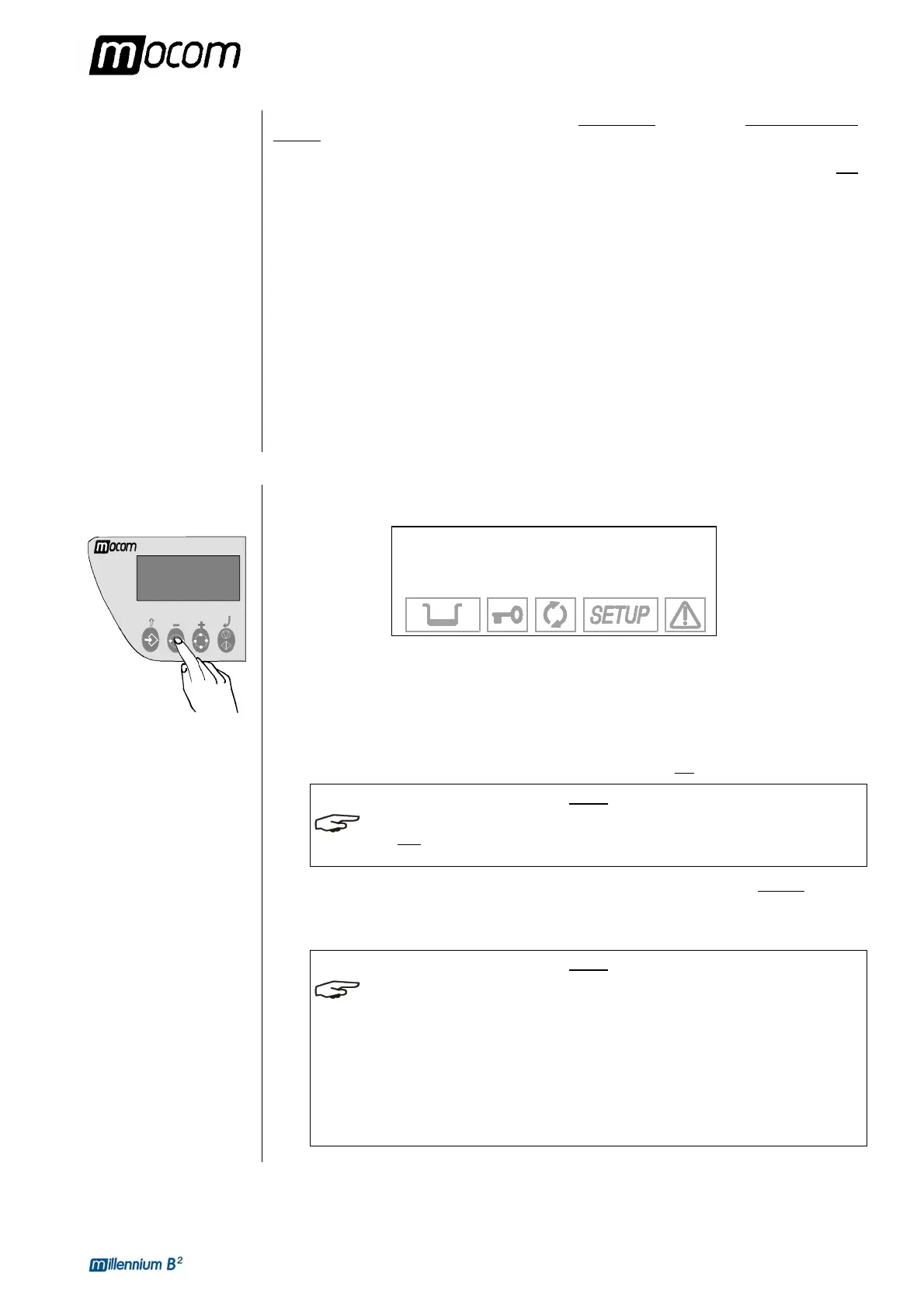
To select the HELIX/BD Test program, press the Test Selection key one or two times until
the display reads:
HELIX/BD TEST
134.0°C
2.15 bar 03:30
The test device is a 1.5-m tube made of PTFE with an internal diameter of 2 mm, with a small
sealed screw capsule attached to one end, capable of holding a suitable amount of chemical.
The other end of the tube is left free to allow the penetration of the steam and evaluate its
effectiveness.
To execute the test insert the chemical indicator, which consists of a strip of paper with a
special reagent ink, inside the capsule of the device (which is always to be used perfectly dry).
Tighten the capsule so that seepage through the gasket seal will not
be possible.
NOTE
THE DEVICE AND CHEMICAL INDICATORS FOR RUNNING THE HELIX/BD TEST PROGRAM
ARE NOT
SUPPLIED WITH THE DEVICE. TO REQUEST INFORMATION IN THIS REGARD,
CONTACT M.O.COM.'S CUSTOMER SUPPORT DEPARTMENT (SEE APPENDIX Z).
Place the device on the device's central tray, approximately in the middle. Do not put any
other material inside the chamber.
Close the door and start the program with the START key.
NOTE
IF A PASSWORD HAS BEEN SET WITH THE ANY CYCLE START OPTION (SEE THE
CHAPTER, CONFIGURATION, SETTING THE PASSWORD), YOU WILL BE ASKED TO ENTER
THE ACCESS CODE
.
I
N ADDITION, THE EQUIPMENT CHECKS THE PRINTER PAPER PRESENCE AND, IF
MILLFLASH IS CONNECTED, THE PRESENCE OF THE COMPACT F
MEMORY CAPACITY.
T
HE POSSIBLE WARNING MESSAGES, AND THE CONSEQUENT ACTIONS TO CARRY OUT,
ARE THE SAME AS DESCRIBED FOR A STANDARD STERILIZATION CYCLE
.



 To Next Page