5. FIRST START-UP
15
FIRST START-UP
TURNING ON THE
EQUIPMENT
Once the sterilizer has been correctly installed, it may be turned on and prepared for use.
Turn on the equipment by the main (luminous) switch located on the right side of the machine.
NOTE
DO THIS WITH THE STERILIZER'S DOOR OPEN.
INITIAL
AUTOMATIC
TEST
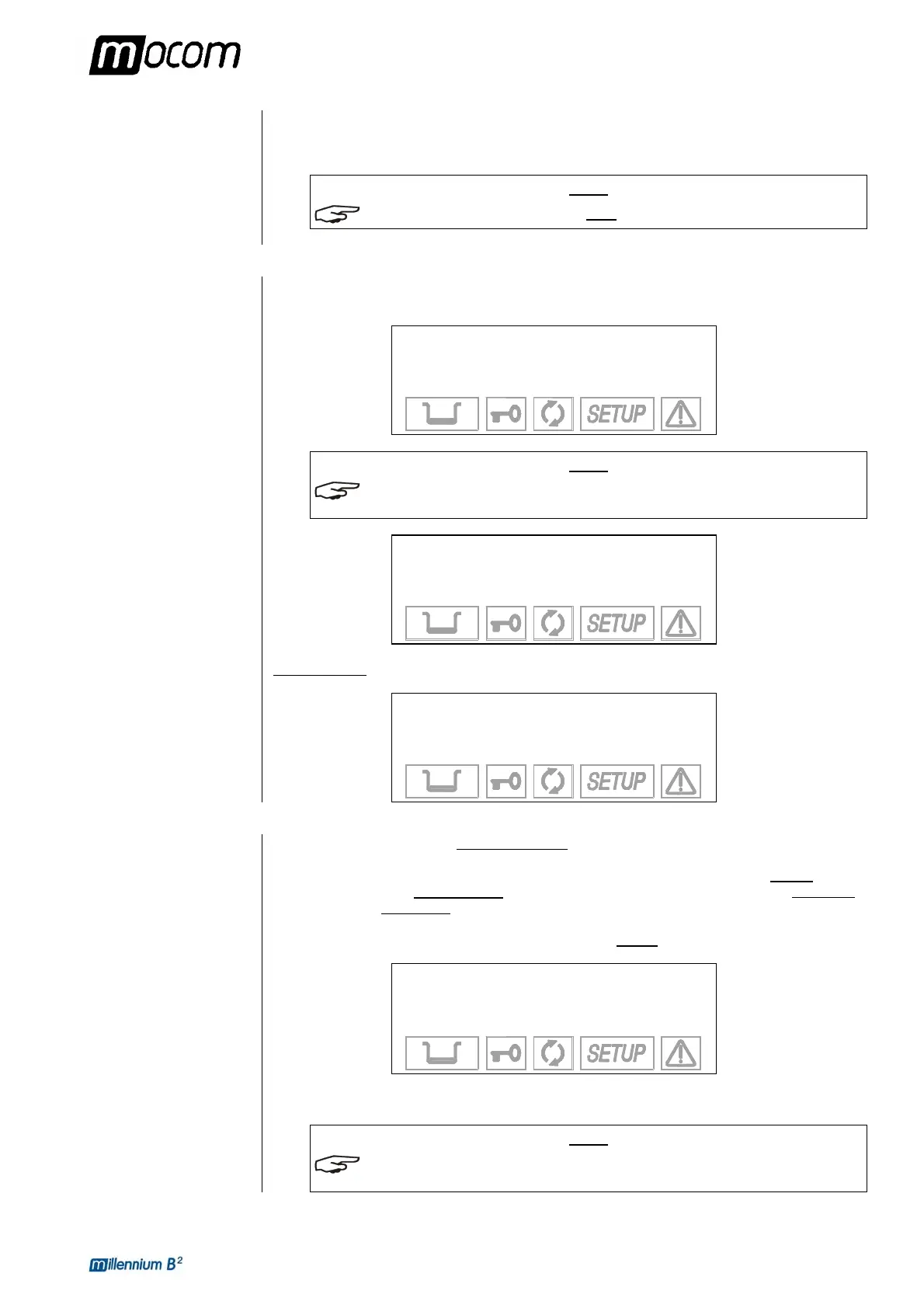
When turned on, the control panel lights up and beeps so you can visually check its correct
operation. The panel then displays this message:
MILLENNIUM B2
R. Exxxx/BGyyyyyy
DEVICE CHECK-UP
NOTE
IF THE DOOR IS CLOSED, THE TEST IS INTERRUPTED. THE PANEL THEN BEEPS AND
DISPLAYS THE FOLLOWING MESSAGE
.
OPEN DOOR
TO CONTINUE
Open the door to allow the test to continue. At the end of the test you will see:
MILLENNIUM B2
R. Exxxx/BGyyyyyy
CHECK-UP COMPLETE
ACQUISITION AND
UPDATING OF THE
AMBIENT
PRESSURE
VALUES
The sterilizer measures the ambient pressure for the correct operation of several auxiliary
devices. Whenever the difference between the value read and that previously stored (see the
Chapter, “Configuring the Device - Acquisition the ambient pressure) is higher than a
set value, the system automatically
updates the stored value after a brief delay. Otherwise,
the data remains unchanged
without updating.
After updating, the device performs the initial automatic test procedure (see the preceding
paragraph). At the end, the display shows the following notice (accompanied by a beep):
AMBIENT PRESSURE
VALUE UPDATED
-0.01 bar
↵ to continue
When ↵ is pressed, the device goes to STAND-BY mode (see the following paragraph).
NOTE
ALSO SEE THE PARAGRAPH, “ACQUIRING THE AMBIENT PRESSURE VALUE” IN THIS
REGARD
.



 To Next Page