9. RUNNING THE PROGRAM
41
Door locking
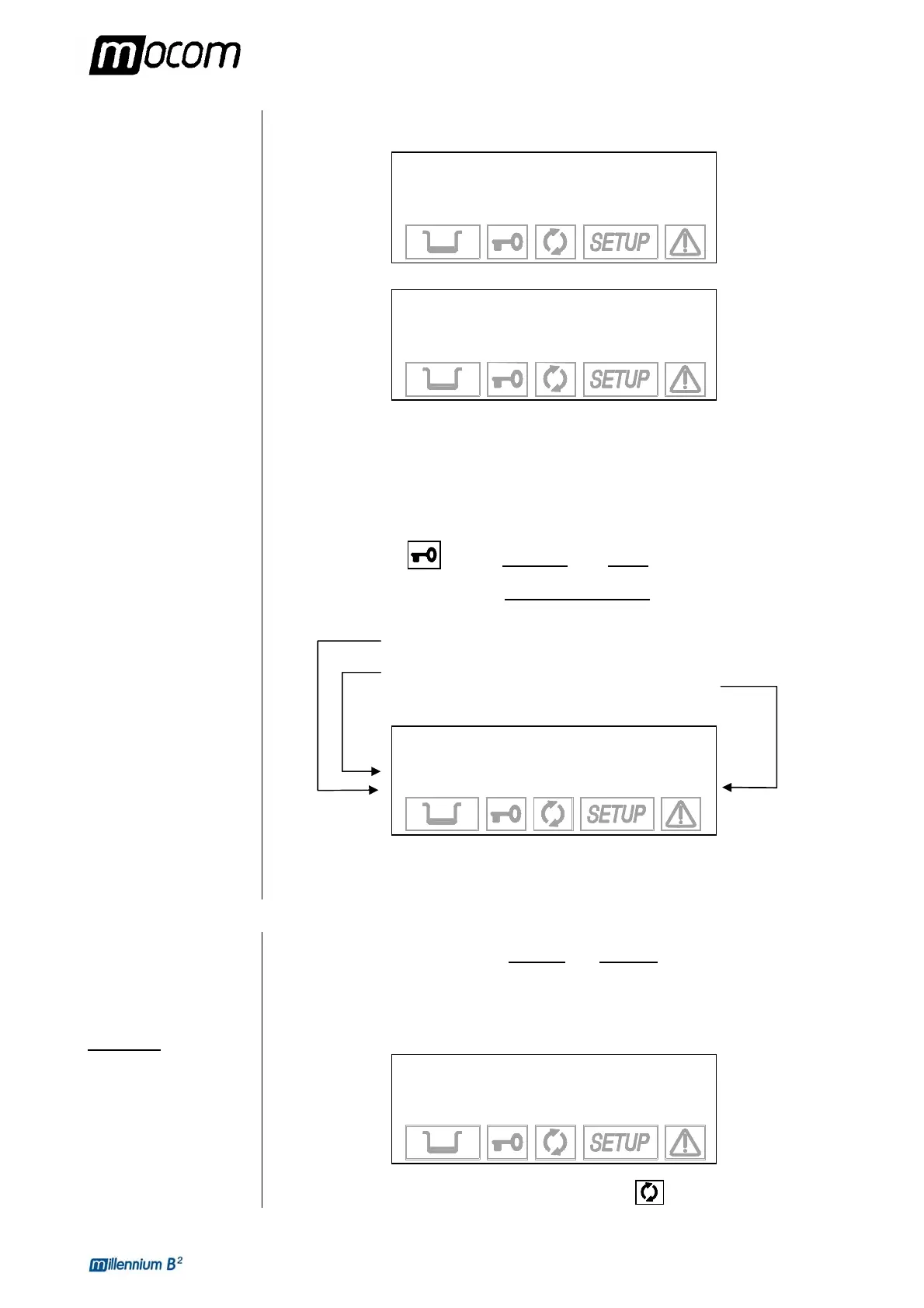
In case of the memory full or insufficient to store the new cycle data, the following message
will be displayed:
WARNING
CF CARD FULL
↵ to continue
Ç to exit
or
WARNING
MEMORY FULL
↵ to continue
Ç to exit
Push key ↵ to continue without recording the cycle data.
Push key Ç to interrupt the start command; download the files on PC and delete the memory
content according to the instructions of the Millflash Operating Manual.
Repeat the Start command.
The equipment locks the door.
The door status icon
remains steady on
(door locked).
When START is pushed, and for the entire sterilization cycle
, the lower lines of the display will
show the following parameters:
Pressure of the sterilization chamber (bar)
Temperature of the sterilization chamber (°C)
Progressive time of the sterilization cycle (mm:ss)
1 134°C POROUS
WARMUP
101.9 °C
0.01 bar 00:00
The time is counted from the start of the sterilization cycle (first vacuum phase), excluding the
preheating phase.
PROGRAM
EXECUTION
Preheating
Now, we will analyze the execution of a sterilization cycle, phase by phase.
For our example, let's take the most complete
and important cycle, i.e., the program 134 °C
POROUS, which is characterized by a fractionated pre-vacuum.
When the START button is pressed, the first phase is PREHEATING, which brings the
chamber to temperature required for starting the cycle. The display shows the following:
1 134°C POROUS
WARMUP
23.9 °C
0.01 bar 00:00
The icon that shows the status of the sterilization process
is off.



 To Next Page