9. RUNNING THE PROGRAM
42
First vacuum phase
First rise in
pressure
Second vacuum phase
Second rise in
pressure
Third vacuum phase
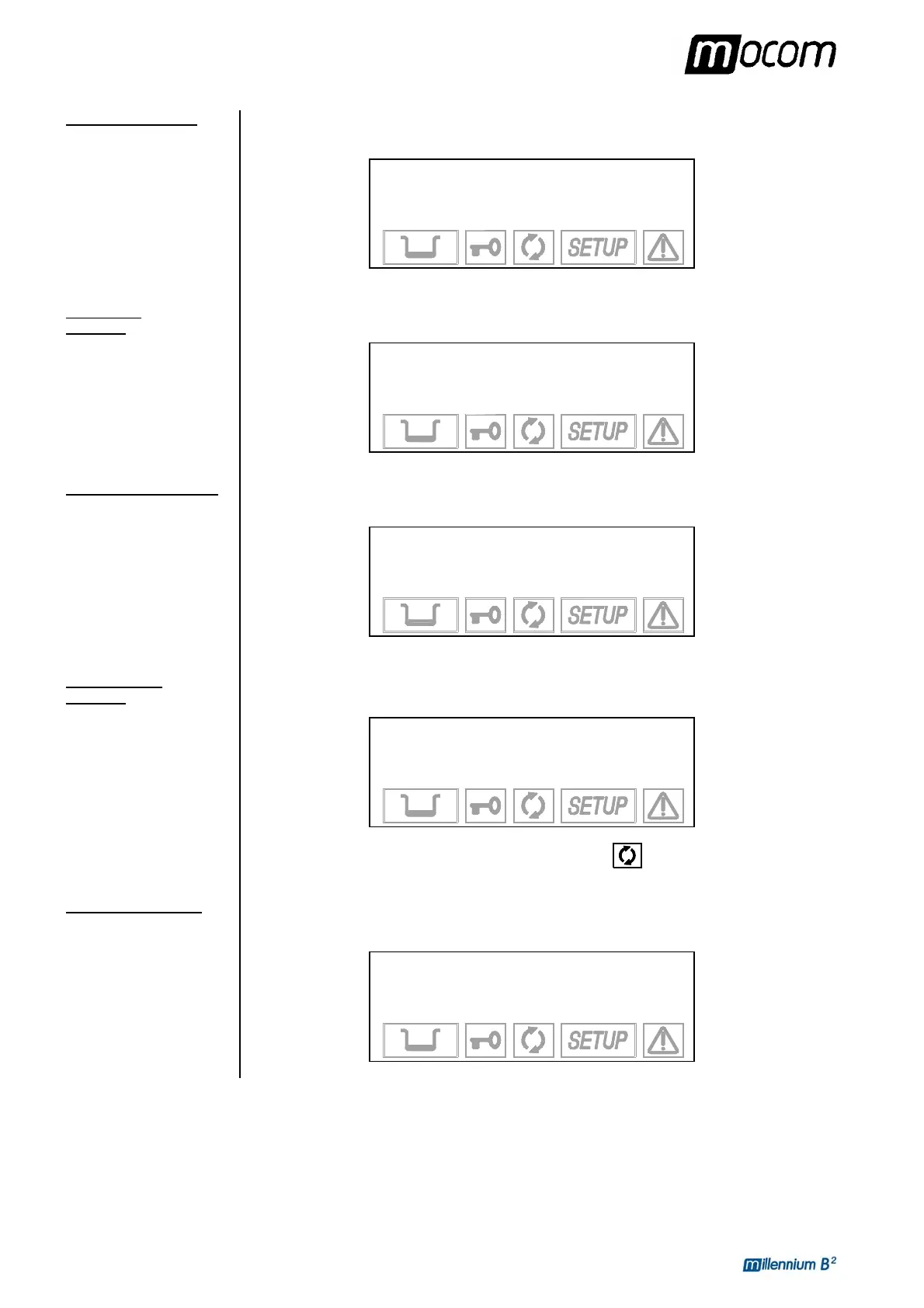
When the optimum temperature is reached, the first vacuum phase (1st VACUUM PULSE) is
started and brings the chamber pressure down to the established value. The display shows:
1 134°C POROUS
1. VACUUM PULSE
84.1 °C
-0.69 bar 01:25
When the pre-set vacuum value is reached, steam is injected and the pressure begins to rise
(1st PRESSURE PULSE), until the established value is reached.
1 134°C POROUS
1. PRESSURE PULSE
108.0 °C
0.47 bar 03:58
At the end of the pressure rise, the steam, mixed with residual air, is discharged and the
second emptying of the sterilization chamber begins (2nd VACUUM PULSE).
1 134°C POROUS
2. VACUUM PULSE
93.3 °C
-0.79 bar 06:06
After the second vacuum phase, steam is again injected into the sterilization chamber, with a
relative rise in pressure (2nd PRESSURE PULSE).
1 134°C POROUS
2. PRESSURE PULSE
11.4 °C
0.72 bar 07:44
The icon that shows the status of the sterilization process
is always off.
At the end of the second pressure rise, there is another discharge and the last vacuum phase
begins (3rd VACUUM PULSE).
1 134°C POROUS
3. VACUUM PULSE
89.9 °C
-0.80 bar 09:52



 To Next Page