6. CONFIGURATION
19
CONFIGURATION
INTRODUCTION
Millennium B² offers personalization options never previously seen on any steam sterilizer.
Users may configure the device to meet their own needs. For example, the device's
performance may be adapted on the basis of the type of activity, the type of material to be
sterilized or its frequency of use.
The SETUP program allows selecting from numerous options that users activate through an
intuitive, easy-to-use menu.
NOTE
USE THE SETUP PROGRAM WHENEVER NECESSARY. A CORRECTLY PERSONALIZED
DEVICE PROVIDES THE BEST PERFORMANCE AND THE MOST SATISFACTORY USE
.
M.O.COM.
CUSTOMER SUPPORT (SEE APPENDIX Z) IS AVAILABLE TO HELP USERS BY
PROVIDING SUGGESTIONS OR ADVICE ON THE BEST WAY TO USES THE OPTIONS IN THE
SETUP PROGRAM
STARTING AND
ENTERING THE
SETUP MODE
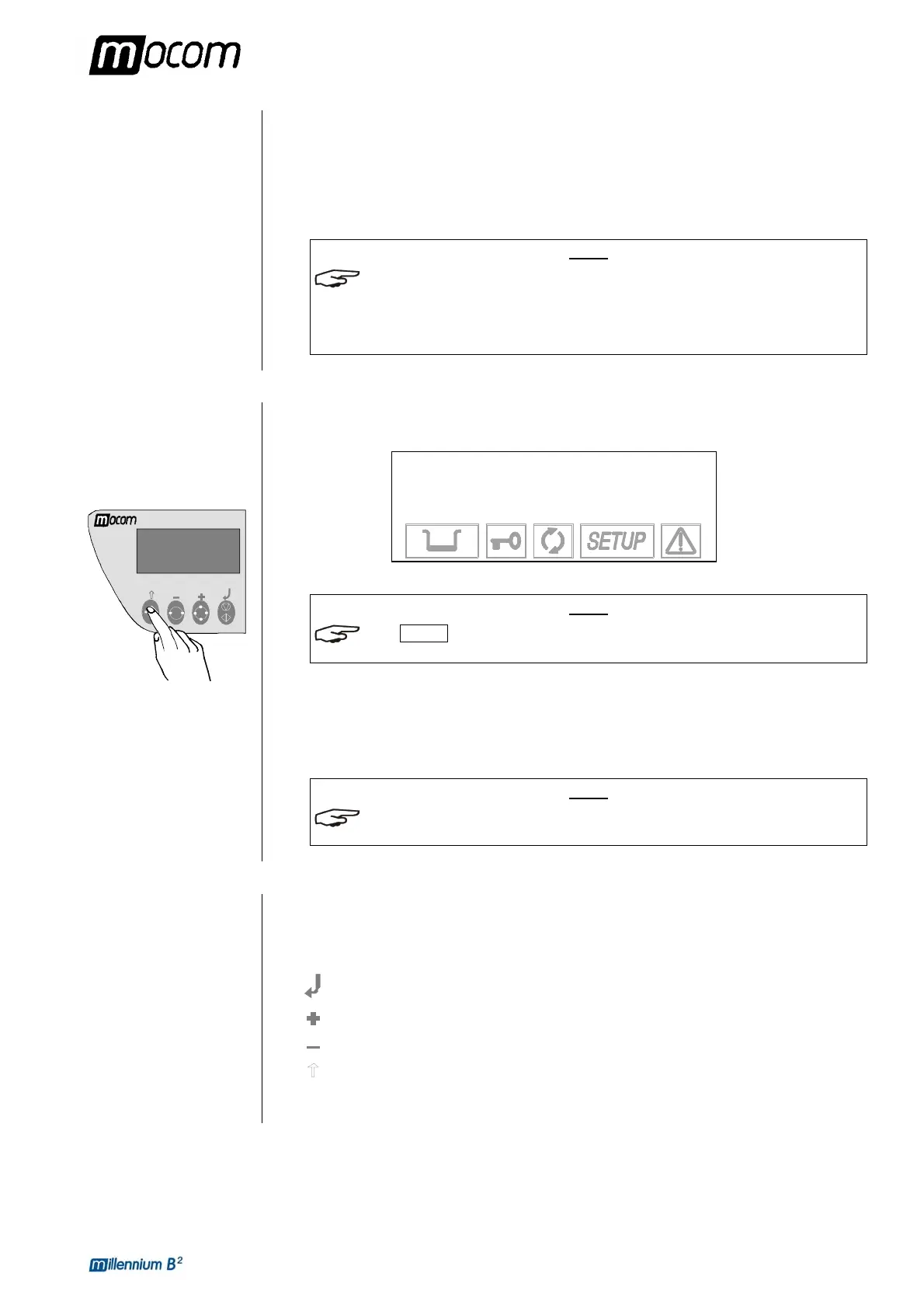
To start the SETUP program, hold down the Ç key on the control panel for several seconds,
until the display shows:
MILLENNIUM B2
SETUP
↵ to continue
Ç to exit
NOTE
ICON SETUP ON THE DISPLAY LIGHTS-UP AND STAYS ON OR THE ENTIRE
CONFIGURATION PHASE.
When you press the ↵ key, you enter the SETUP mode. The screen shows the first-level menu
items (see the paragraph, SETUP flowchart).
Pressing the ESC key Ç quits the SETUP program and takes you back to normal operation
(stand-by mode).
NOTE
THE SETUP PROGRAM CAN ONLY BE STARTED IN STAND-BY MODE. IT IS NOT
ACCESSIBLE DURING STERILIZATION OR TEST CYCLES
.
MEANING OF THE
KEYS IN SETUP
MODE
In SETUP mode the control panel keys have different functions than in normal mode.
Key SETUP mode
function ENTER, confirm the selected option or value
Increase the value /scroll down
Decrease the value /scroll up the menu items
ESC, exit the selected menu option



 To Next Page