8. PROGRAM SELECTION
38
PROGRAM
SELECTION
INTRODUCTION
Program selection is fundamental
for a successful sterilization process.
Since each instrument, or material in general, has different shape, consistency and properties,
it is important to identify the most suitable program for it
, both for preserving its physical
characteristics (avoiding or, at any rate, limiting alterations) as well to guarantee the most
effective sterilization.
NOTE
A GUIDE TO SELECTING THE MOST SUITABLE PROGRAM FOR THE LOAD IS PROVIDED IN
APPENDIX B (PROGRAMS).
PROCEDURE
Power-on the device as described in the Chapter, “First Start-Up”.
NOTE
IF A PASSWORD HAS BEEN ENABLED (SEE THE CHAPTER CONFIGURATION - SETTING
THE PASSWORD
), YOU WILL BE ASKED TO ENTER THE ACCESS CODE:
INSERT PASSWORD
↵ to enter
Ç to exit
Enter the password using the + and – keys. Confirm with the ↵ key.
The display does not offer any active preselection.
The device is waiting for the user to select
a program.
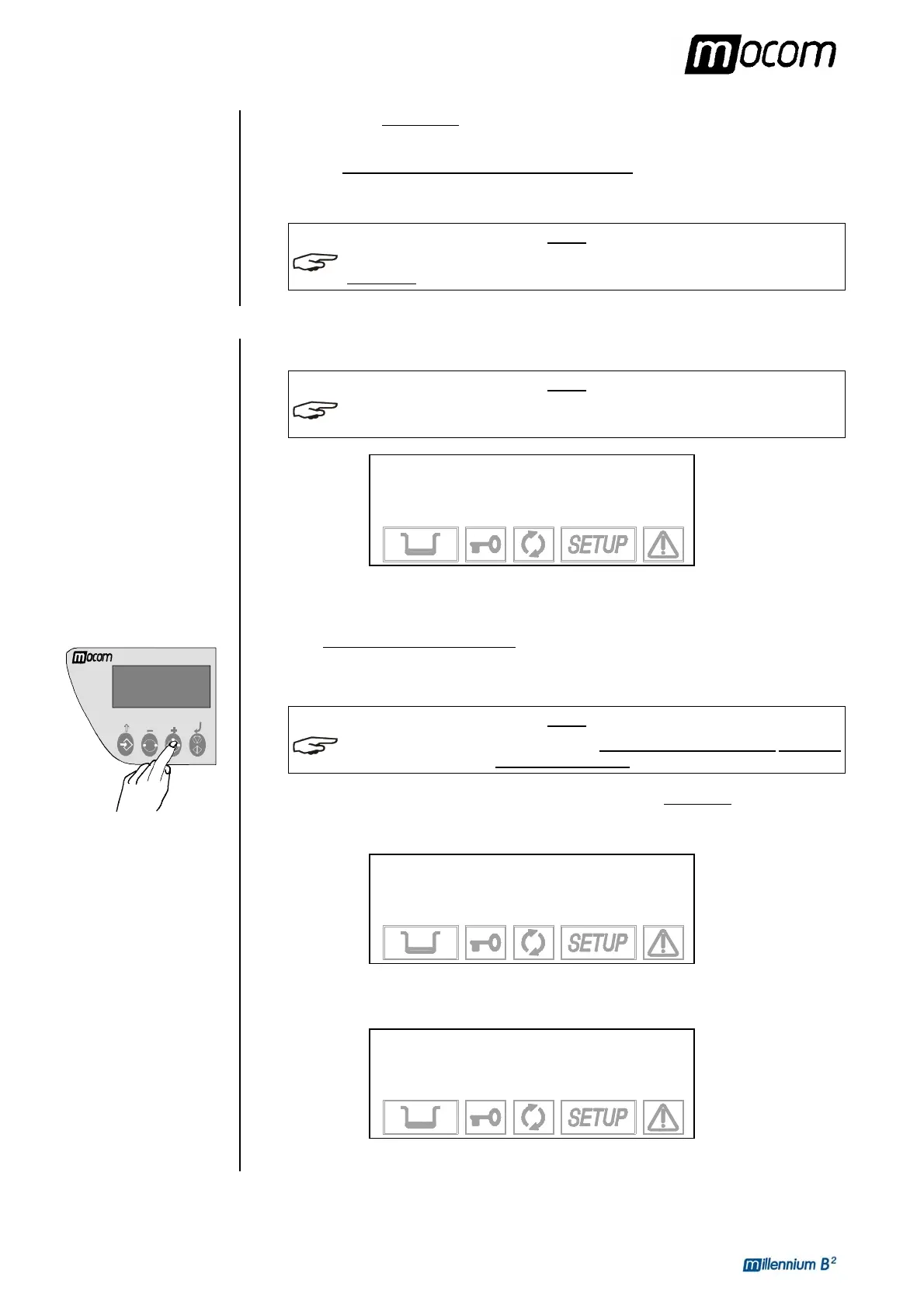
Press the PROGRAM SELECTION key one or more times until you reach the desired
program (1, 2, 3 or 4, also shown on the upper left of the display).
NOTE
WHEN THE SELECTION KEY IS PRESSED, THE FIRST STERILIZATION PROGRAM PROPOSED
IS THE ONE USED FOR THE LAST CYCLE EXECUTED
.
In the two lines above the description, the display shows the description
of the selected
program and the type of drying set and, below, the set-point values for the temperature (°C),
pressure (bar) and time (mm:ss) of the cycle selected. By way of example, the display shows:
1 134°C POROUS
NORMAL DRYING
134.0 °C (B)
2.10 bar 04:00
After a brief interval, the display changes and shows the temperature and pressure values of
the chamber, with the current date and time.
1 134°C POROUS
NORMAL DRYING
101.0 °C 30/08/02
0.01 bar 18:13:05
To cancel the selection, press ESC Ç on the control panel.



 To Next Page