9. RUNNING THE PROGRAM
44
Drying
Ventilation
Leveling to the
atmospheric pressure
Completion
of the cycle
After the steam under pressure is released, its forced removal begins with the vacuum pump
(DRYING): for this purpose, low pressure is created in the sterilization chamber to facilitate the
evaporation of the steam and its consequent elimination. As a function of the type of drying
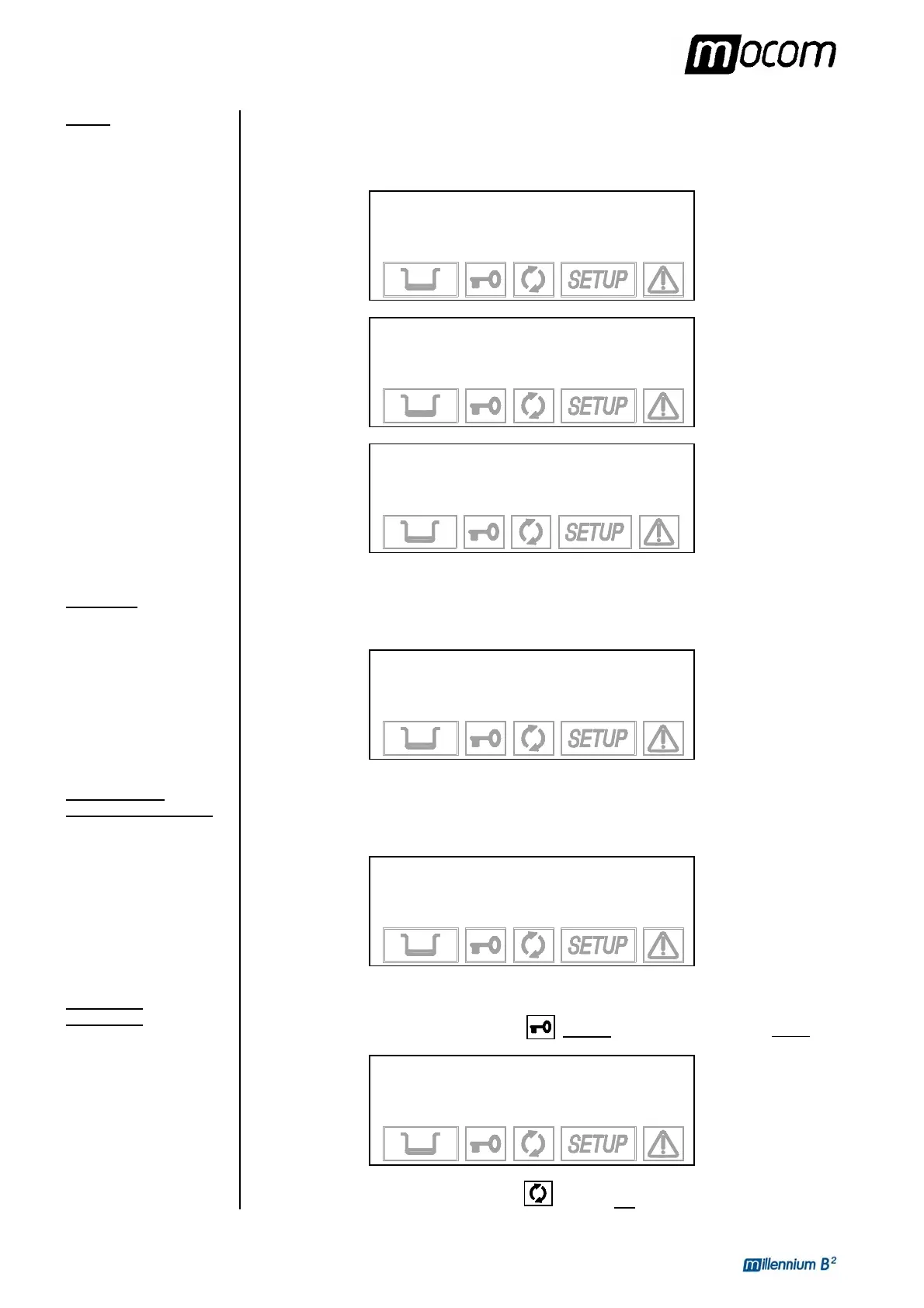
set, one of the following screens will appear:
1 134°C POROUS
DRYING (NOR)
101.1 °C
0.00 bar 18:51
1 134°C POROUS
DRYING (INT)
101.1 °C
0.00 bar 18:51
1 134°C POROUS
DRYING (+XX)
101.1 °C
0.00 bar 18:51
When the drying phase is finished, it is followed by a VENTILATION phase in which fresh
sterile air is injected, while maintaining a vacuum in the chamber, to eliminate condensate and
cool the load.
1 134°C POROUS
VENTILATION
84.4 °C
-0.77 bar 26:51
At the end of the ventilation phase, the chamber is brought back to atmospheric pressure
(LEVELLING) by injecting sterile outside air to allow the opening of the door and the retrieval
of the load.
1 134°C POROUS
LEVELLING
86.9 °C
-0.43 bar 29:21
When the pressure in the sterilization chambers returns within the pre-set safety limits, the
door lock system is released.
As a consequence, the door status indicator flashes. At the same time, it also beeps.
1 134°C POROUS
CYCLE COMPLETE
86.2 °C
-0.02 bar 29:40
The icon for the sterilization process status
is steady on.
Standard drying
Intelligent drying
(+XX) is the time



 To Next Page