Sterilizers SUPREME - FUTURA - CLASSIC (17-22-28)
- TECHNICAL MANUAL
The SERVICE menu offers the
following options:
- Component test
- PT1 probe calibration
- Pressure sensor calibration
- Display calibration (“touch screen”
display only)
- Test cycles
- Initial settings
- User management
- REF input
- SN input
Select
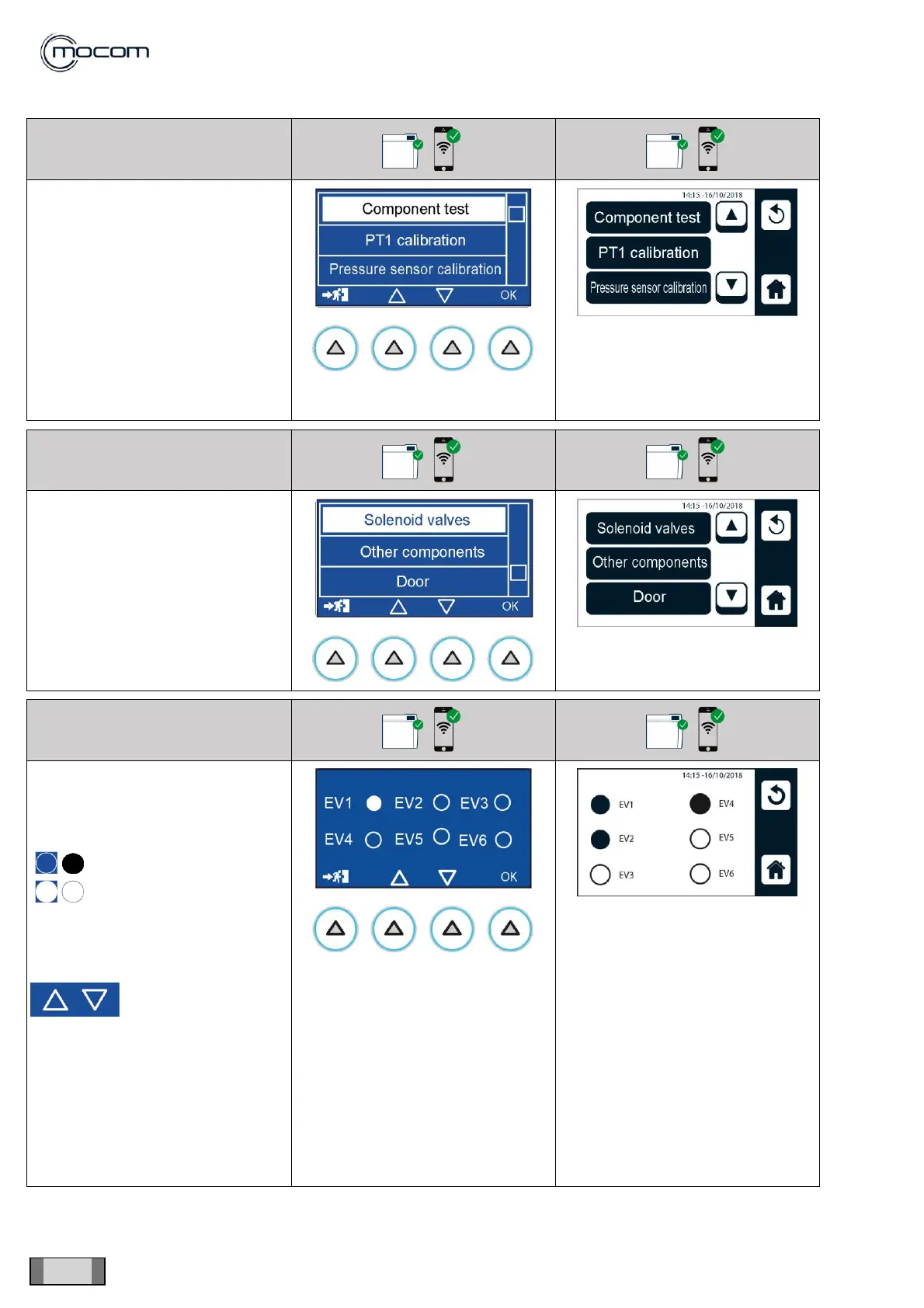
COMPONENT TEST to display a
vertical scroll menu with the
following options:
- Solenoid valves
- Other components
- Door
- Tank management
- Safety valve test
Select SOLENOID VALVES to
display the status of the 6 solenoid
valves of the manifold, which is
indicated with:
It is possible to check the
opening/closing of individual
solenoid valves.
With Display “A”:
Solenoid valves
and fans can be
selected using the
commands
indicated on the left
Several elements can be turned on
at the same time to check specific
sections of the autoclave hydraulic
circuit.



 To Next Page