6.15 Delete a Tool
CAUTION
Once you have deleted a tool there is no way to recover its previous
settings. Take care that you are deleting the correct tool.
CAUTION
NOTE
A tool that is loaded cannot be deleted.
1. Choose [ToolStore]:
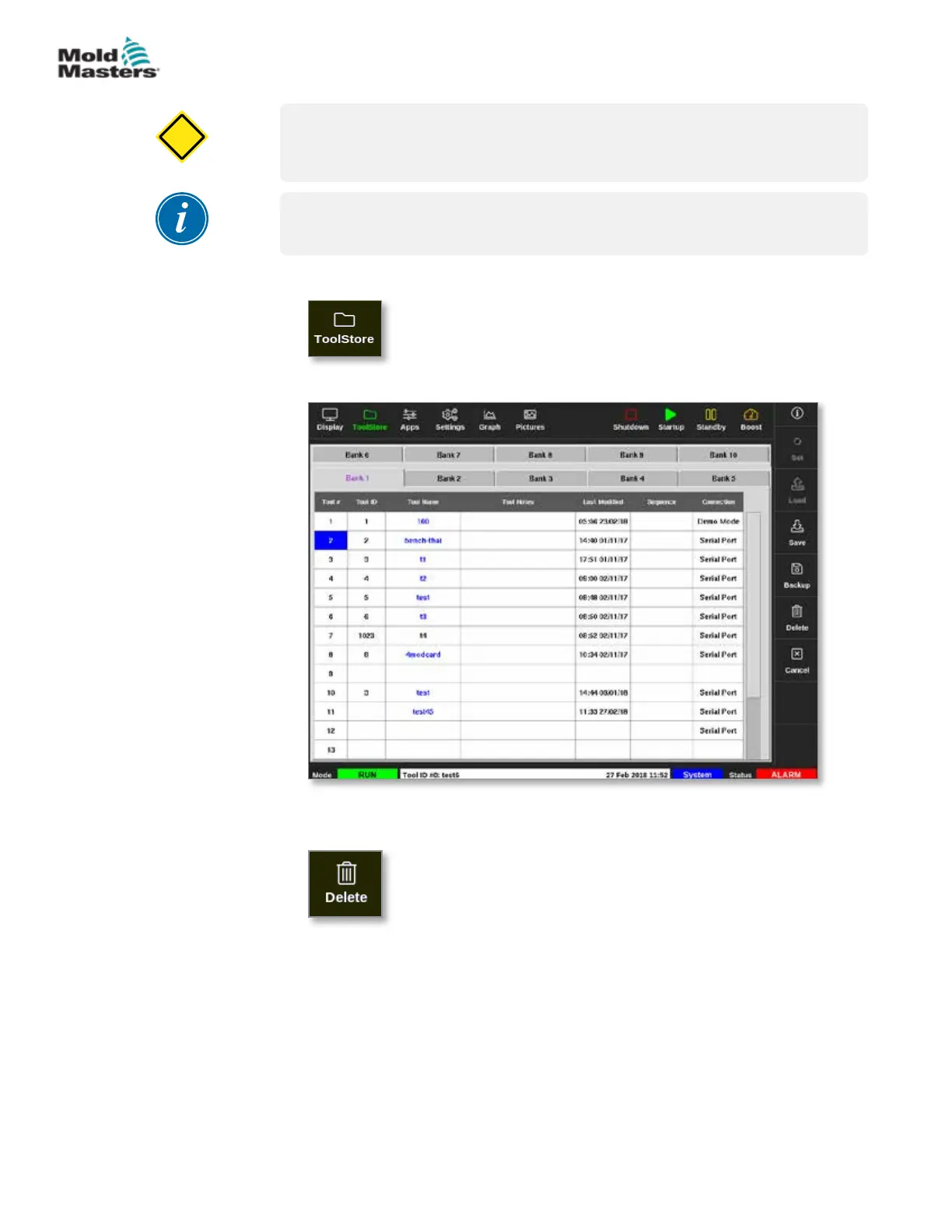
2. Choose the tool to be deleted. See Figure 6-14.
Figure 6-14 Choose the tool to delete
3. Choose [Delete]:
4. Enter password, if required.
6-28
© 2021 Mold-Masters (2007) Limited. All Rights Reserved.
OPERATION
M2+ Controller User Manual



 To Next Page