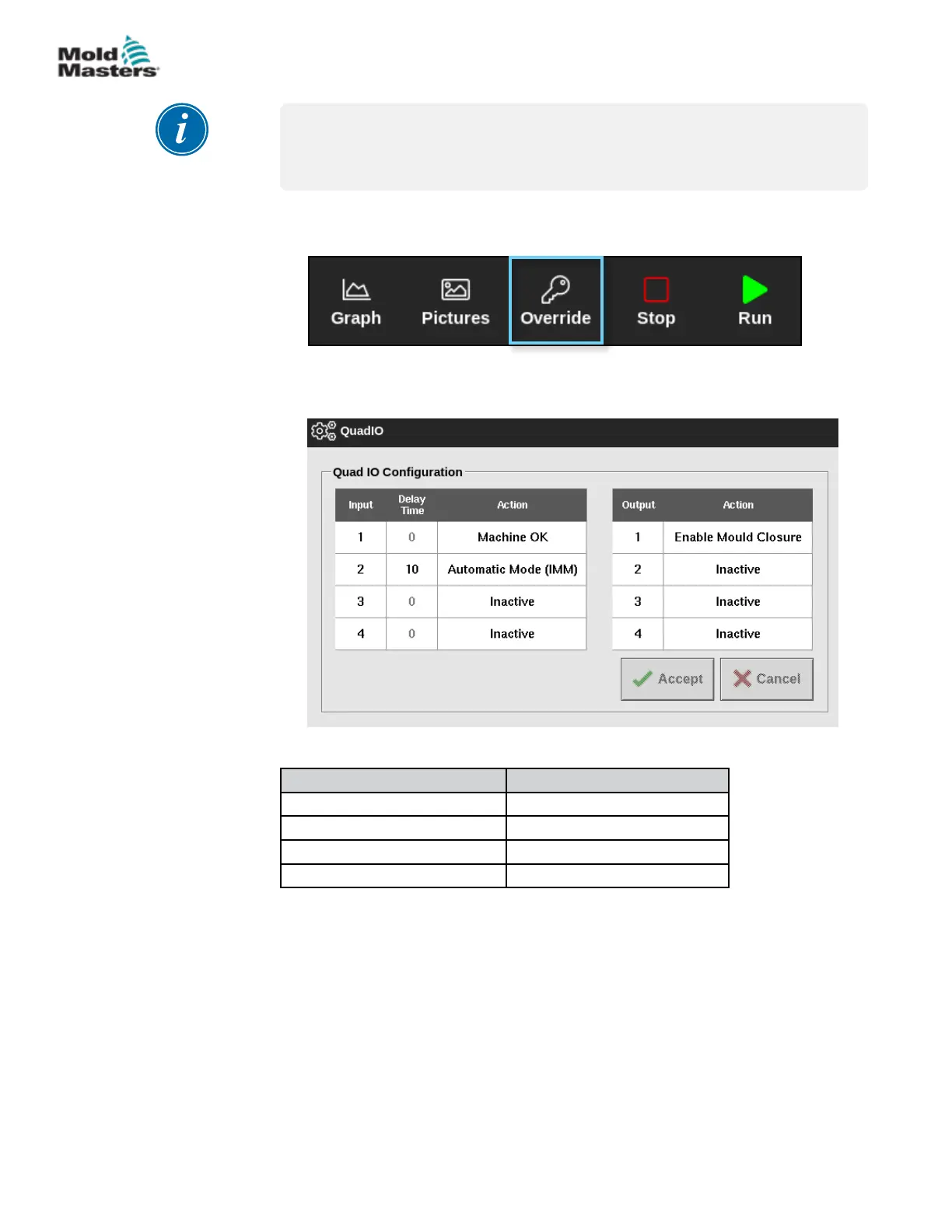
4.23 Override Button
NOTE
The override button is not shown nor used in the classic theme mode nor in
the TS8 console.
When enabled, the Override button is located between the mode buttons and
the function buttons on the top bar:
Setup
Input Signals Output Signals
1. Machine OK 1. Enable Mould Closure
2. Automatic Mode (IMM) 2. Inactive
3. Inactive 3. Inactive
4. Inactive 4. Inactive
Override Times
• 0 minutes: Removes the Override button from the screen—Default
setting.
• 1–15 minutes: The Override button is displayed on the top bar. When
the Override button is pressed, the console will output the Enable
Mould Closure signal for the entered length of time. Note: Only whole
minutes can be entered.
4-43
© 2021 Mold-Masters (2007) Limited. All Rights Reserved.
OVERVIEW
M2+ Controller User Manual



 To Next Page