EasyManua.ls Logo

Monacor DMR152 - Main Menu Guide

Monacor DMR152
40 pages
Print Icon
To Next Page IconTo Next Page
To Previous Page IconTo Previous Page
Loading...
User Manual
12
you could perform parameter setting and operate on Main Menu, Multi-Pics, PTZ, PIP, Rec. Search, Mute,
Manual record, Start Rotate, Start Cruise and GUI to VGA etc.
Note: options of the Pop-up menu will differ depending on different parameter setting and application
environment.
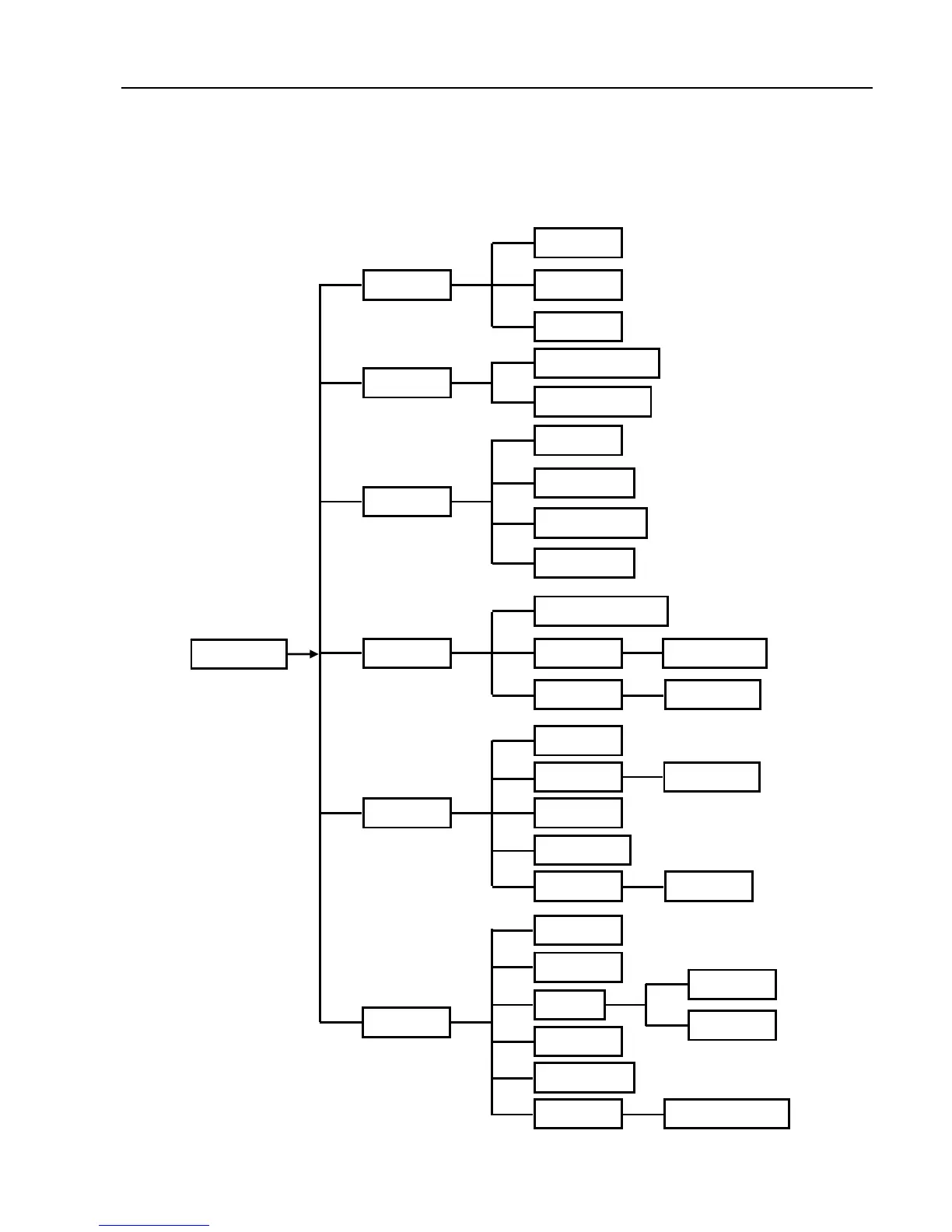
5.2 Main Menu Guide
Record
Resolution
Scheduled
Main Menu
Camera Color Set
Title Set
Dis

p
la
y
set
Network
Static set
DHCP set
PPPoE set
DDNS set
Search File List
Search/Pla
y
back
Lo
g
Search
File Backu
p
Lo
g
Ex
p
ort
Device Manage PTZ set
Alarm set
3G Networ
k
HDD
Motion Area set
Email set
S
y
ste
m
Lan
g
ua
g
e
Information
Password
Maintain Back to Factor
y
Time
A/V
Volume
Mar
g
in

Related product manuals