IllustrationProcedureStep
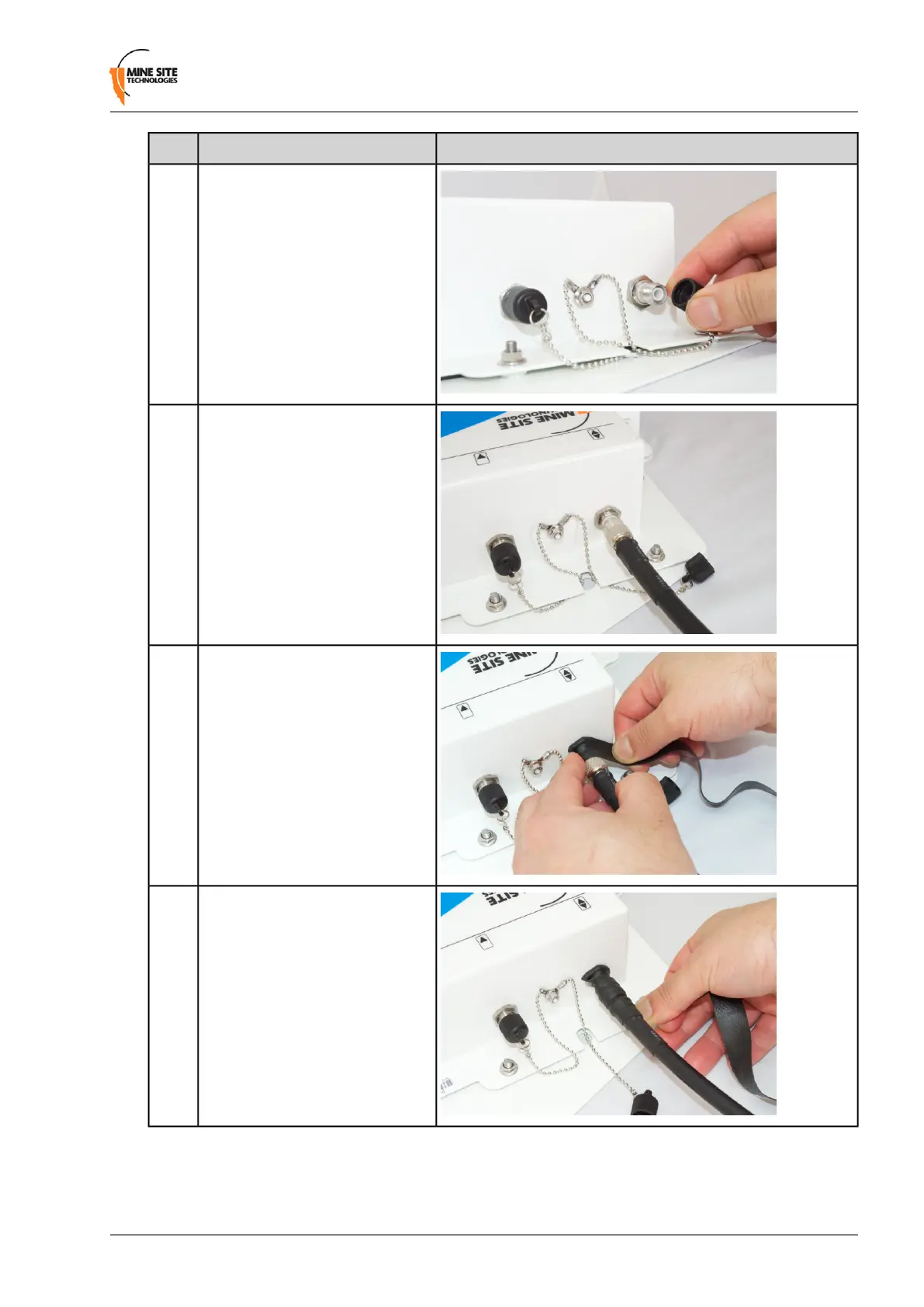
Remove the dust cap from the
antenna port.
1
Connect the coaxial cable plug to
the RP-TNC jack on the NS50 and
tighten the outer sleeve.
2
Insulate the connection using
self-amalgamating rubber tape.
Start at the base of the connection
and pull back the rubber tape
backing.
3
Pull the tape tightly, and tape
around the connector at an angle
until it is 25mm past the end of the
connection.
4
NS50 User Guide39Revision C
Installation


 To Next Page
 Loading...

