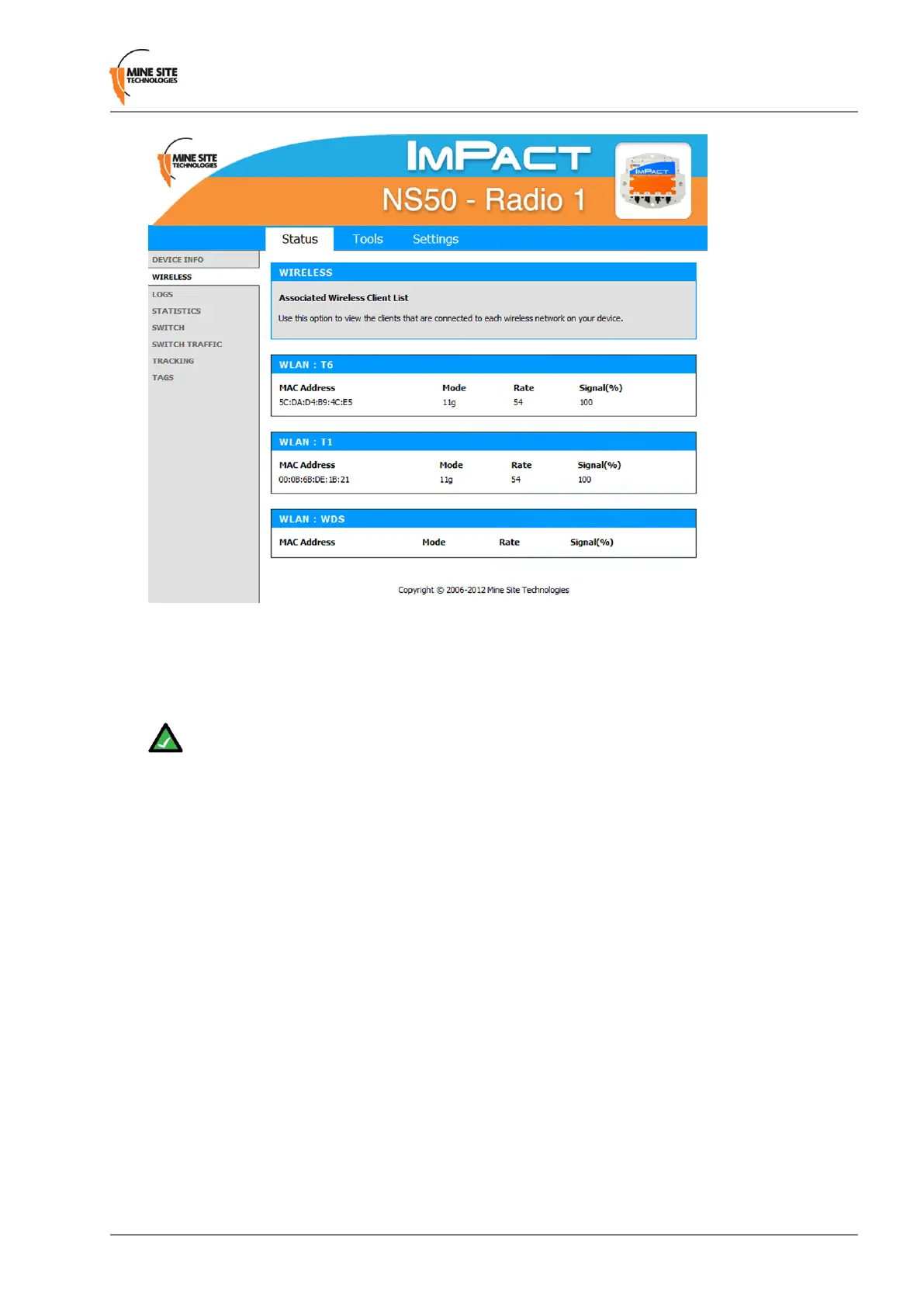
• MAC Address: The address of the client device.
• Mode: Indicates if the client device is in 802.11b or 802.11g mode.
• Rate: The data rate for the connection in Mbps.
• Signal: The percentage signal strength of the client device, as received by the access point.
Note: The Wireless Client Device List groups the devices by the wireless SSID with which they
are associated.
5.3.3 Viewing System Logs
The Logs screen displays the device logs. It is possible to lter by the type of logged events and the event
level.
NS50 User Guide53Revision C
Conguration Using the Web Interface


 To Next Page
 Loading...

