PAGE 52 — RX1575 SERIES TRENCH ROLLER • OPERATION MANUAL S/N 3069933~ — REV. #0 (11/29/23)
UNIT START
-
UP
2.7.3 Start-up of the engine
Before starting the engine, check the pairing of the remote con-
trol and the machine with the warning horn.
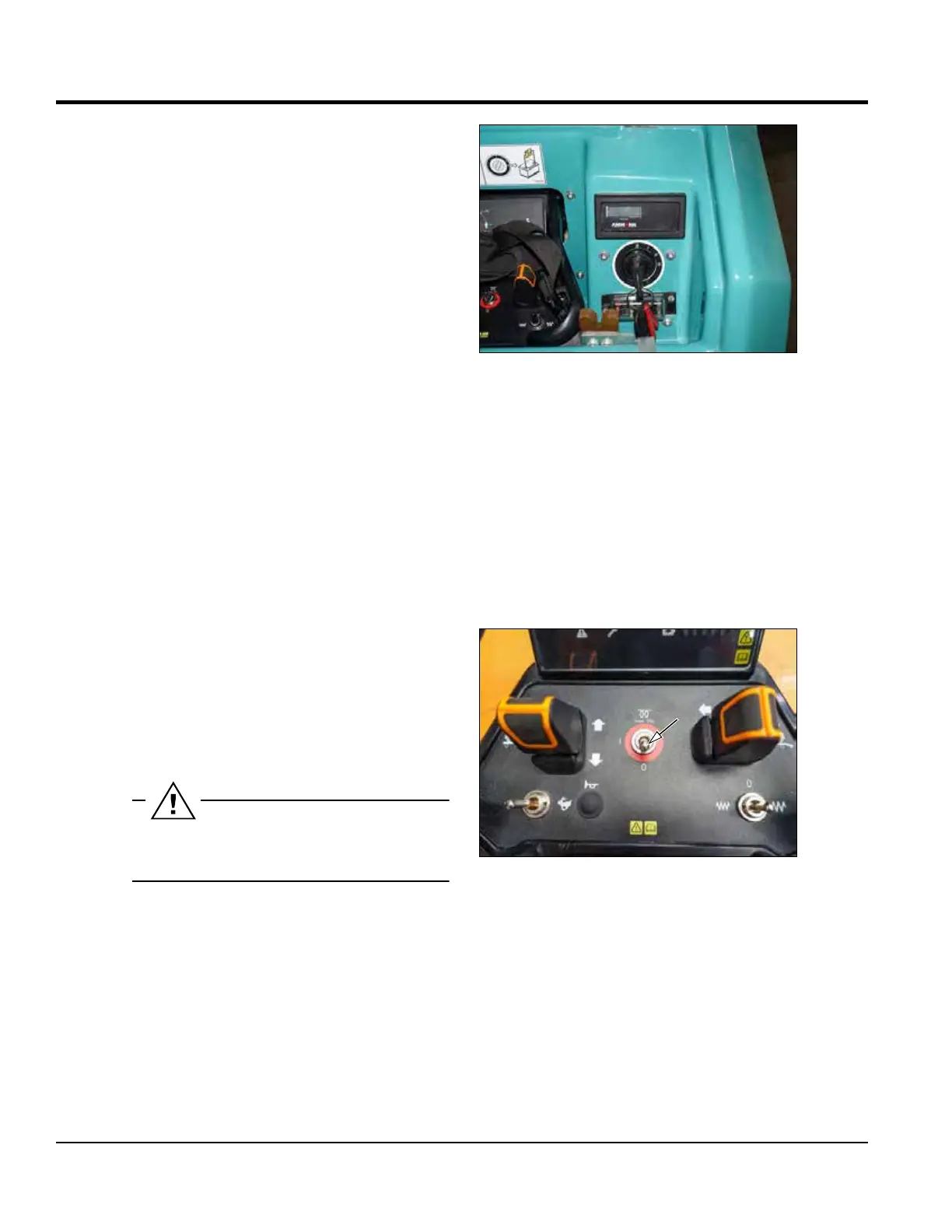
Starting the engine using the ignition switch
0 O
All electrical loads are o.
I Ignition on
All electrical consumers can be switched on.
II Pre-heating
III Start
Pre-heating
If the outside temperature is below 0°C:
Turn the ignition key to position II.
Hold it in this position for max. 6 sec.
Turn the ignition key further to position III.
Note
The control lamps for engine oil pressure and charging light up
when the ignition is switched on. They extinguish once the en-
gine is running.
If the ignition key remains in the “I” position for more than four
hours, the control unit switches o automatically. In order to
start the engine again, it is necessary to return the key into the
“0” position and then start the engine again.
Starting the engine using the remote control
• Turn the ignition key clockwise to the “I” position.
• Hold down the Start switch on the remote control.
• Engine will start automatically after glowing.
• Release the switch.
Holding the Start / Stop switch in the ignition position
will automatically start the engine after 10 sec.


 To Next Page