Chapter 6—Using the Software
124 MultiVOIP® Voice/Fax over IP Gateways
MultiVOIP Program Menu Items
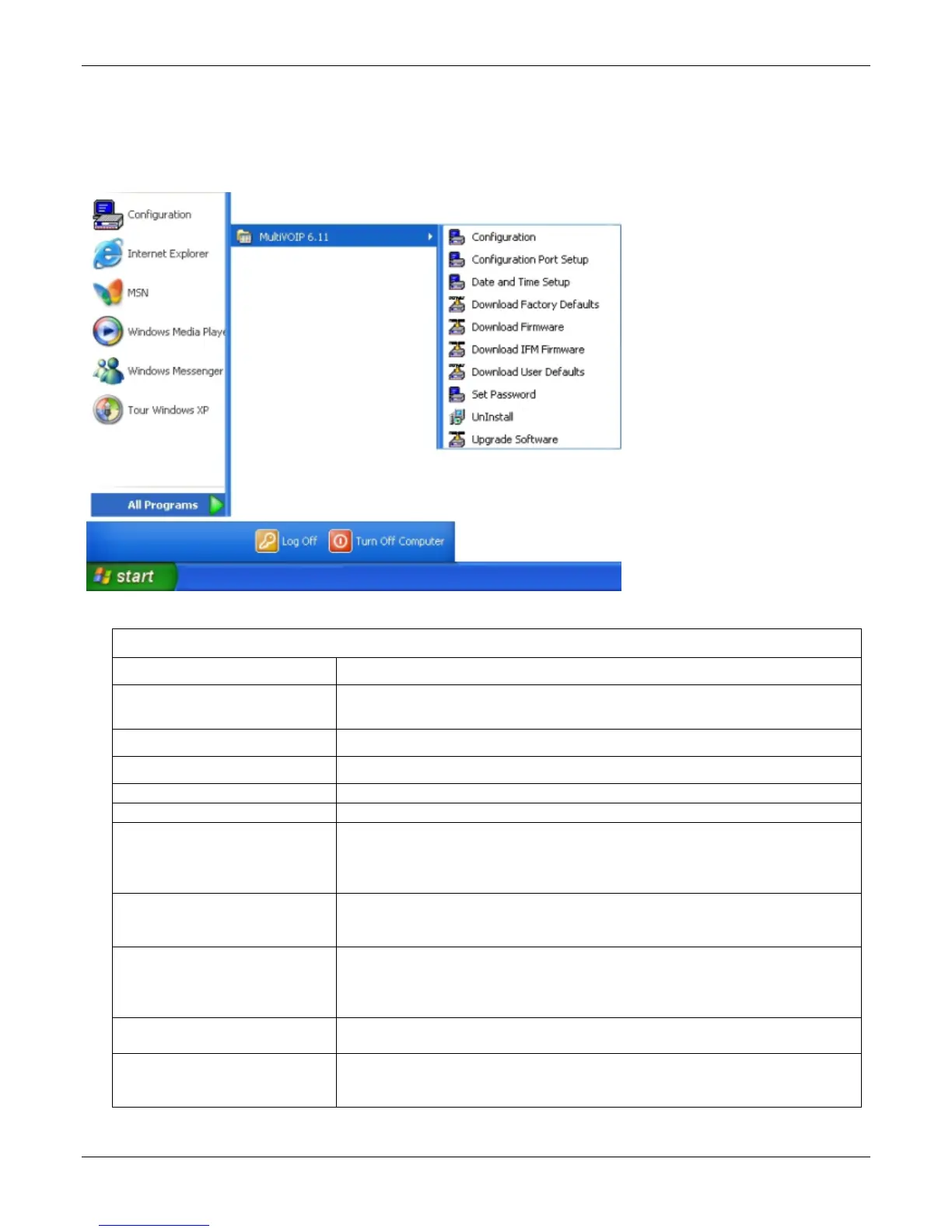
After you have installed the MultiVOIP program on the PC, you can launch it from the Programs group of the
Windows Start menu ( Start | Programs | MultiVOIP x.xx | … ). This section describes the software functions
available on this menu.
Several basic software functions are accessible from the MultiVOIP software menu, as shown below.
MultiVOIP Program Menu
Menu Selection Description
Configuration Select this to enter the Configuration program where values for IP, telephony, and other
parameters are set.
Configuration Port Setup Select this to access the COM Port Setup screen of the MultiVOIP Configuration program.
Date and Time Setup Select this for access to set calendar/clock used for data logging.
Download Factory Defaults Select this to return the configuration parameters to the original factory values.
Download Firmware Select this to download new versions of firmware as enhancements become available.
Download IFM Firmware
Select this to download new versions of IFM firmware as enhancements become
available. The Interface Module (IFM) is the telephony interface for analog MultiVOIP
units..There is one IFM for each channel of the MultiVOIP unit. For each channel, the IFM
handles the analog signals to and from the attached telephone, PBX or CO line.
Download User Defaults
To be used after a full set of parameter values, values specified by the user, have been
saved (using Save Setup). This command loads the saved user defaults into the
MultiVOIP.
Set Password
Select this to create a password for access to the MultiVOIP software programs (Program
group commands, Windows interface, web browser interface, & FTP server). Only the
FTP Server function requires a password for access. The FTP Server function also requires
that a username be set along with the password.
Uninstall
Select this to uninstall the MultiVOIP software (most, but not all components are
removed from computer when this command is used).
Upgrade Software
Loads firmware (including H.323 stack) and settings from the controller PC to the
MultiVOIP unit. User can choose whether to load Factory Default Settings or Current
Configuration settings.



 To Next Page