Chapter 3 – Installing Software
MultiVOIP® Voice/Fax over IP Gateways 31
Setting the Region or Country
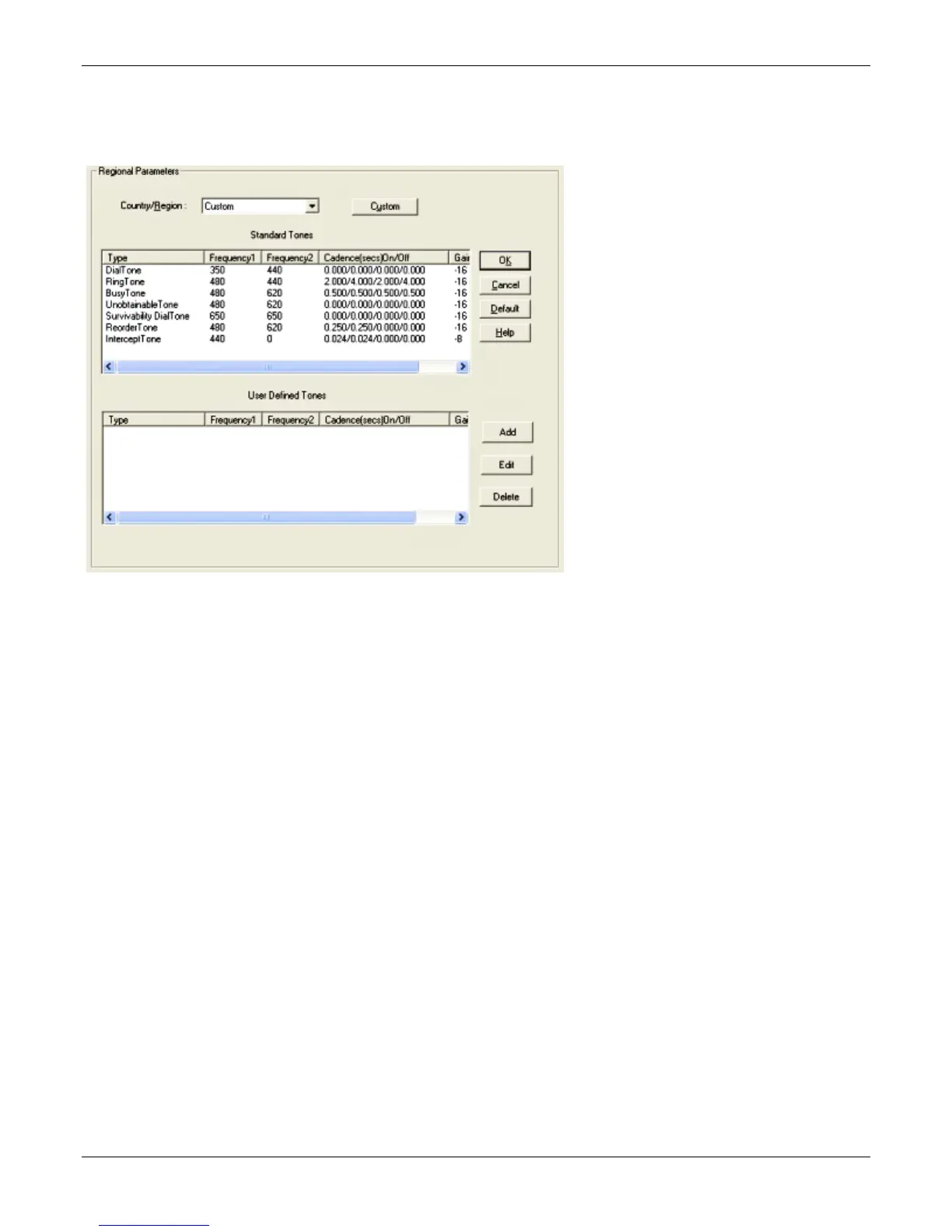
Select the country or region in which the MultiVOIP unit operates. Use the custom option if the available
settings are not adequate.
1. From the Country/Region drop-down list, select the location of the MultiVOIP.
2. If no location fits your needs, select Custom and set the tones manually.
To create user-defined tones to be used with FXO Supervision, click Add.



 To Next Page