Chapter 4 – Configuring Your MultiVOIP
68 MultiVOIP® Voice/Fax over IP Gateways
Configuring Regional Parameters
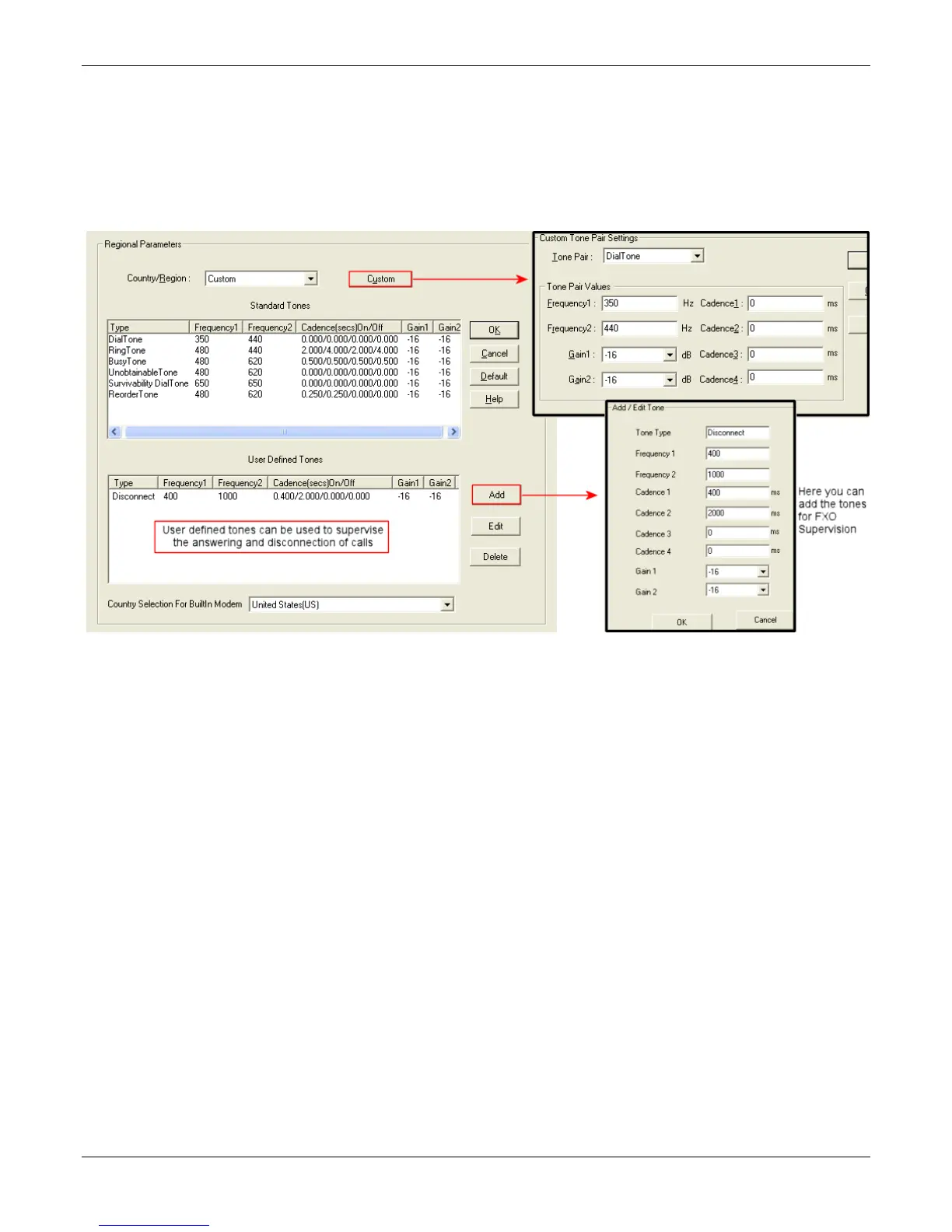
Use the Regional Parameters to set the phone signaling tones and cadences. For the country selected, the
standard set of frequency pairs is listed for dial tone, busy tone, ‘unobtainable’ tone (fast busy or trunk busy),
ring tone, and other, more specialized tones. If desired settings are not available, use the Custom selection to
set the tones as needed.
The table that follows describes the Regional Parameters fields.



 To Next Page