Chapter 6—Using the Software
134 MultiVOIP® Voice/Fax over IP Gateways
Upgrading Software
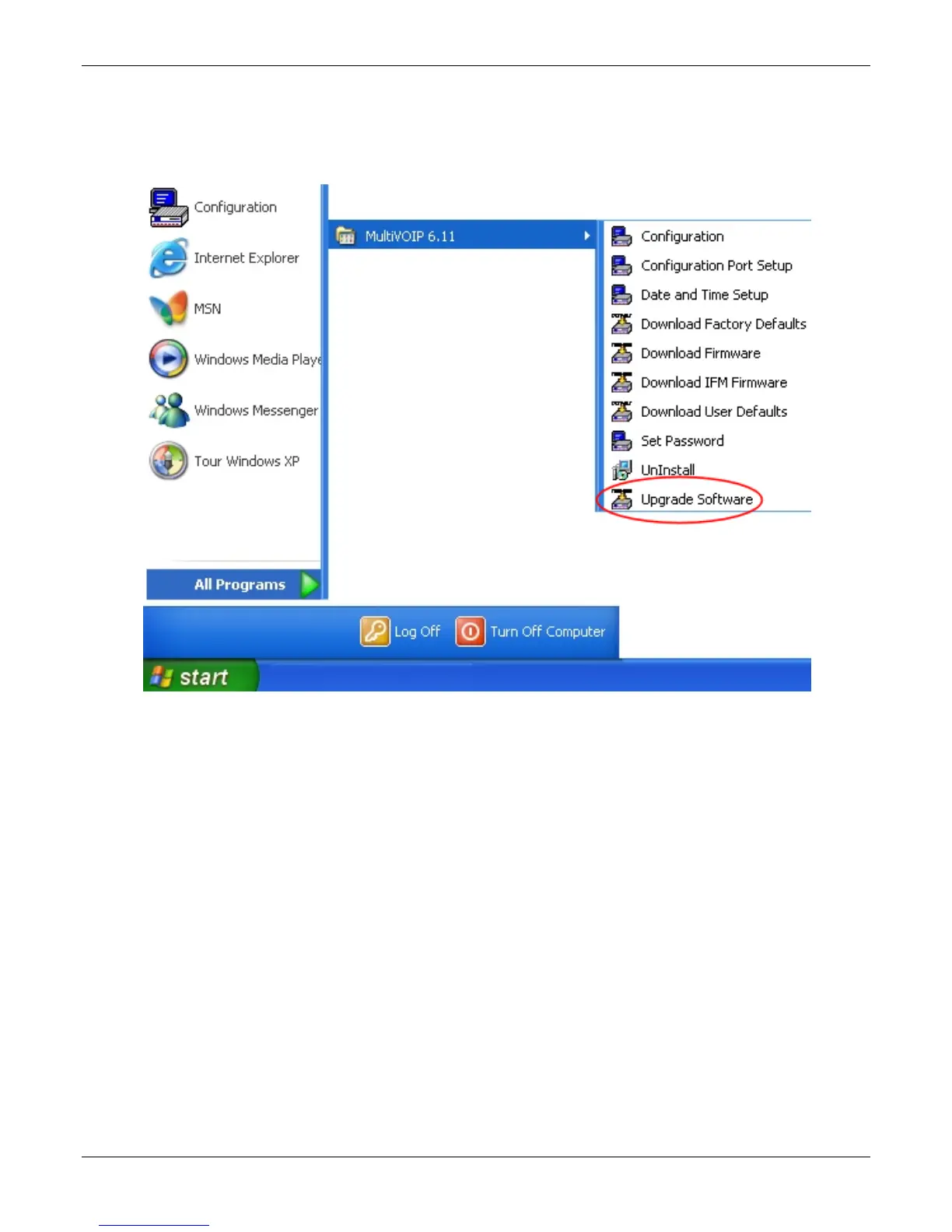
As noted earlier the Upgrade Software command transfers, from the controller PC to the MultiVOIP unit,
firmware (including the H.323 stack) and settings. The settings can be either Factory Default Settings or Current
Configuration Settings.
Note: To upgrade a MultiVOIP from software version 6.04 or earlier, an ftp primer file must first be sent to the
VOIP. This file is located in the Software/ftp_Primer folder on the CD and the file name is "FTP_Primer.bin".
Before uploading this file, it must be renamed "mvpt1ftp.bin". The VOIP only accepts files of this name. This is a
safety precaution to prevent the wrong files from being uploaded to the VOIP. Once the primer file has been
uploaded, upload the FTP firmware file. If you accepted the defaults during the software loading process, this
file is located on your local drive at C:\Program Files\Multi-Tech Systems\MultiVOIP X.NN where the X is the
software number and the .NN is the version number of the MultiVOIP software on your local drive. Of course the
firmware file is named ‘mvpt1ftp.bin’.
Important: You cannot go back to 6.04 or earlier versions using FTP. You must use ‘upgrade software’ via the
serial port.
Important: These ftp upgrade instructions do not apply to software release 6.05 and above.



 To Next Page