Chapter 6—Using the Software
MultiVOIP® Voice/Fax over IP Gateways 133
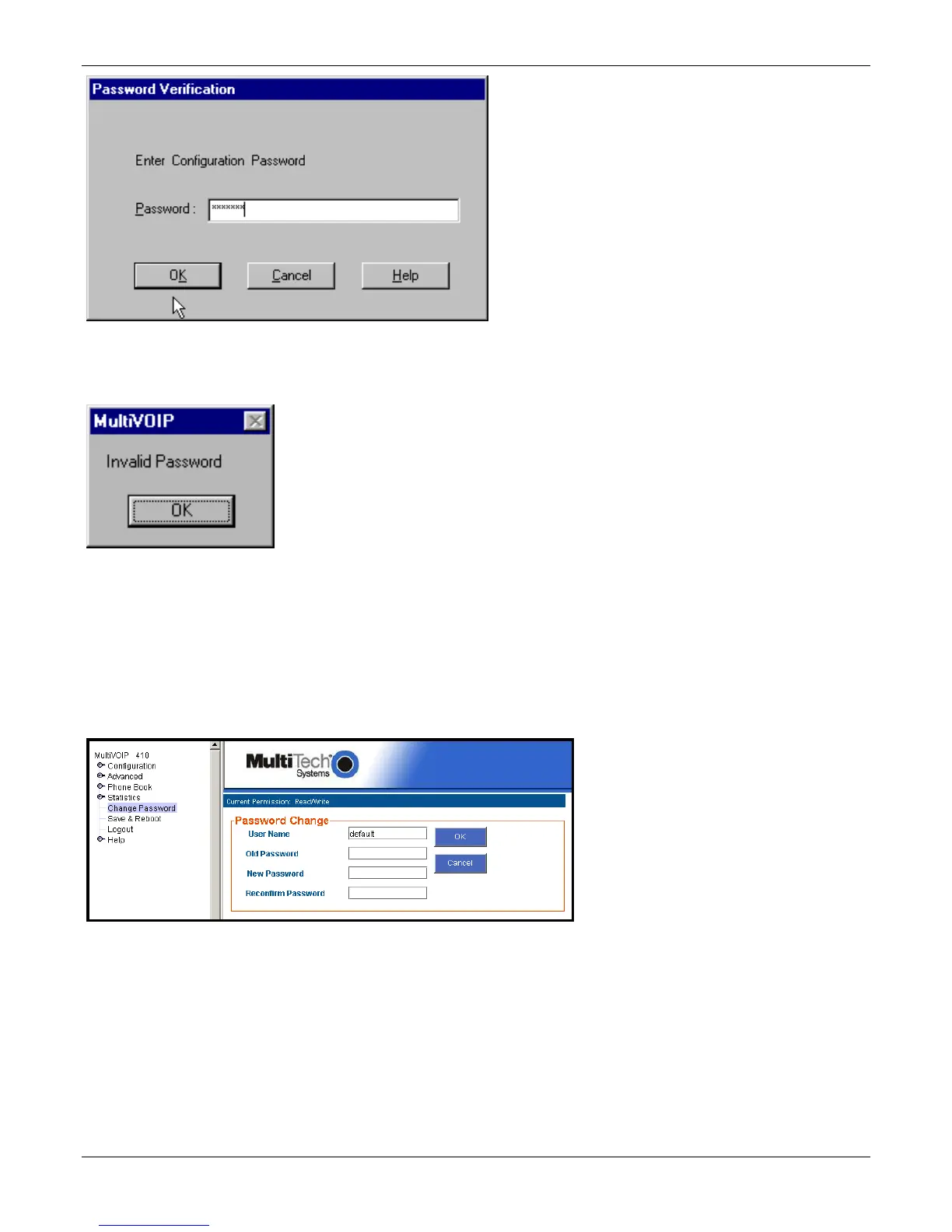
When MultiVOIP program asks for password at launch of program, the program simply shuts down if CANCEL is
selected.
The MultiVOIP program produces an error message if an invalid password is entered.
Web Browser Interface
Setting a password is optional when using the MultiVOIP web browser interface. Only one password can be
assigned and it works for all MultiVOIP software functions (Windows interface, web browser interface, FTP
server, and all Program menu commands, for example, Upgrade Software – only the FTP Server function
requires a User Name in addition to the password). After a password has been set, that password is required to
access the MultiVOIP web browser interface.
Note: Record your user name and password in a safe place. If the password is lost, forgotten, or irretrievable,
the user must contact Multi-Tech Tech Support to resume use of the MultiVOIP web browser interface.



 To Next Page