Chapter 3 – Installing Software
24 MultiVOIP® Voice/Fax over IP Gateways
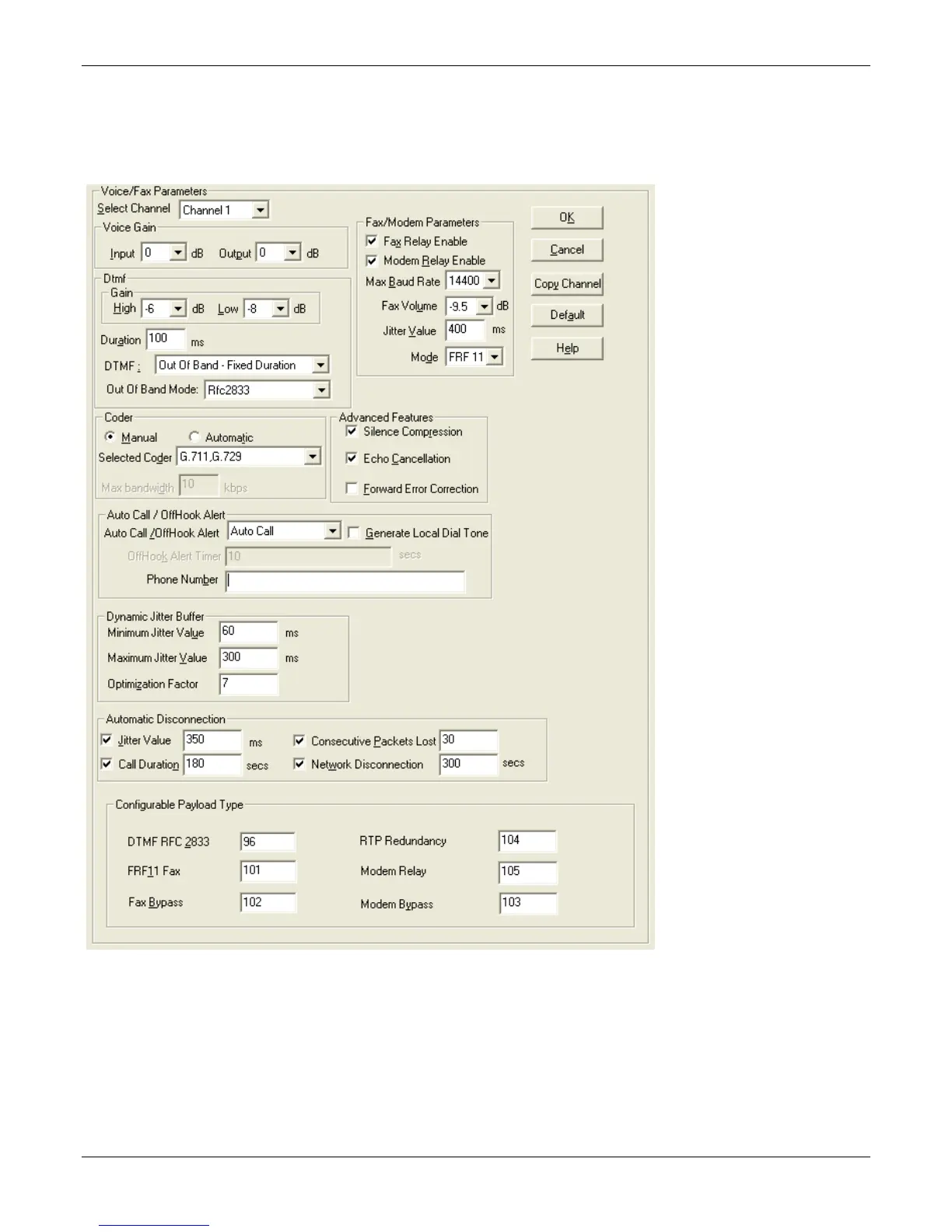
Setting Voice/Fax Parameters
You must configure the individual channels before using your unit. If channels have the same parameters, you
can use the Copy Channel button to save time. You can note some options for future changes if necessary, but
default settings likely work, without adjustment.



 To Next Page