Chapter 3 – Installing Software
MultiVOIP® Voice/Fax over IP Gateways 29
Setting Call Signaling
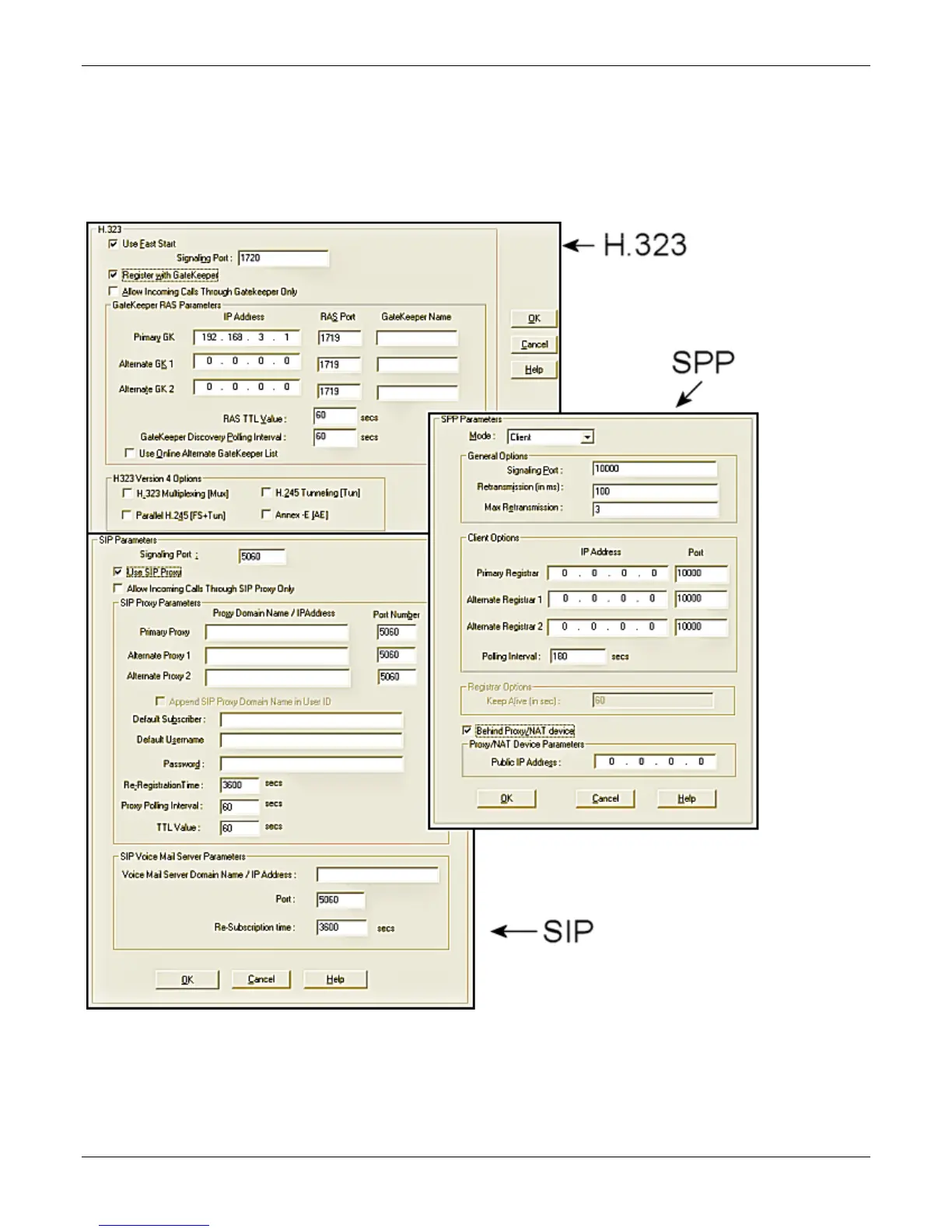
There are three choices for Call Signaling: H.323, SIP and SPP, the –SS models only support SIP and the –FX
models support SIP and SPP, but not H.323. It is best to select one of these as the protocol to be used, rather
than mixing them. Single Port Protocol (SPP) is a non-standard protocol created by Multi-Tech that allows
dynamic IP allocation. Generally, the default settings do not work for most users. If necessary you can change
individual parameters. Chapter 4 provides details for all settings.



 To Next Page