Chapter 6—Using the Software
140 MultiVOIP® Voice/Fax over IP Gateways
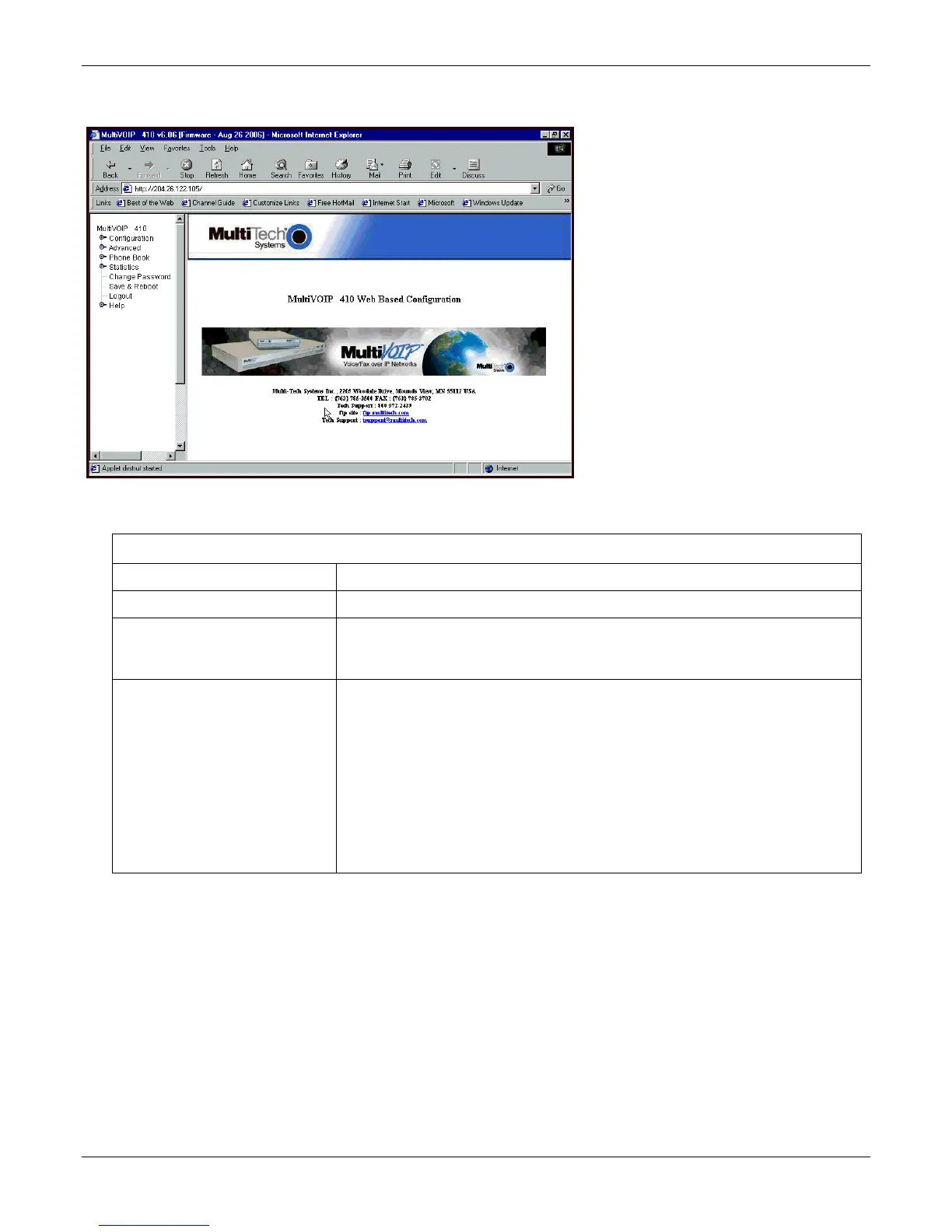
Web Browser Interface
You can control the MultiVOIP unit with a graphic user interface (interface) based on the common web browser
platform. Qualifying browsers are Internet Explorer 6+, Netscape 6+, and Mozilla Firefox 1.0+.
MultiVOIP Web Browser interface Overview
Function Remote configuration and control of MultiVOIP units.
Configuration Prerequisite Local Windows interface must be used to assign IP address to MultiVOIP.
Browser Version Requirement Internet Explorer 6.0 or higher; or
Netscape 6.0 or higher; or
Mozilla Firefox 1.0 or higher.
Java Requirement Java Runtime Environment
Use the Multi-Tech FTP site to download the Java Runtime Environment installation files
These versions of JRE work with the current release of the MultiVOIP units.
Java 6 update 11 Windows 32bit:
ftp://ftp.multitech.com/multivoip/java/jre-6u11-windows-i586-p.exe
Java 6 update 11 Windows 64bit:
ftp://ftp.multitech.com/multivoip/java/jre-6u11-windows-x64.exe
Initially, you must use the local Windows interface to assign the VOIP unit an IP address. Later, you can use the
web interface to configure anything else.
The content and organization of the web interface is directly parallel to the Windows interface. For each window
in the Windows interface, there is a corresponding page in the web interface. The fields on each window are the
same, as well.
The Windows interface gives access to commands using icons and pull-down menus. The web interface does
not.
The web interface, however, cannot perform logging in the same direct mode done in the Windows interface.
However, when the web interface is used, logging can be done by email (SMTP).
The graphic layout of the web interface is also somewhat larger-scale than that of the Windows interface. For
that reason, it’s helpful to use a video monitor.



 To Next Page