Chapter 6—Using the Software
130 MultiVOIP® Voice/Fax over IP Gateways
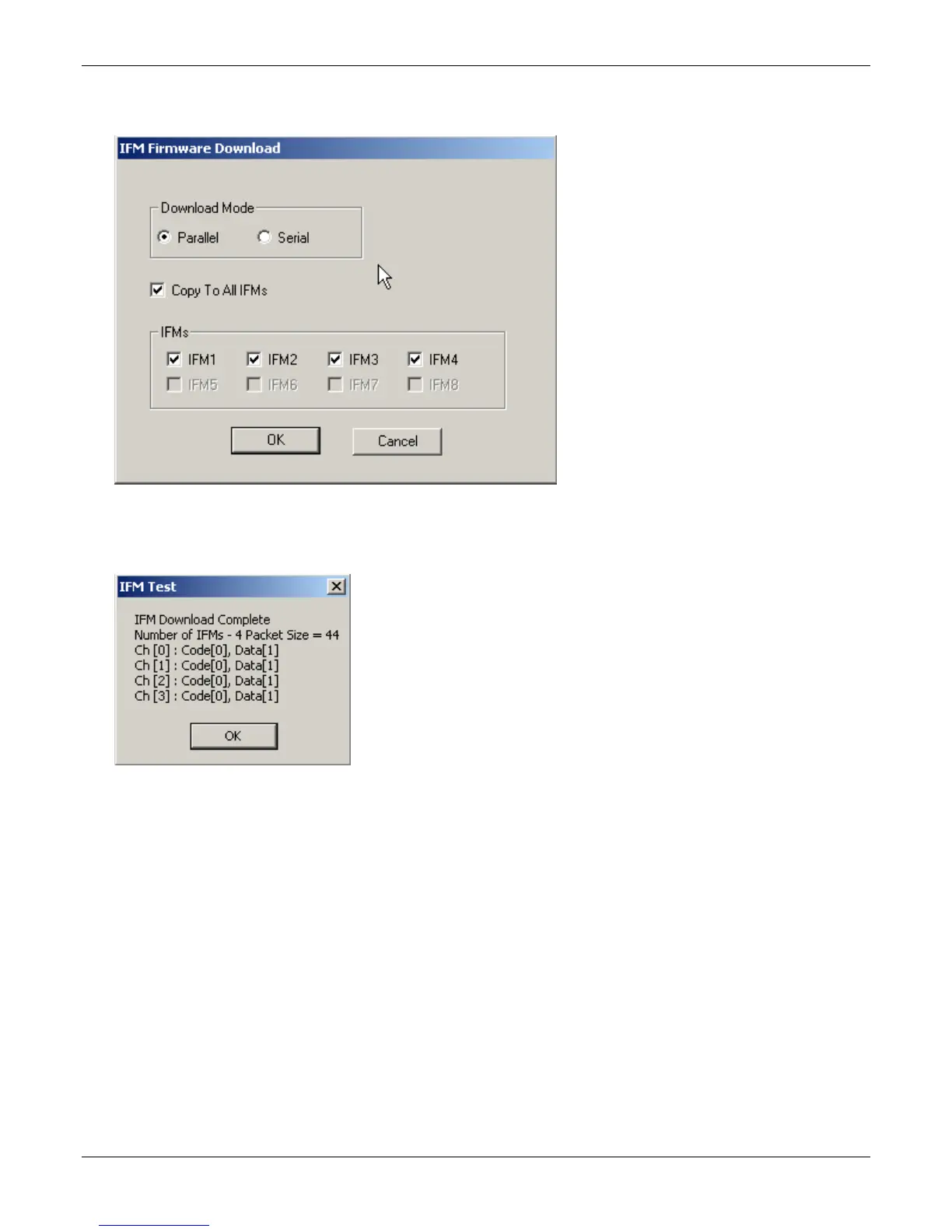
7. The IFM Firmware Download dialog box appears. Check Copy to All IFMs and click OK.s
Different IFMs in the same VOIP are only rarely loaded with different IFM firmware.
8. The main MultiVOIP Configuration screen appears. Progress bars appear at the bottom of the screen while
files are being copied.
9. The IFM Test dialog box appears. Click OK.
10. The MultiVOIP reboots itself. When the reboot is complete, the MultiVOIP Configuration screen closes.
The IFM firmware downloading process is complete.



 To Next Page