Chapter 3 – Installing Software
20 MultiVOIP® Voice/Fax over IP Gateways
7. In the next wizard panel, select the COM port that the command PC uses when communicating with the
MultiVOIP unit.
After you install the software, you can re-set the COM port using the MultiVOIP Software. To do so, from the
sidebar menu, select Connection | Settings. Or use keyboard shortcut Ctrl + G.
Note: If the COM port setting made here conflicts with the actual COM port resources available in the
command PC, the “Error in Opencomm handle” message appears when the MultiVOIP program is launched.
If this occurs, you must reset the COM port.
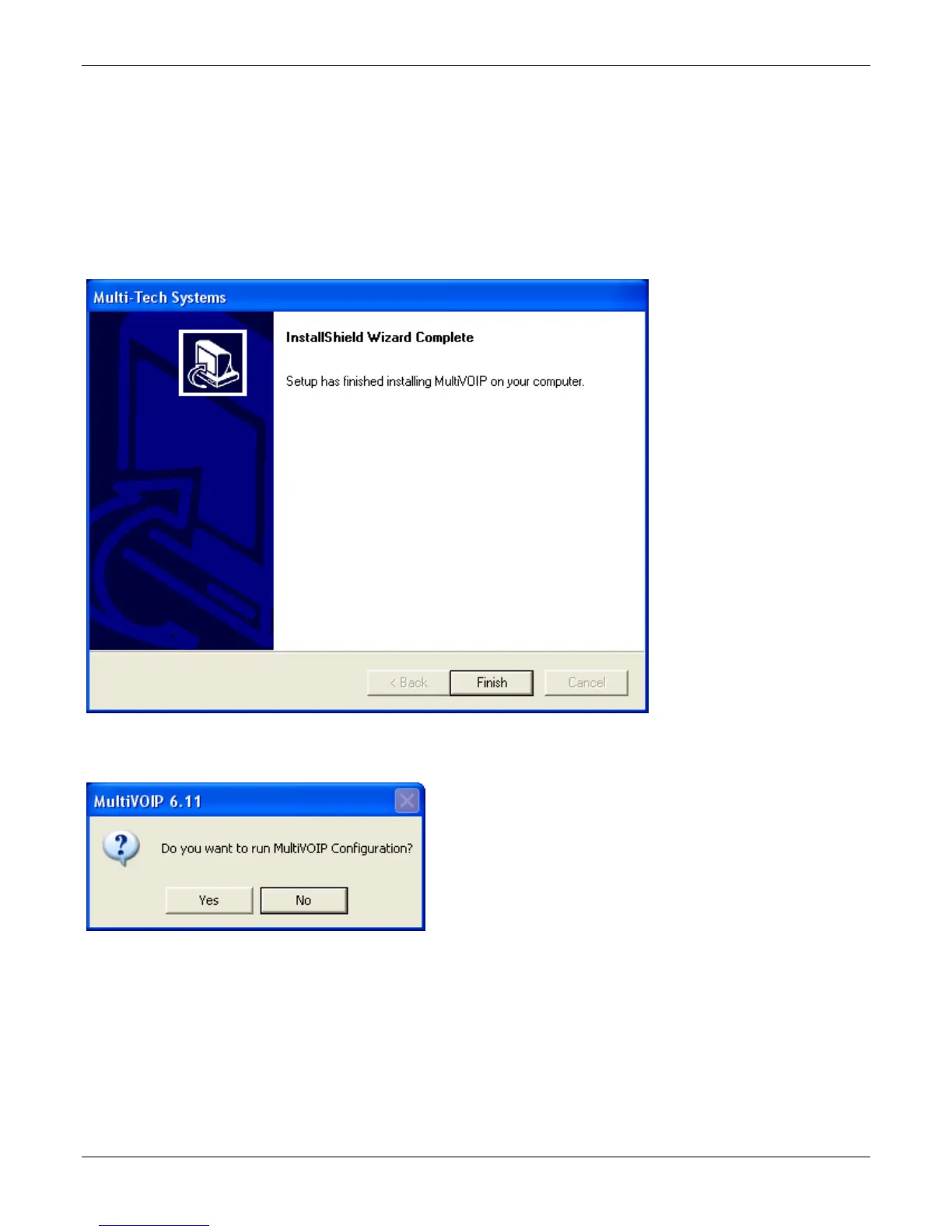
8. A completion wizard panel appears.
Click Finish.
9. After you install the software, you are prompted to run the MultiVOIP software to configure the VOIP.
Software installation is now complete.



 To Next Page