Chapter 4 – Configuring Your MultiVOIP
74 MultiVOIP® Voice/Fax over IP Gateways
Click Select Fields to open the SMTP Parameters dialog box. This secondary dialog box helps you customize
email logging. The MultiVOIP software logs data about aspects of the call traffic going through the MultiVOIP.
The Custom Fields screen lets you pick which items are included in the email log reports.
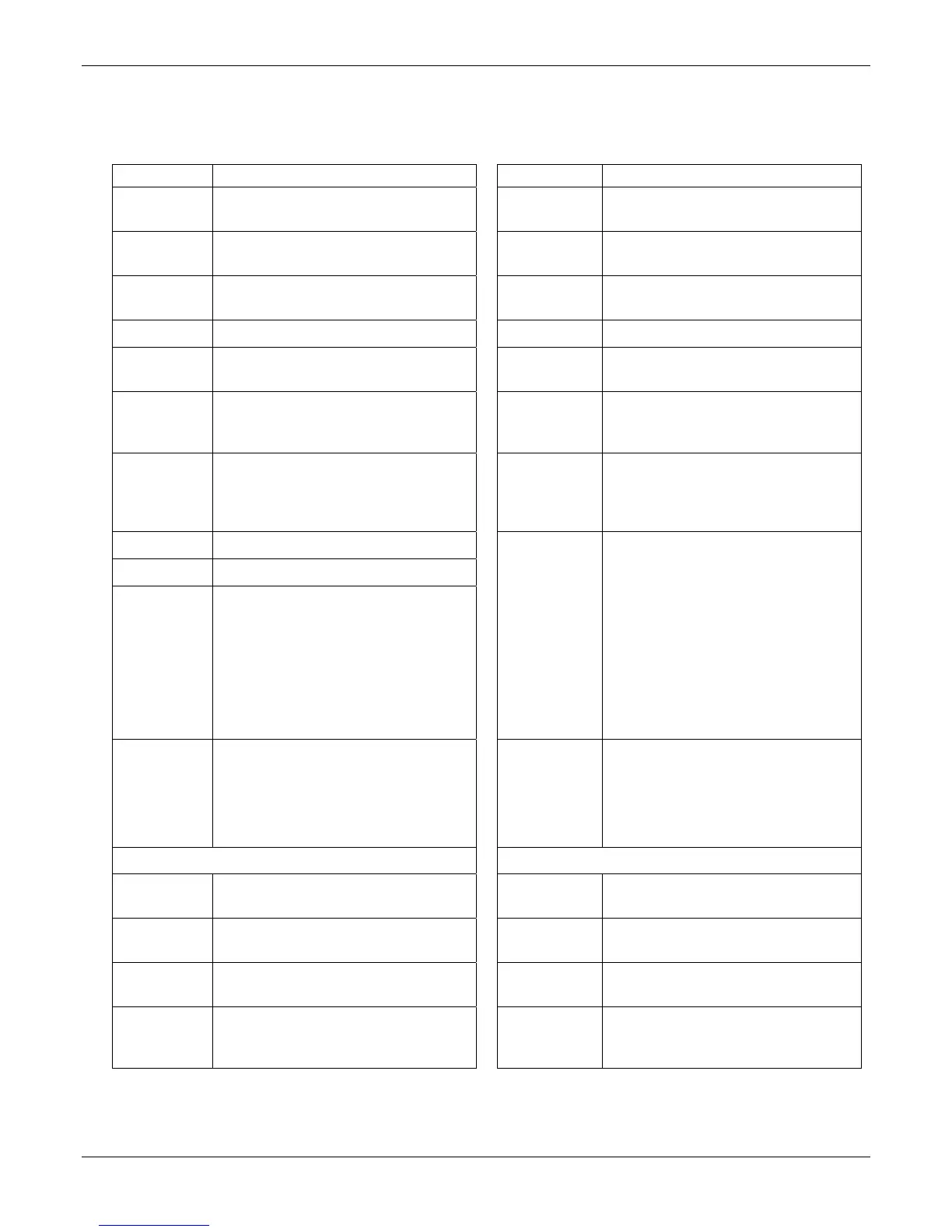
“Custom Fields” Definitions
Field Description Field Description
Select All Log report to
include all fields shown.
Start Date,
Time
Date and time the phone call began.
Channel
Number
Data channel carrying call. Call Mode Voice or fax.
Duration Length of call. Packets
Received
Total packets received in call.
Packets Sent Total packets sent in call. Bytes Received Total bytes received in call.
Bytes Sent Total bytes sent in call. Coder Voice Coder /Compression Rate used for
call is listed in log.
Packets Lost Packets lost in call. Prefix Matched When selected, the phonebook prefix
matched in processing the call is listed in
log.
Outbound
Digits
Received
The DTMF dialing digits received by this
gateway from the remote gateway
presuming that DTMF is set to "Out of
Band."
Call Type Indicates the Call Signaling protocol used
for the call (H.323, SIP, or SPP).
Call Status Successful or unsuccessful. DTMF
Capability
Indicates whether the DTMF dialing digits
are carried "Inband" or "Out of Band." The
corresponding field values differ for the 3
different VOIP protocols.
For H.323, this field can display "Out of
Band" or "Inband". For SIP it can display
either "Out of Band RFC2833" or "Out of
Band SIP INFO" to indicate the out-of-
band condition or "Inband" to indicate the
in-band condition. For SPP it can display
"Out of Band RFC2833" or "Inband".
Call Direction Indicates call’s originating party.
Server Details The IP address of the traffic control server
(if any) being used (whether an H.323
gatekeeper, a SIP proxy, or an SPP registrar
gateway) is displayed here if the call is
handled through that server.
Disconnect
Reason
Indicates whether the call was
disconnected simply because the desired
conversation was done or some other
irregular cause occasioned disconnection
(e.g., a technical error or failure). Values are
"Normal" and "Local" disconnection.
Outbound
Digits Sent
The dialing digits sent by this gateway to
the remote gateway presuming that
DTMF is set to "Out of Band."
From Details To Details
Gateway
Number
Originating gateway Gateway Name Completing or answering gateway
IP Address IP address where call originated. IP Address IP address where call was completed or
answered.
Descript Identifier of site where call originated. Descript Identifier of site where call was completed
or answered.
Options When selected, log does not Silence
Compression and Forward Error Correction
by call originator.
Options When selected, log does not use Silence
Compression and Forward Error
Correction by party answering call.



 To Next Page