Chapter 5 – Configuring the Phone Book
MultiVOIP® Voice/Fax over IP Gateways 89
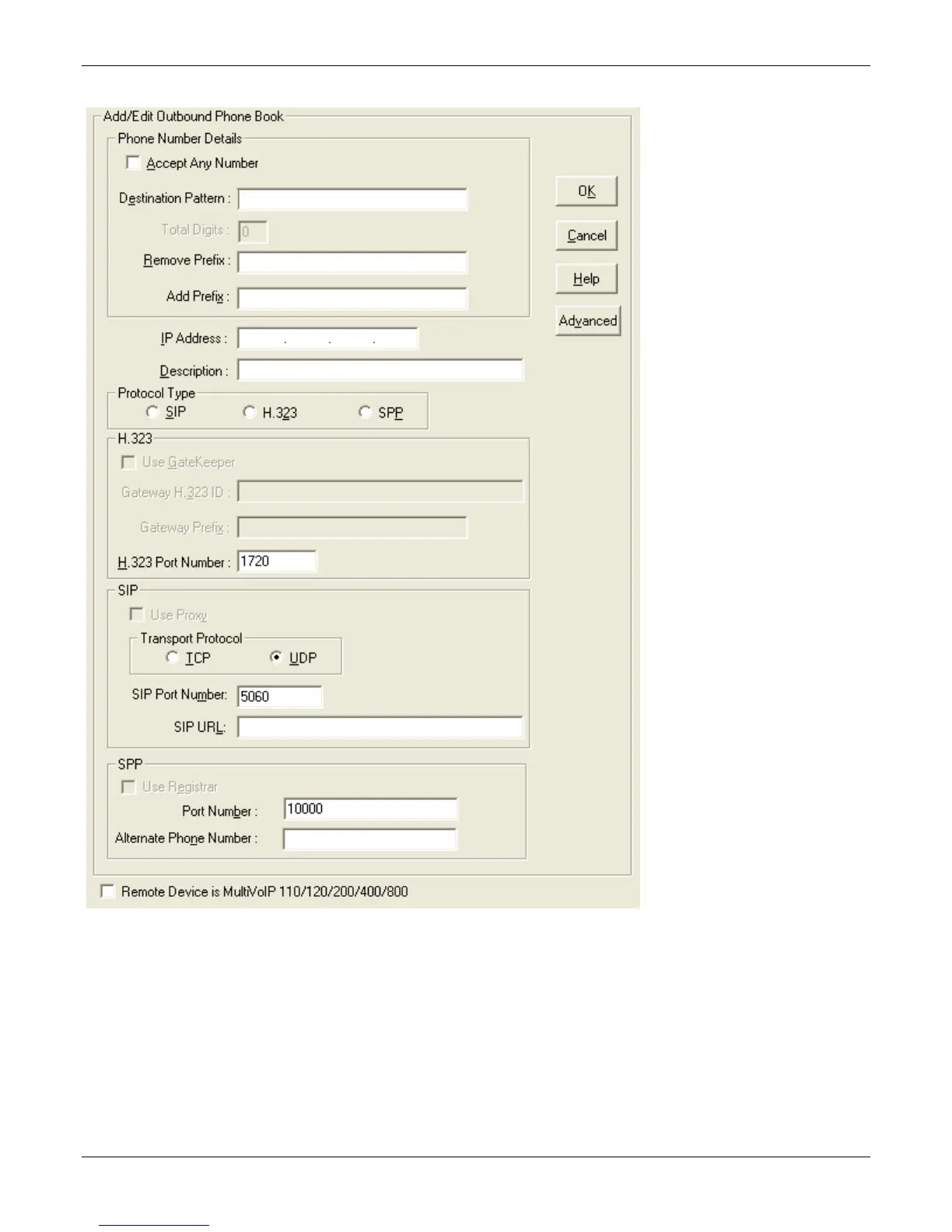
Add/Edit Outbound Phone Book
Enter Outbound Phone Book data for your MultiVOIP unit. Note that the Advanced button gives access to the
Alternate IP Routing feature, if needed. Alternate IP Routing can be implemented in a secondary screen (as
described after the primary screen field definitions below). The –SS only allows SIP settings and the –FX models
do not allow H.323.
The table that follows describes the fields of the Add/Edit Outbound Phone Book window.



 To Next Page