Operation
Betriebsanleitung 07.06.2005 16/43
ba_c500_50s2GB06.fm ega
Operation
Packing – First steps Start up
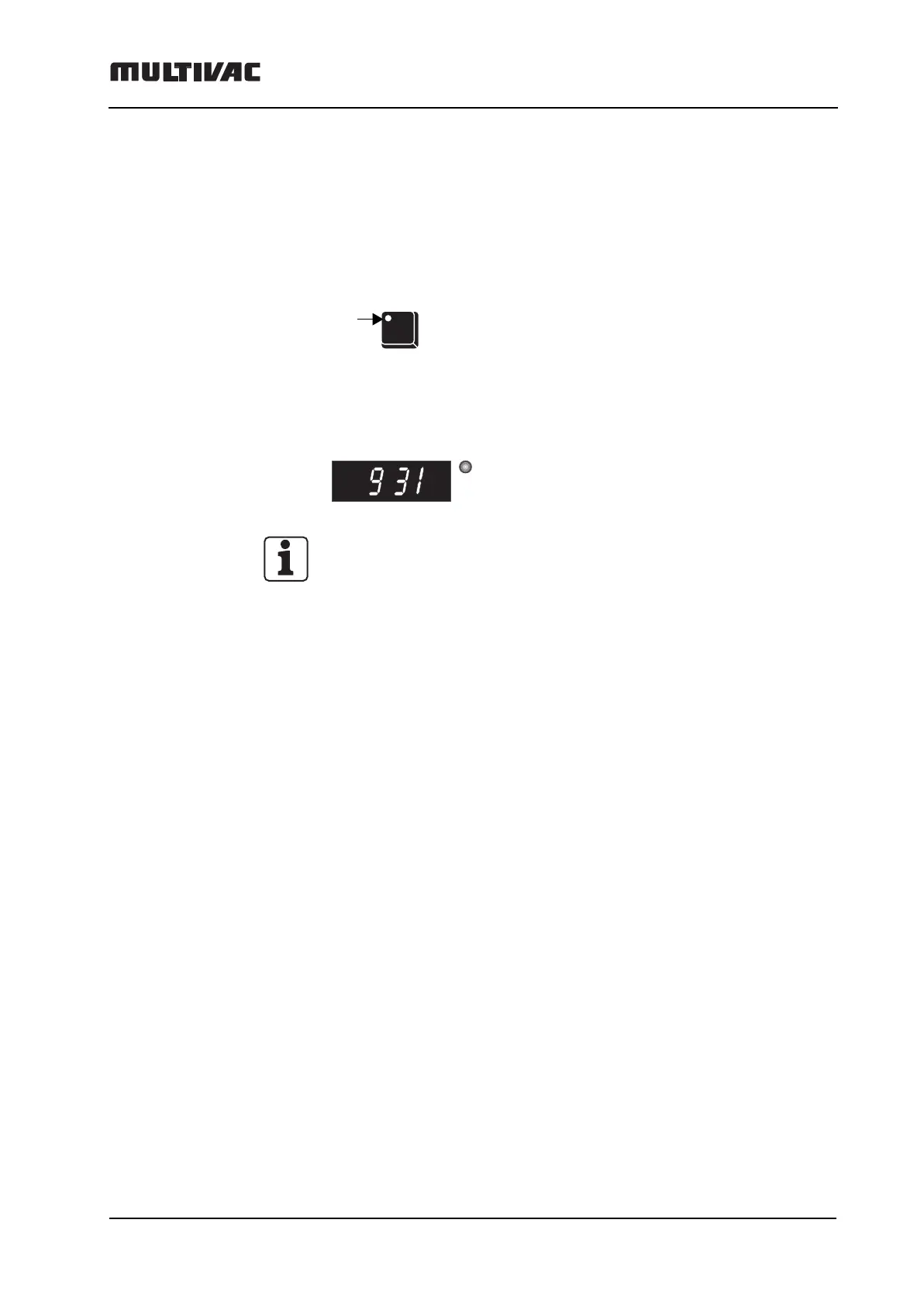
– Press I/O button.
– The LED (light-emitting diode) lights up.
–Machine is ready for operation. The digital display shows current air
pressure, e.g. 931 mbar. LED "mbar" lights up.
Note: Values over 999 mbar cannot be displayed.
There are 2 possible ways to evacuate:
Function "Auto":
The machine goes automatically into the "Auto" mode from evacuate to
sealing when the lowest possible residual pressure is reached in the pack.
The "Auto" function is stored ex works in the program P 1.
Function "Evacuation using prescribed settings":
If the prescribed pressure setting cannot be reached because of the prod-
uct (warm and moist product), and there is no further drop in pressure, the
vacuum pump switches off after 1 minute, without sealing the pouch. In
this case, increase the pressure value and repeat the packing process.
I/O
LED
mbar



 To Next Page