Operation
Betriebsanleitung 07.06.2005 26/43
ba_c500_50s2GB06.fm ega
– To change: As long as the display blinks, press one of the keys IN-
CREASE VALUE, DECREASE VALUE.
The display changes in steps of 1 second. If the key is held down, the
value changes in larger steps.
Displaying or changing the sealing time
The heat for sealing the pouches is caused by a momentary electrical
power current through the sealing wire.
The time length of the power current is adjustable, and is known as "Seal-
ing time".
Thin pouches need a shorter sealing time, thick pouches a longer sealing
time. Recommended for a standard pouch (PA/PE, 100 µm thickness):
sealing time 1,4 seconds.
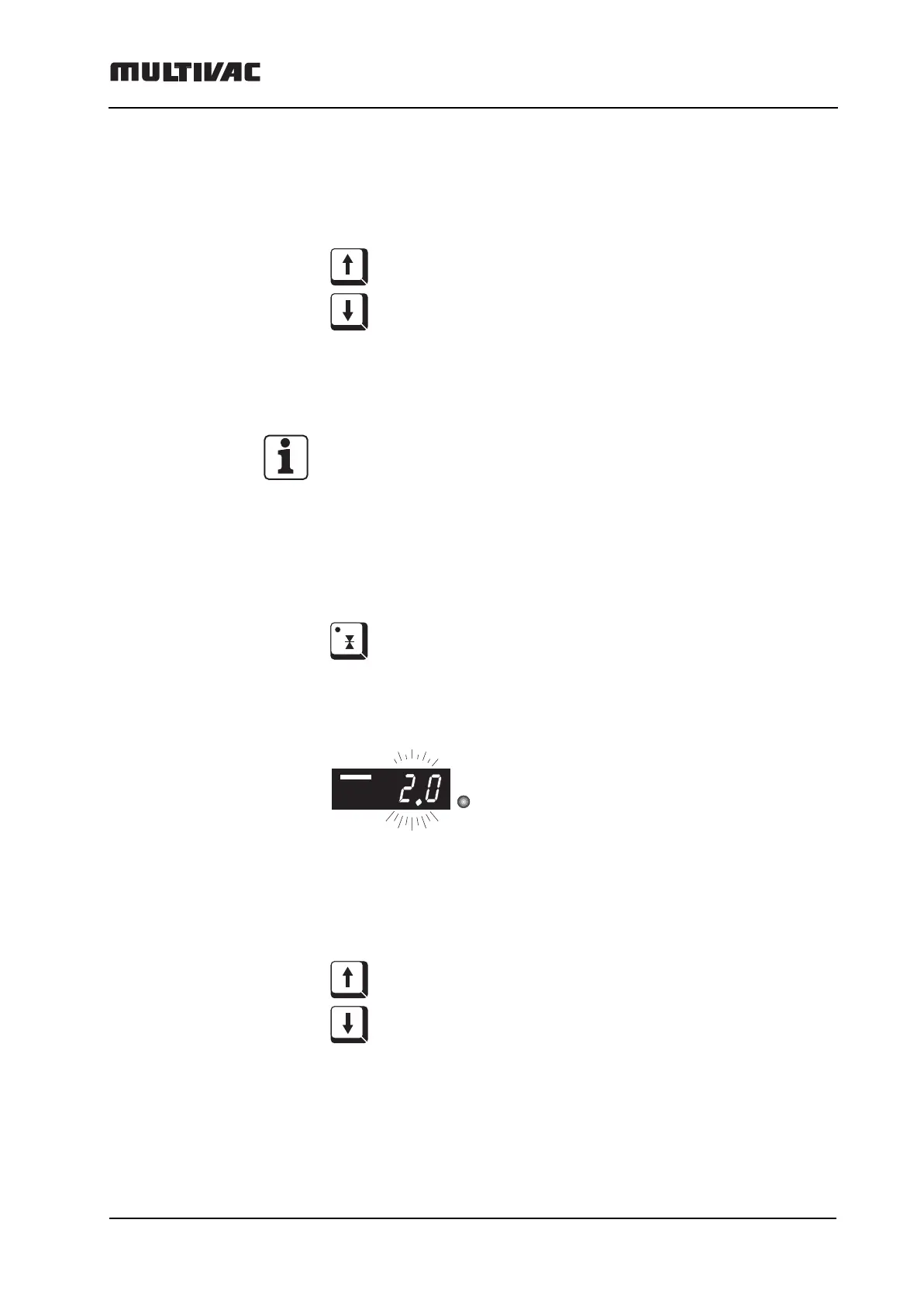
To display:
– Press the SEALING key briefly.
– The sealing time appears blinking in the digital display. The LED "s"
lights up.
To change:
– As long as the display blinks, press one of the keys INCREASE VAL-
UE, DECREASE VALUE. The display changes in steps of 1/10 of a
second. If the key is held down, the value changes in larger steps.
s



 To Next Page