Operation
Betriebsanleitung 07.06.2005 25/43
ba_c500_50s2GB06.fm ega
To change:
– As long as the display blinks, press one of the keys INCREASE VAL-
UE, DECREASE VALUE. The display changes in steps of 1 mbar. If
the key is held down, the value changes in larger steps.
Setting the automatic operation "Auto":
– Hold down the key REDUCE VALUE until "Auto" appears.
Displaying or changing the post-evacuation time
If the evacuation process should be extended, this can be achieved by en-
tering the post-evacuation time. This can be necessary for products having
air sealed on the inside. When packing sensitive products, set the post-
evacuation time to 0.0 seconds.
If evacuation is performed only at the pre-set time, the pressure must
be set to 999.
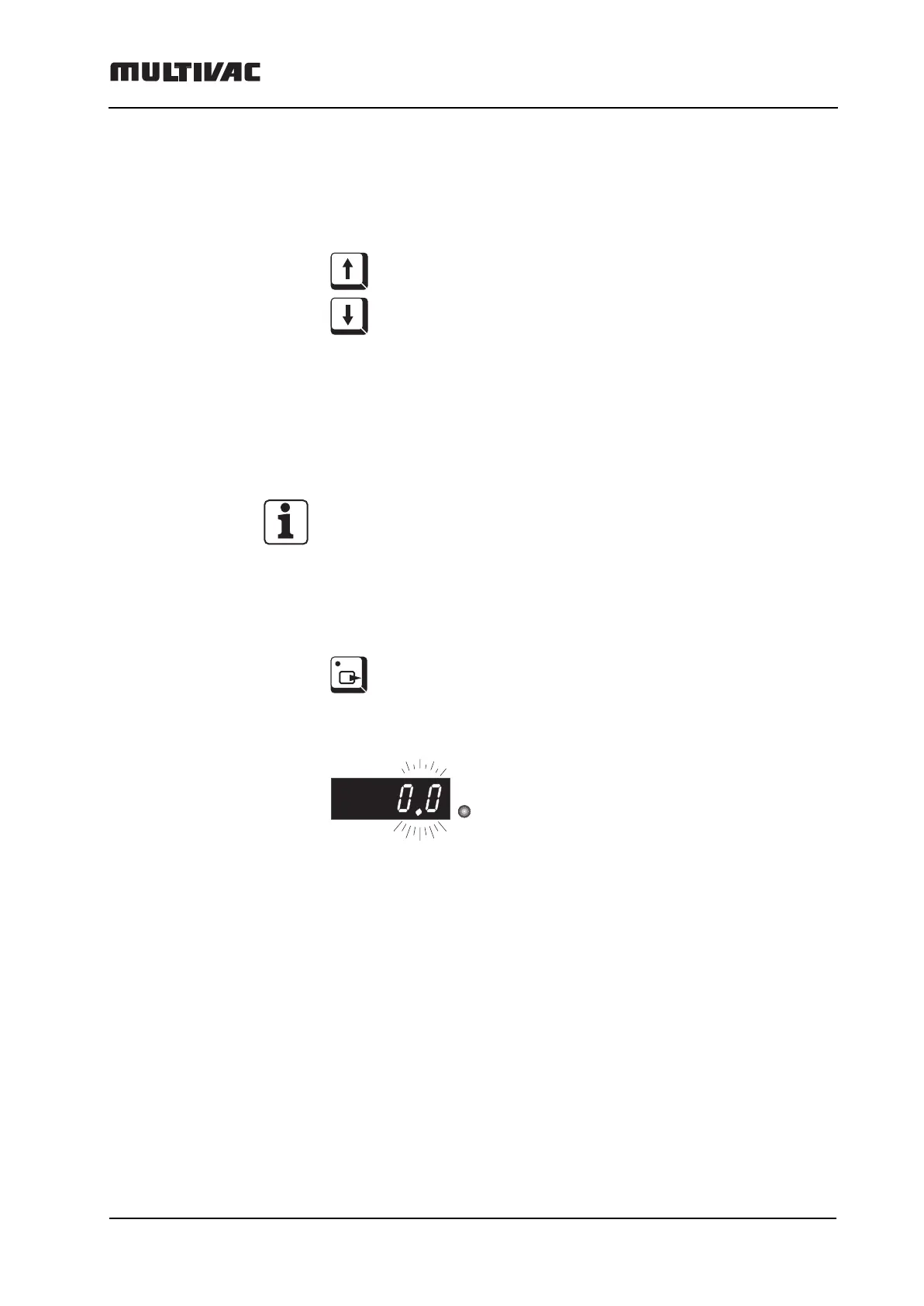
– Press VACUUM key repeatedly until:
– the LED "s" lights up.
The post-evacuation time appears blinking in the digital display.
s



 To Next Page