Operation
Betriebsanleitung 07.06.2005 29/43
ba_c500_50s2GB06.fm ega
Calling up or saving a
program
The control unit has 6 program memories.
The memory position P 1 contains the factory settings. It cannot be used
for saving other settings.
The remaining five memory positions P 2 to P 6 can contain settings for
pressure, sealing, etc.. Settings determined for packing the same product
and using the same pouch do not need to be entered again. They are
available at the push of a button.
Note
All settings are retained, even after power loss.
Calling up saved settings (Example: P 5)
This process calls up the settings stored in program memory. They
replace the settings that were last used.
If the previous settings are to be saved, then store them on a free
store site, as described on the following page.
– Press the P 5 key briefly (type it in).
– The stored settings are called up.
– The LED in the button lights up.
Note
If the memory position was not occupied, the most recent settings remain
active. The LED in the key remains dark. – – – – appears in the display.
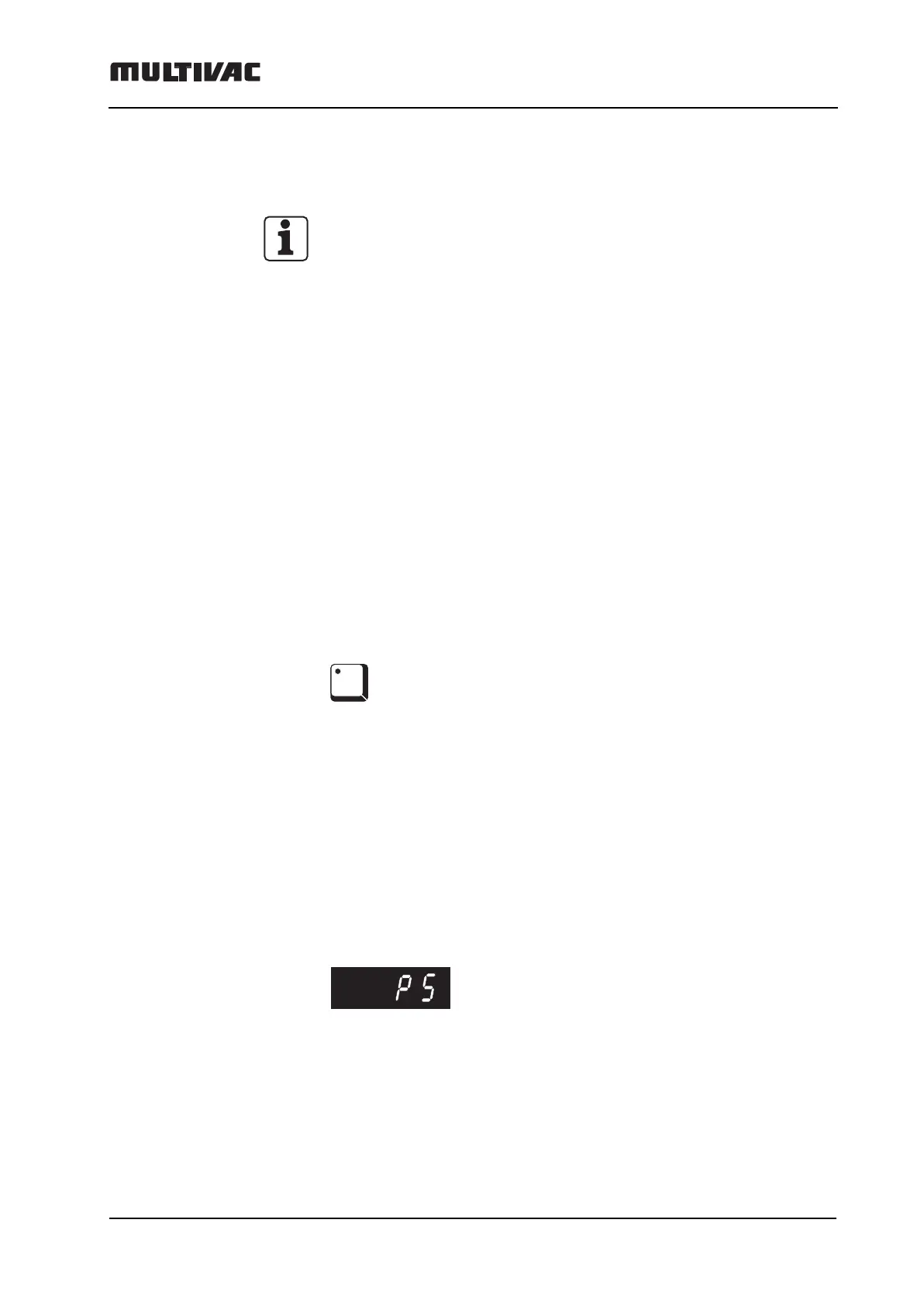
–P 5 appears in the digital display, and the program is activated.
Caution:
If the P 5 key is pressed longer than 3 seconds, the current settings are
saved to the memory position P 5 and this will overwrite the P 5 settings!
P5



 To Next Page