Operation
Betriebsanleitung 07.06.2005 30/43
ba_c500_50s2GB06.fm ega
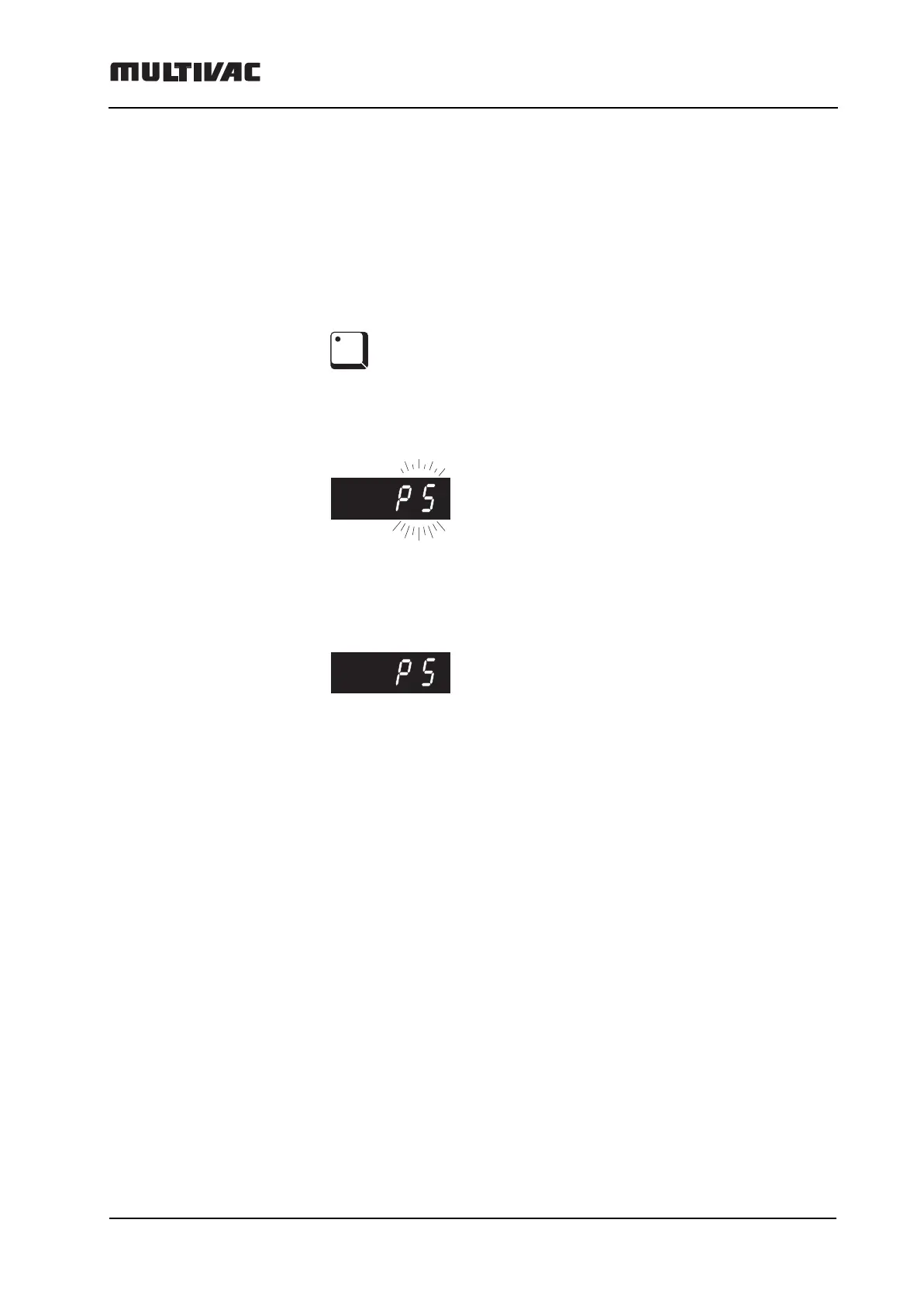
Saving the program (Example: to memory position P 5)
This process writes over possibly existing settings.
The current settings (pressure, sealing) which were just being used,
should be saved to the P 5 memory position. To do this:
– Press the P 5 key and keep it held down.
–P 5 appears blinking in the digital display. Continue to hold down the
P 5 key (approx. 3 seconds), until…
– ... The digital display lights continuously. (The LED in the P 5 key lights
up).
– The settings for pressure and sealing are now stored in program P 5.
P5



 To Next Page