7-24 Editing the soft keys
Editing the soft keys
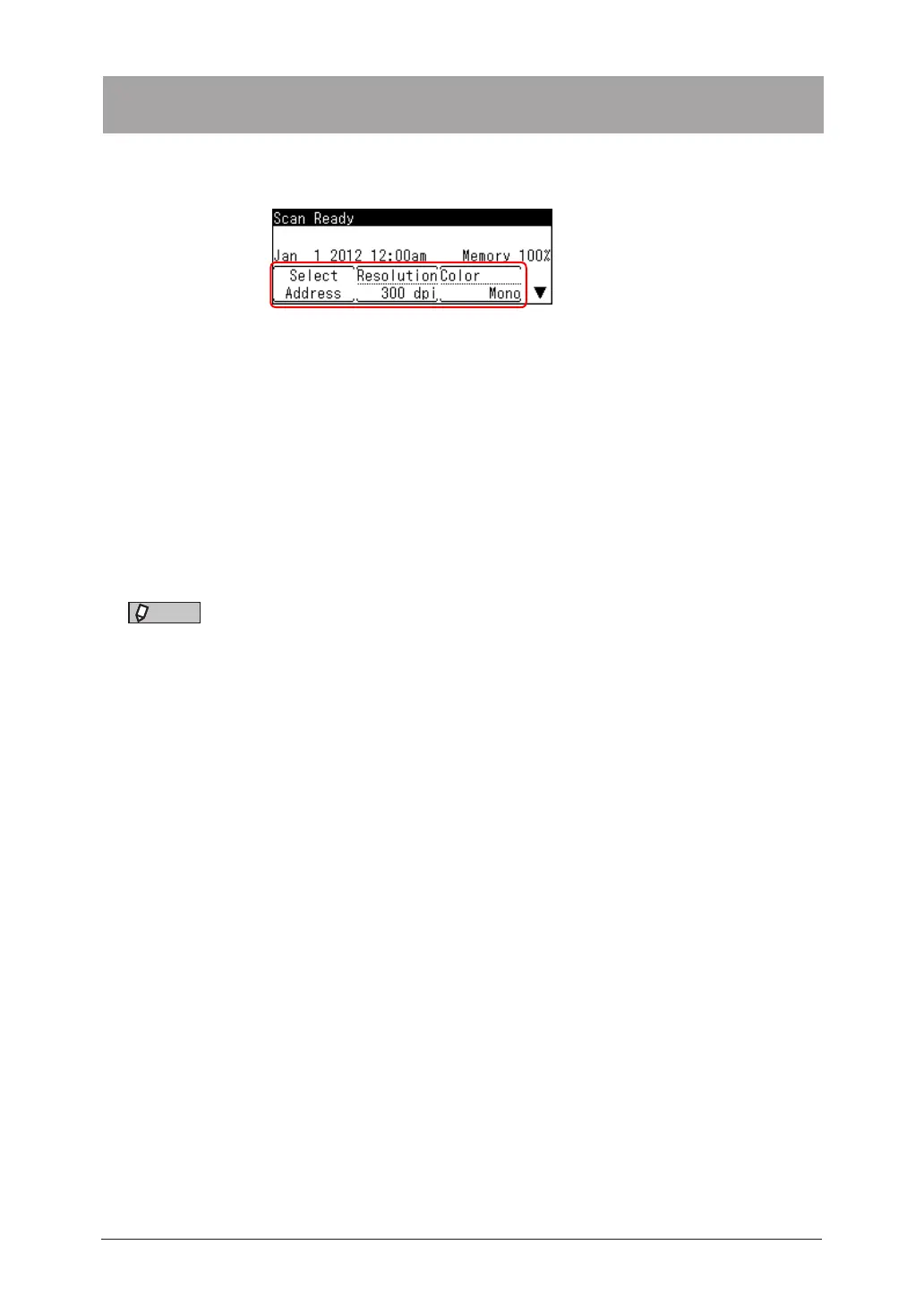
Up to five advanced functions of each mode can be displayed on the ready screen. By
assigning frequently used functions, you can use them from the ready screen.
Soft keys
1
Press the mode change key to change to scan mode or fax mode.
2
Press <Advanced>.
3
Select “Soft Key”, and press [Enter].
4
Select the soft key you want to edit, and press [Enter].
5
Select the function you want to display as a soft key, and press [Enter].
NOTE
You can also edit the soft keys by pressing <Menu>
[Setting]
select “Register”
[Enter]
select “Soft Key”
[Enter] . For details, see chapter 1, “Changing the soft
keys” in the Administrator’s Guide.


 To Next Page