1
2
Advanced scan functions
Introduction to advanced functions 2-3
e-mail subject
When transmitting a scanned image via e-mail, you can edit the body and subject of
the e-mail you’re sending. You can also enter the body of the e-mail using a template
registered in advance (page 2-14).
Mail history
For details, see chapter 5 “Using mail history” (page 5-8).
Color adjust
When performing color scanning, you can adjust the image to suit your requirements (page
2-16).
Batch scan
When the “Batch Scan” function is on, it means that all scanned pages will be saved as
one file. If you turn this function off, each scanned page will be saved as an individual file
(page 2-21).
Location
You can check or delete the specified destinations. See “Checking specified destinations
manually” (page 5-10).
About the function icons
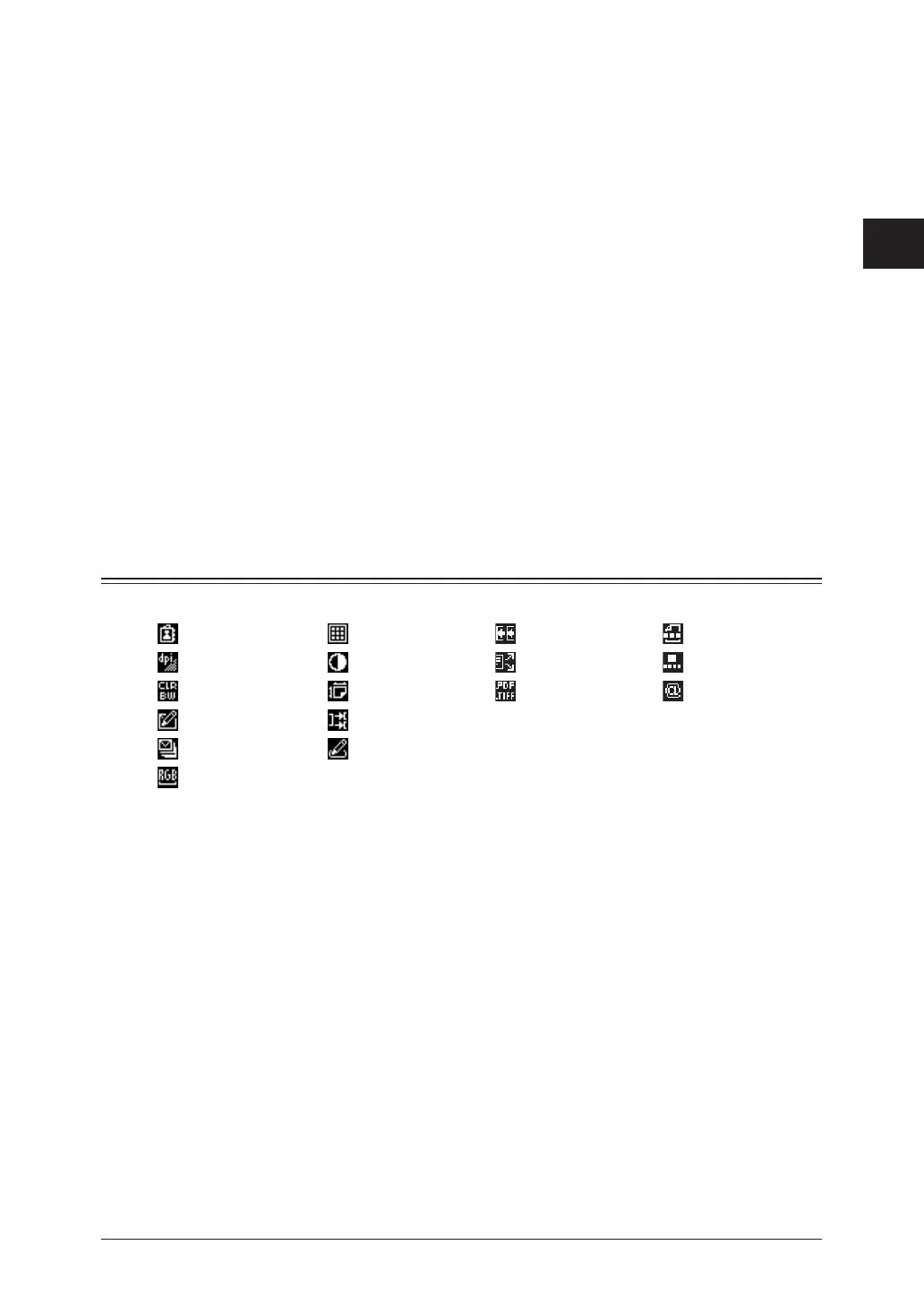
When you set functions, the following icons will be displayed on the display.
Select Address Document Type Next Doc. File Name
Resolution Contrast Broadcast Speed-Dial
Color Scan Size File Format Mail Address
e-mail Subject Batch Scan
Mail History Soft Key
Color Adjust


 To Next Page