4-16 Security fax functions
Registering a passcode
Registering a passcode
Set the passcode required for closed transmission and closed reception.
You can use closed transmission and reception without setting a passcode; however,
setting a passcode is recommended to strengthen the security function.
NOTE
•If a passcode is set, faxes can only be transmitted to or received from Muratec
machines that also have a security function and have the same passcode registered.
•For details about the closed communication and the communication range specified
by a passcode, see “Communication and range of passcodes” (page 4-17).
1
Press <Menu>.
2
Press [Setting].
3
Select “Management”, and press [Enter].
If an administrator password is set, enter the password and press [Enter].
4
Select “Security Communication”, and press [Enter].
5
Select “Passcode”, and press [Enter].
6
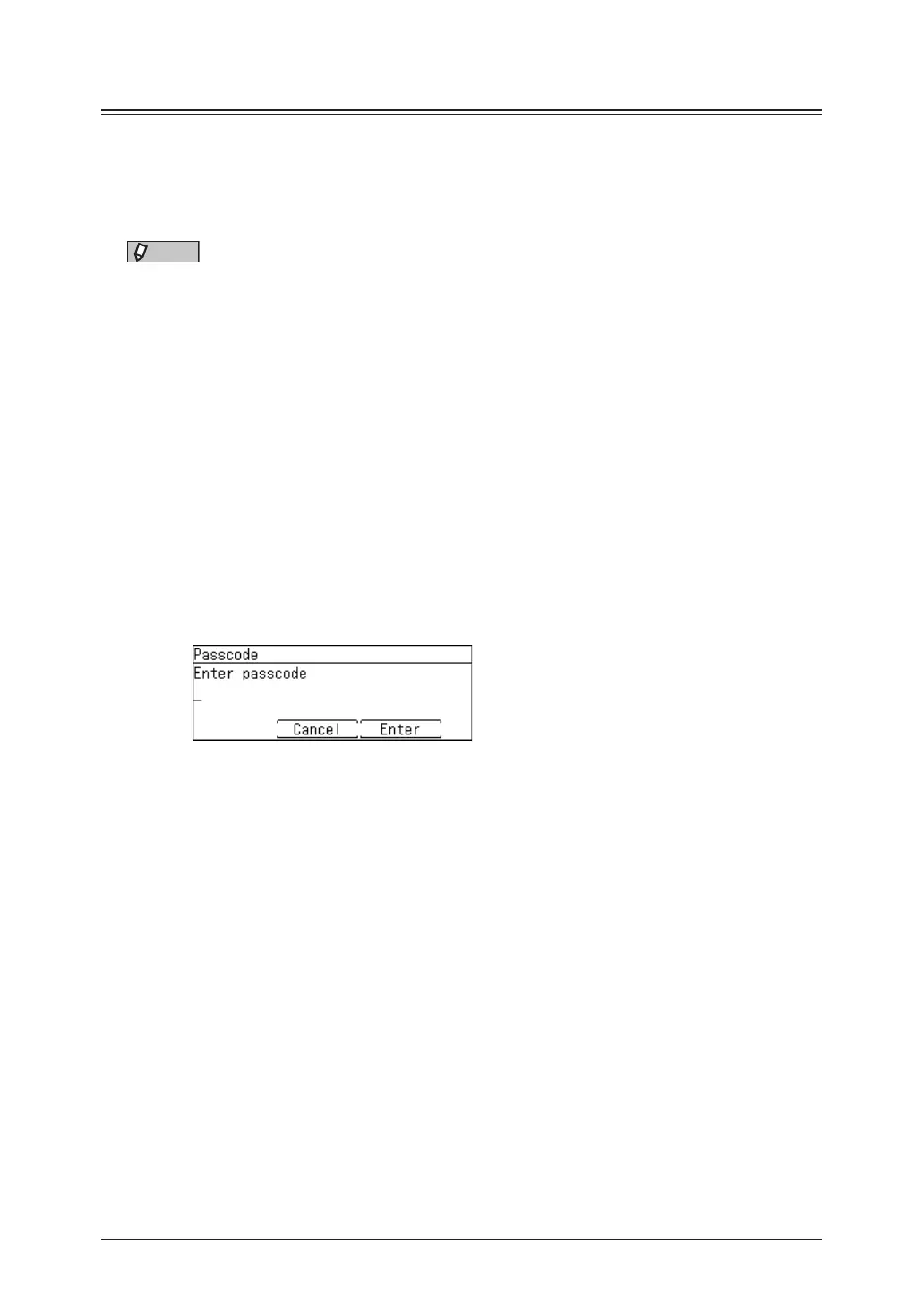
Enter the four digit passcode using the numeric keys, and press [Enter].
Enter a number other than “0000”. If you enter “0000”, the passcode setting is disabled.
7
Press [Close].



 To Next Page